MIDIpad 1.0
After months of design and development, and hundreds (if not thousands) of hours of play testing and refinement, I'm pleased to release MIDIpad 1.0. My heartfelt thanks go out to to every single early-access user for your feedback and support while this weird little mutant app found its feet.
MIDIpad turns a game controller into a musical instrument. Plug in a compatible controller, open your DAW, and play chords, melodies and drum grooves with the sticks, the touchpad and the motion sensors.
Version 1.0 introduces:
- A refined theory engine for Chords, expanding on and streamlining the borrowed and dominant chord wheels.
- An algorithmic arpeggiator, driven by the strings engine, that transforms your chord progressions into natural melodies.
- A hugely expanded kit for Drums, including multiple keymaps for broader compatibility with downstream instruments.
- A new Bass port for automatic, tempo-locked accompaninent on Chords.
- A new "Progression" track that outputs your chords as simple block chords that you can use for later reference or also as simple accompaniment.
- Direct control of the app from the HUD wheels, both in the main window and when used as overlays.
- A more intuitive user interface for the main window, and an onboarding tutorial to get you up to speed.
- Huge performance gains across the board.
- And much, much more.
What's in MIDIpad 1.0
Chords
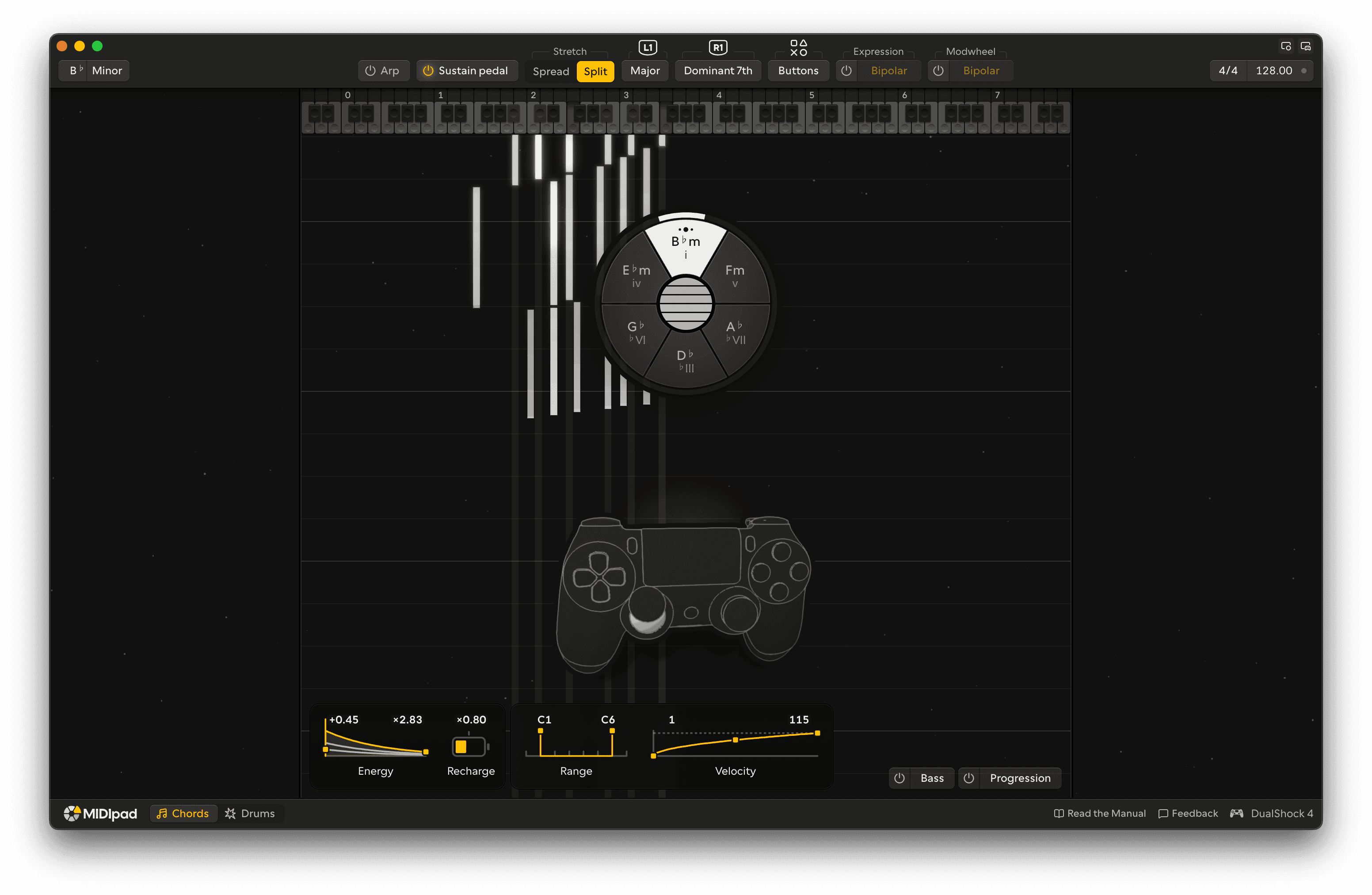
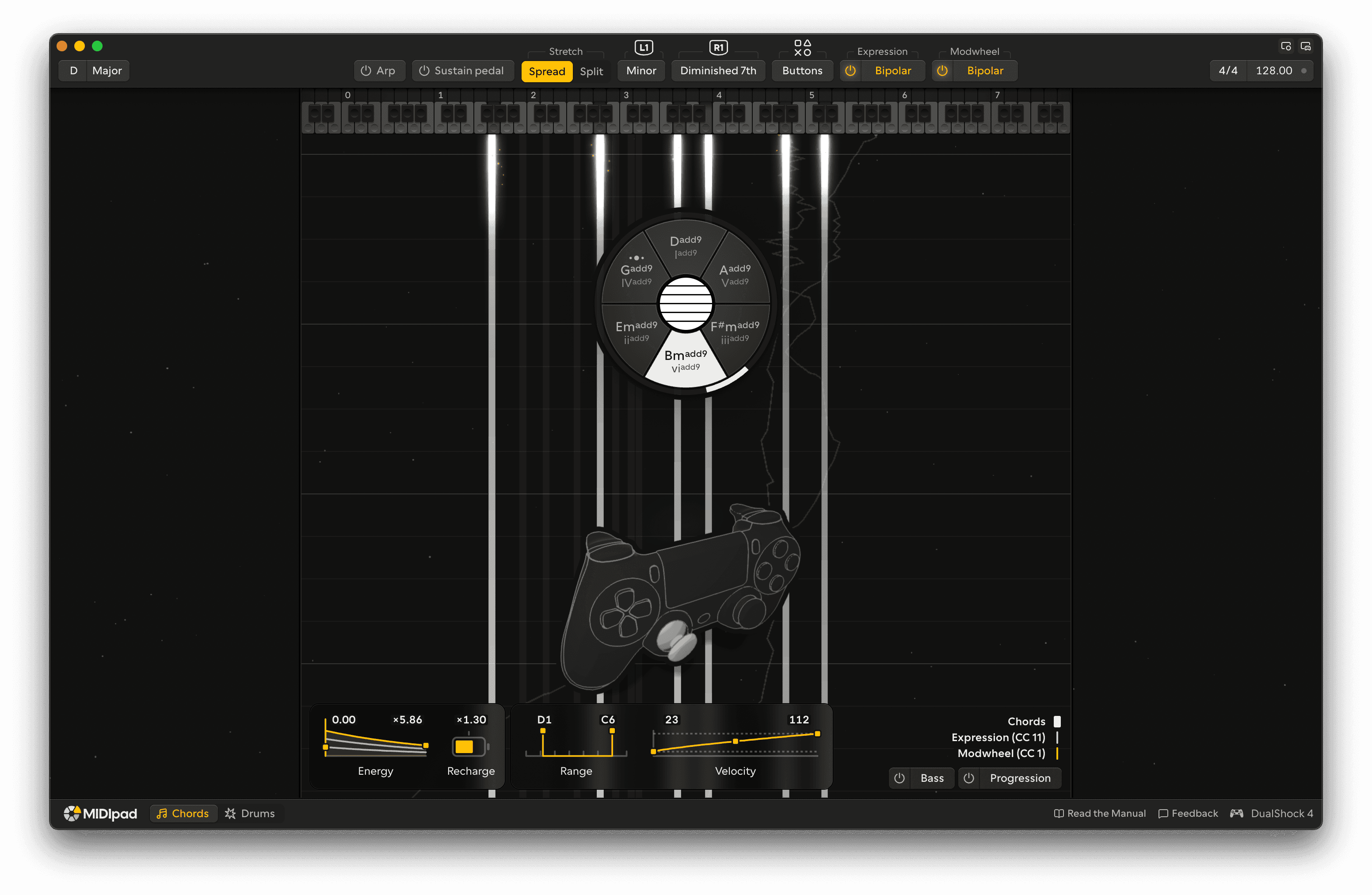
Pick a chord from the wheel with the left stick and strum six strings on the touchpad. The wheel follows the key you set, and each string has its own energy, so a chord rings, fades and builds up with how you play it.
Arp
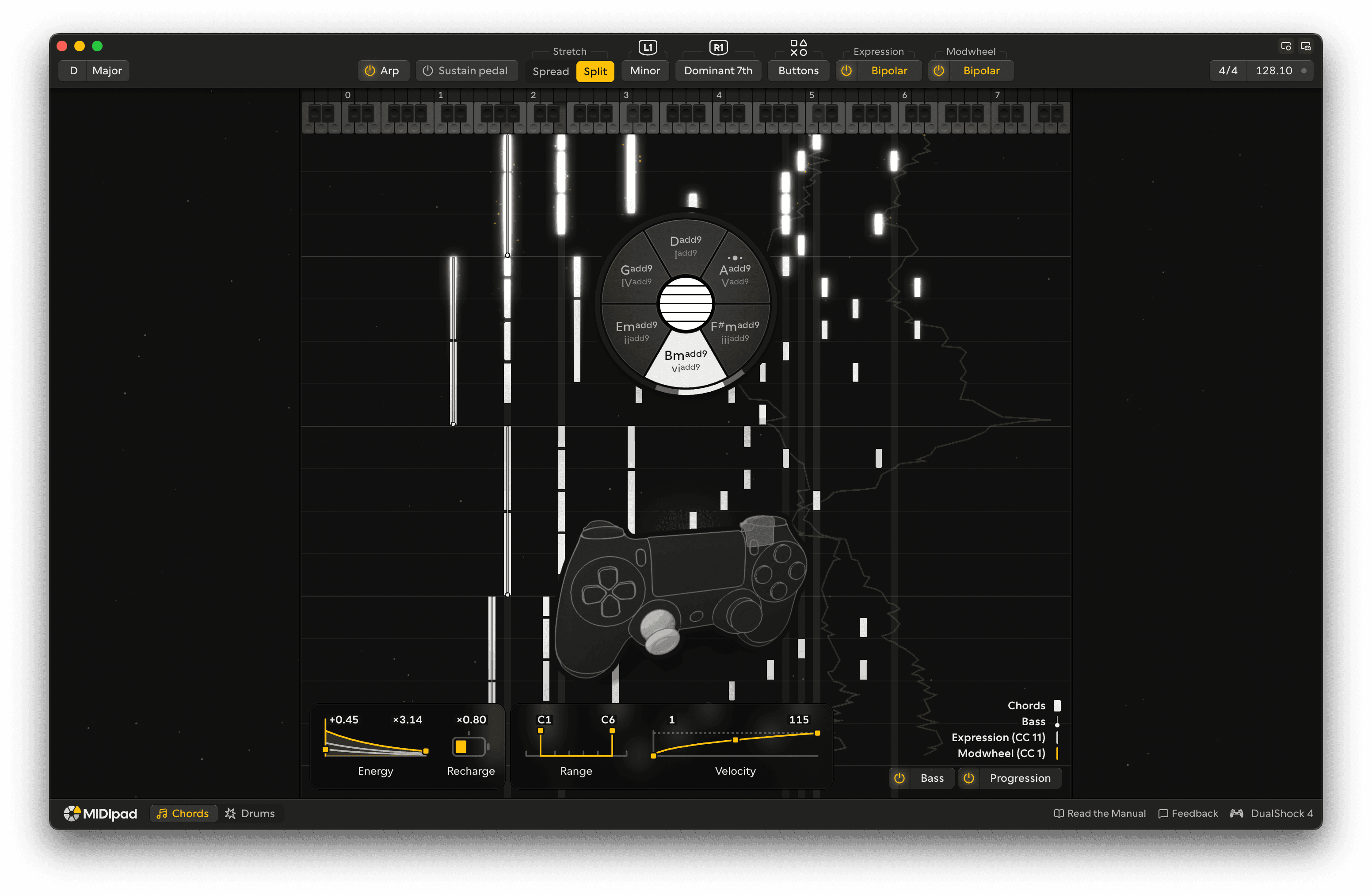
Two arpeggiators play the chord together, like a pianist's two hands. They get busier as you strum harder and thin out as the strings ring down.
Bass and Progression
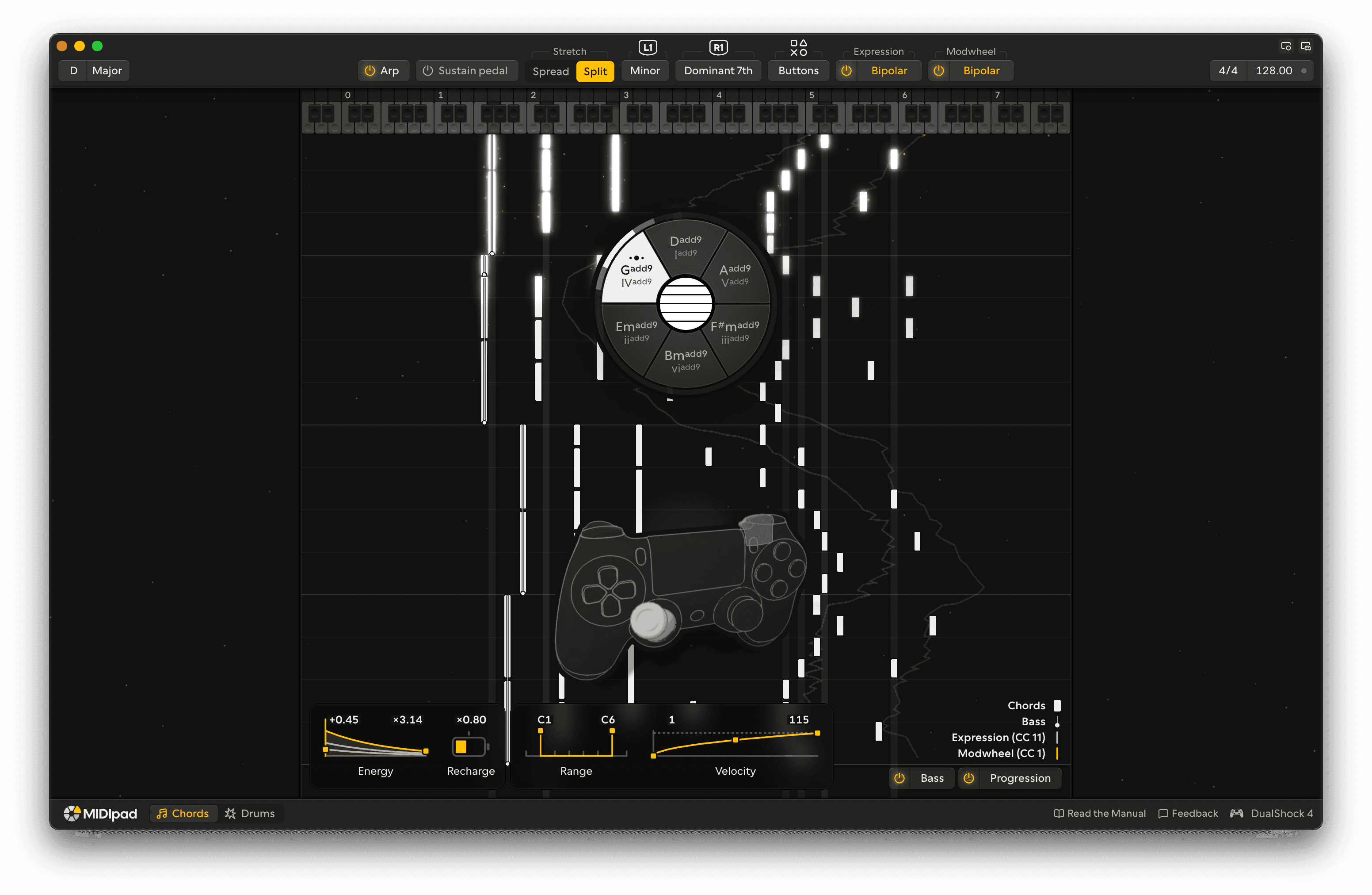
Turn on the Bass and every chord gets a bass note under it, on its own port. The Progression port sends the chords you play as block chords on the beat, so you can record the progression on a track of its own.
Drums
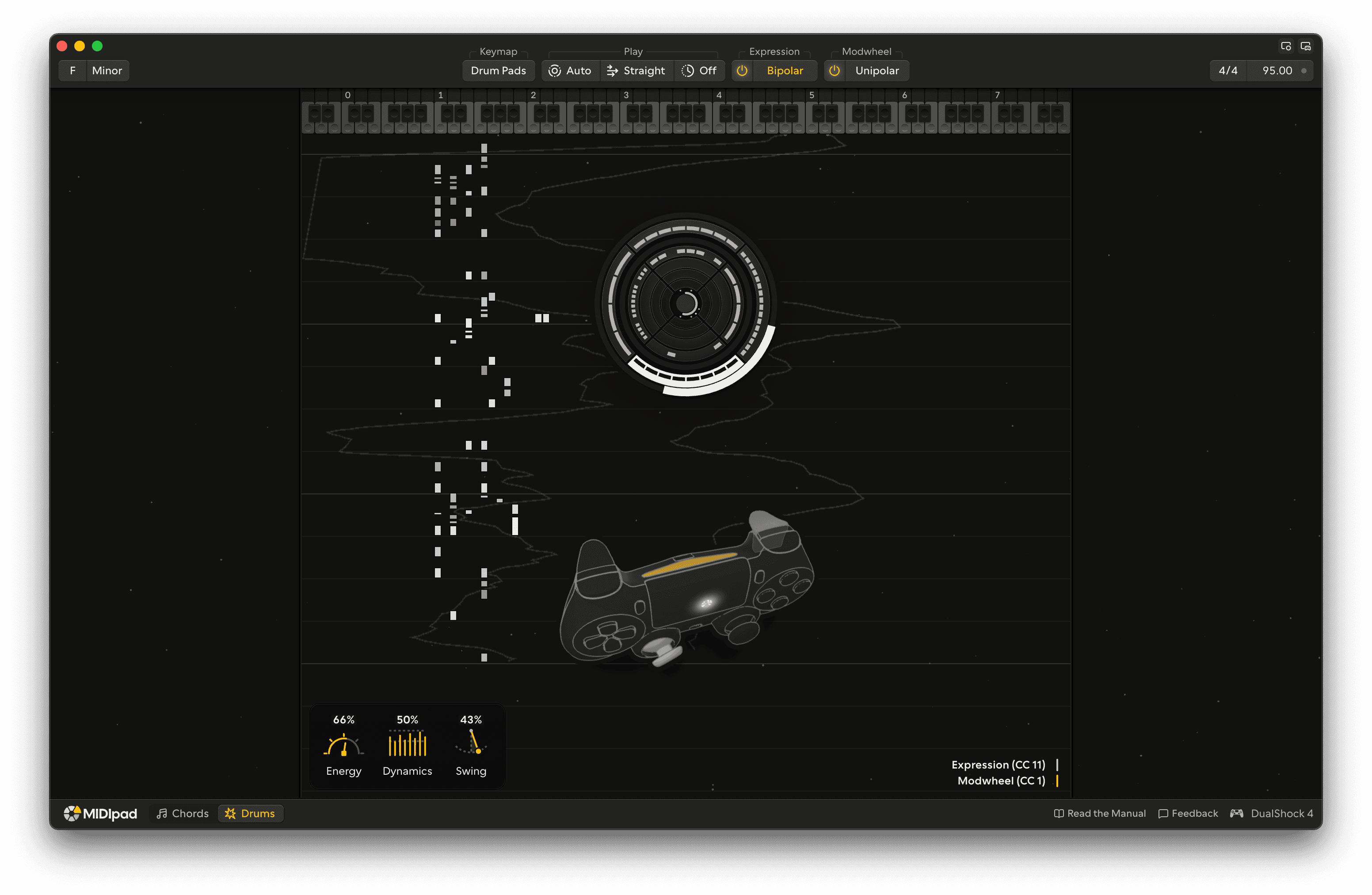
Steer your groove with the two sticks. The left stick plays the hi-hat, the right stick plays the kick, and pushing a stick to the rim brings in the snare. The groove follows your tempo and time signature, and your DAW's clock when it sends one.
Tilt and shake
Tilt the pad to send Expression and Modwheel CCs, and shake it to bring a fading chord back up. Under MPE, each note carries its own pressure and timbre.
Multiplayer
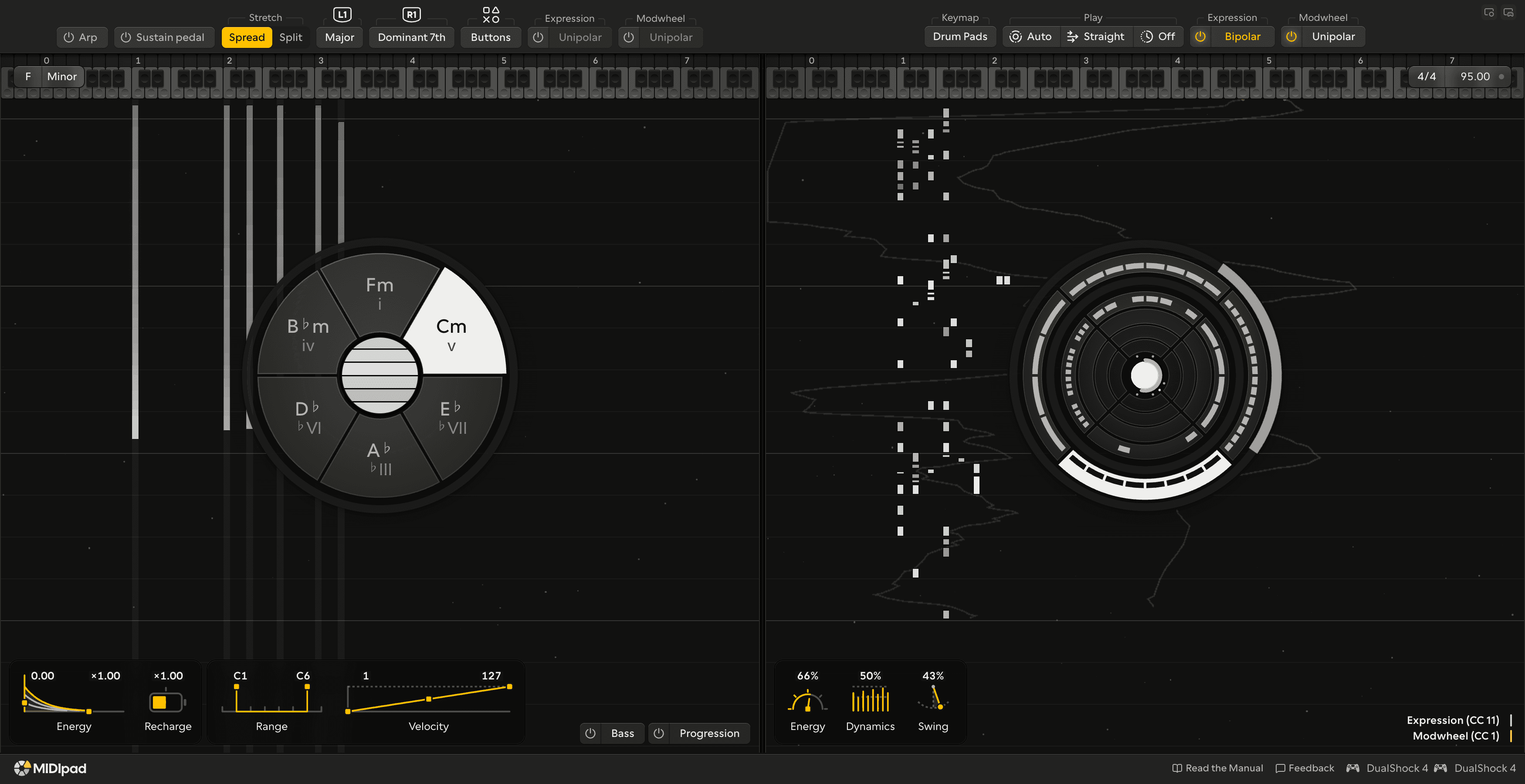
Connect two controllers and turn on Multiplayer. One player plays Chords and the other plays Drums, at the same time.
Overlays
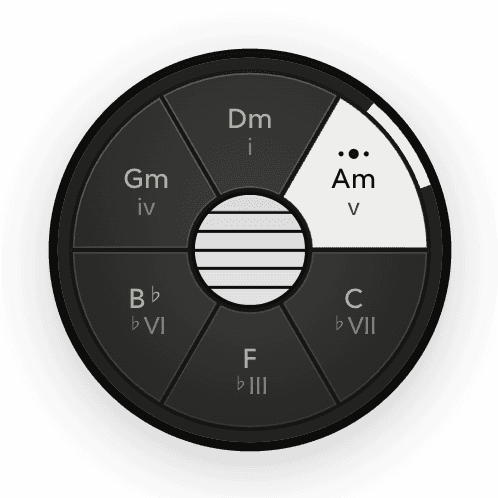
The Instrument Overlay keeps the chord wheel or the drums dial on top of your DAW. The Controller Overlay shows the pad and what your hands are doing on it.
Themes
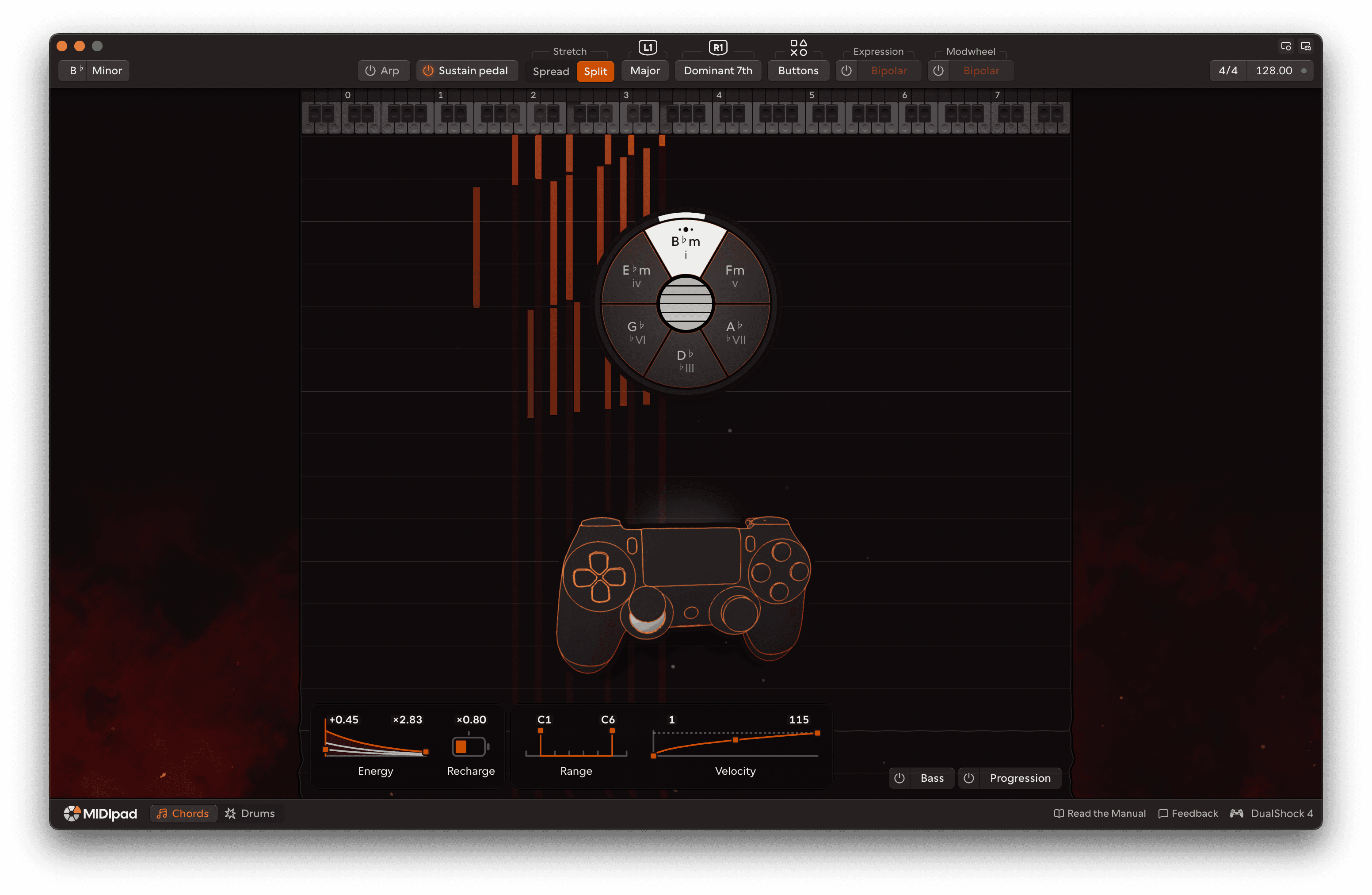
Fourteen themes to match your mood and style.
Getting started
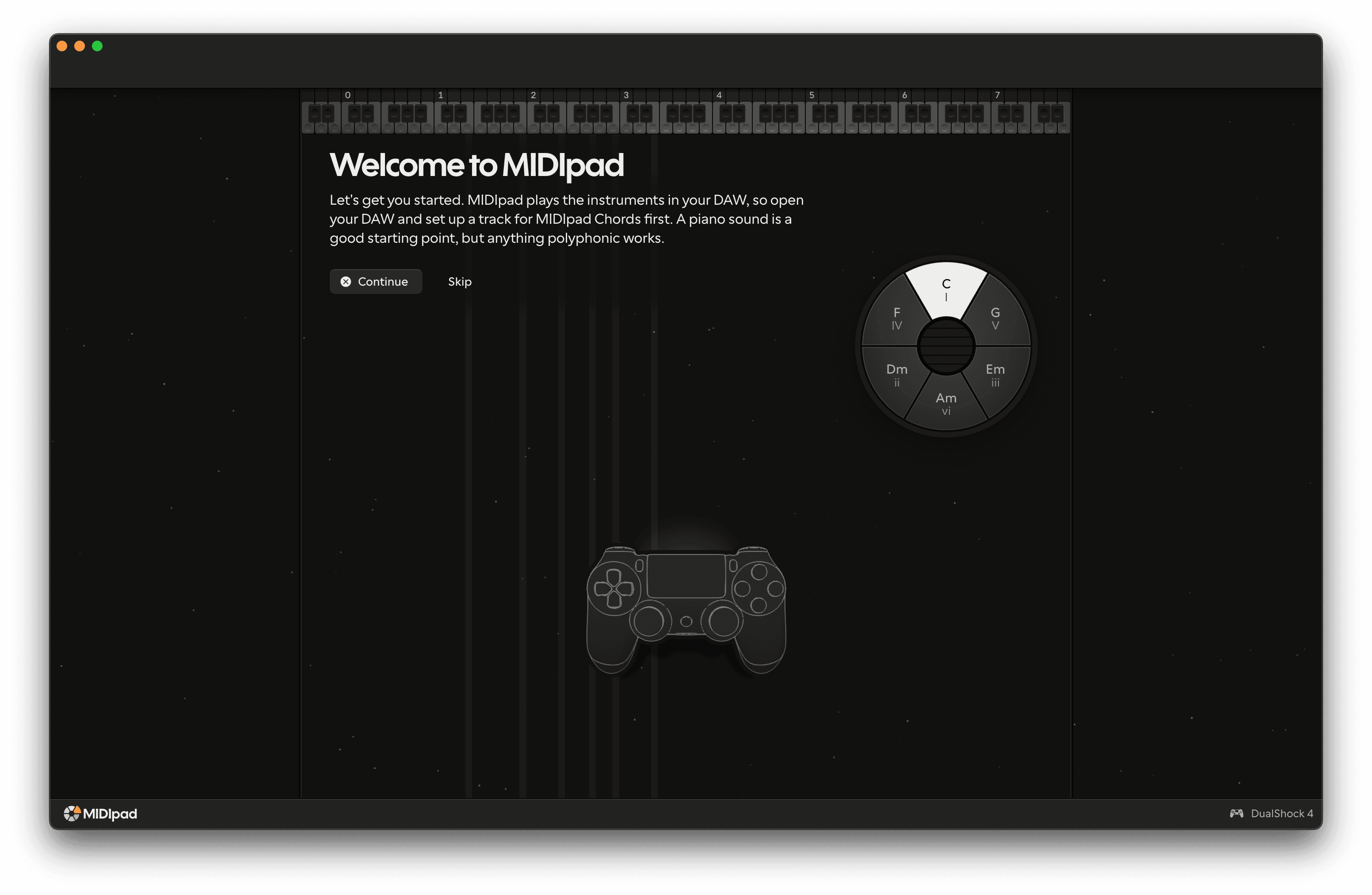
The first time you open MIDIpad it'll show you how to get started and walk you through how to play.
Changes since 0.202609.133
Removed
- Presets for Chords and Drums.
- Keyswitches for sampled instruments.
- Automation from your DAW.
- Multi-channel output. If you had it set, MIDIpad switches to MPE.
- Drums: the touchpad crossfader. The touchpad now plays the toms.
- Drums: the Density, Rate, Velocity and Drive CCs.
- Chords: the Bias setting.
Bug fixes
- The stage no longer stutters on the first strike after a pause.
- The stage runs more smoothly on the heavier themes.
- Chords: a slow strum no longer plays the odd string much louder than the rest.
- Chords: the face buttons no longer jump to full velocity while strings are ringing.
- Chords: the face buttons and the strum stick keep their timbre after the left trigger stops the chord.