Changelog
Everything that changed in each release.
0.202609.79
7th September 2026
New features
- Chords' top string behaviour can now be set to either Chord, which keeps it on the chord's own notes as you pull Stretch, or Key, which walks up the key's scale in finer steps. You can add some really interesting tension to chords with this.
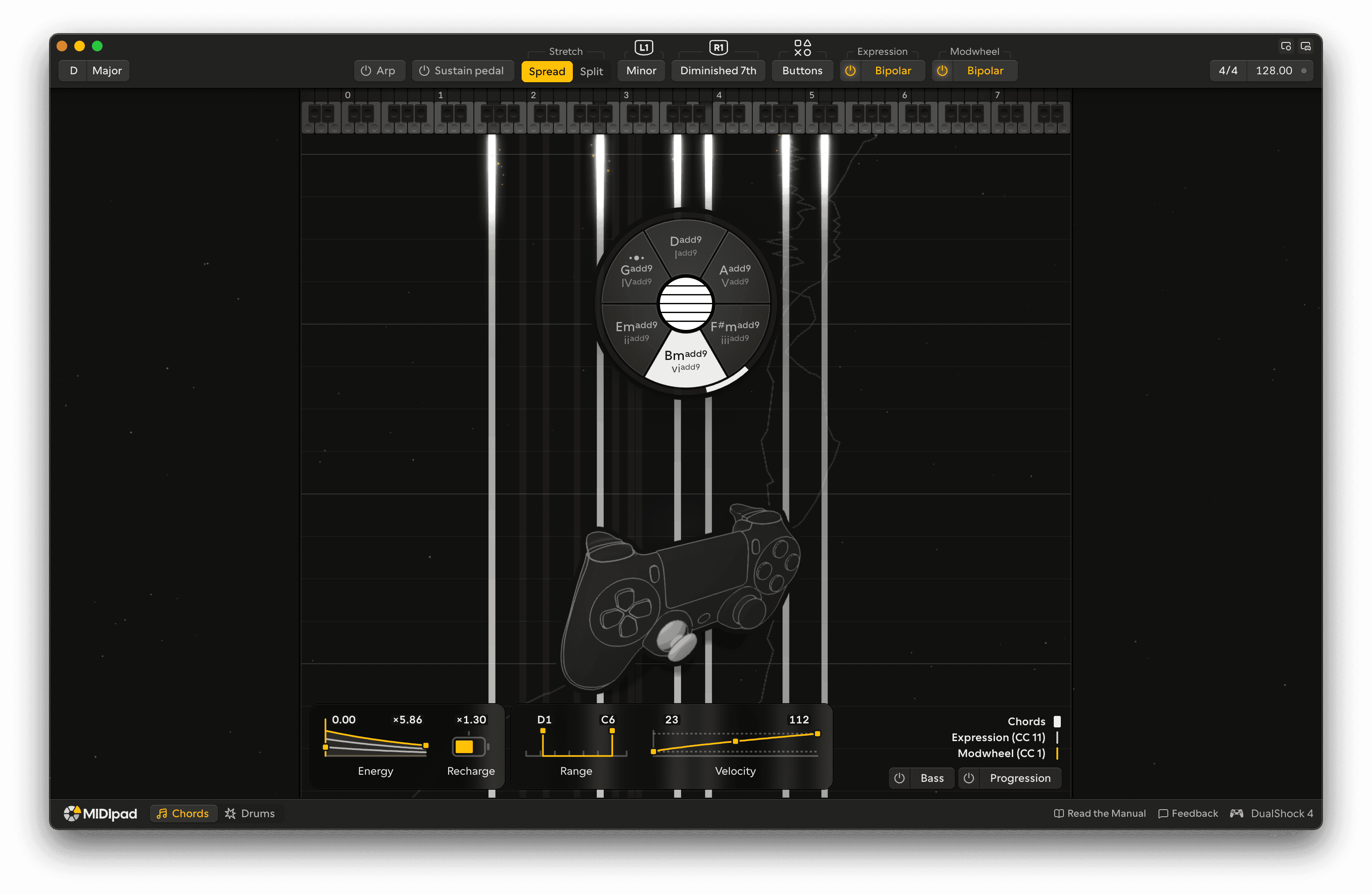
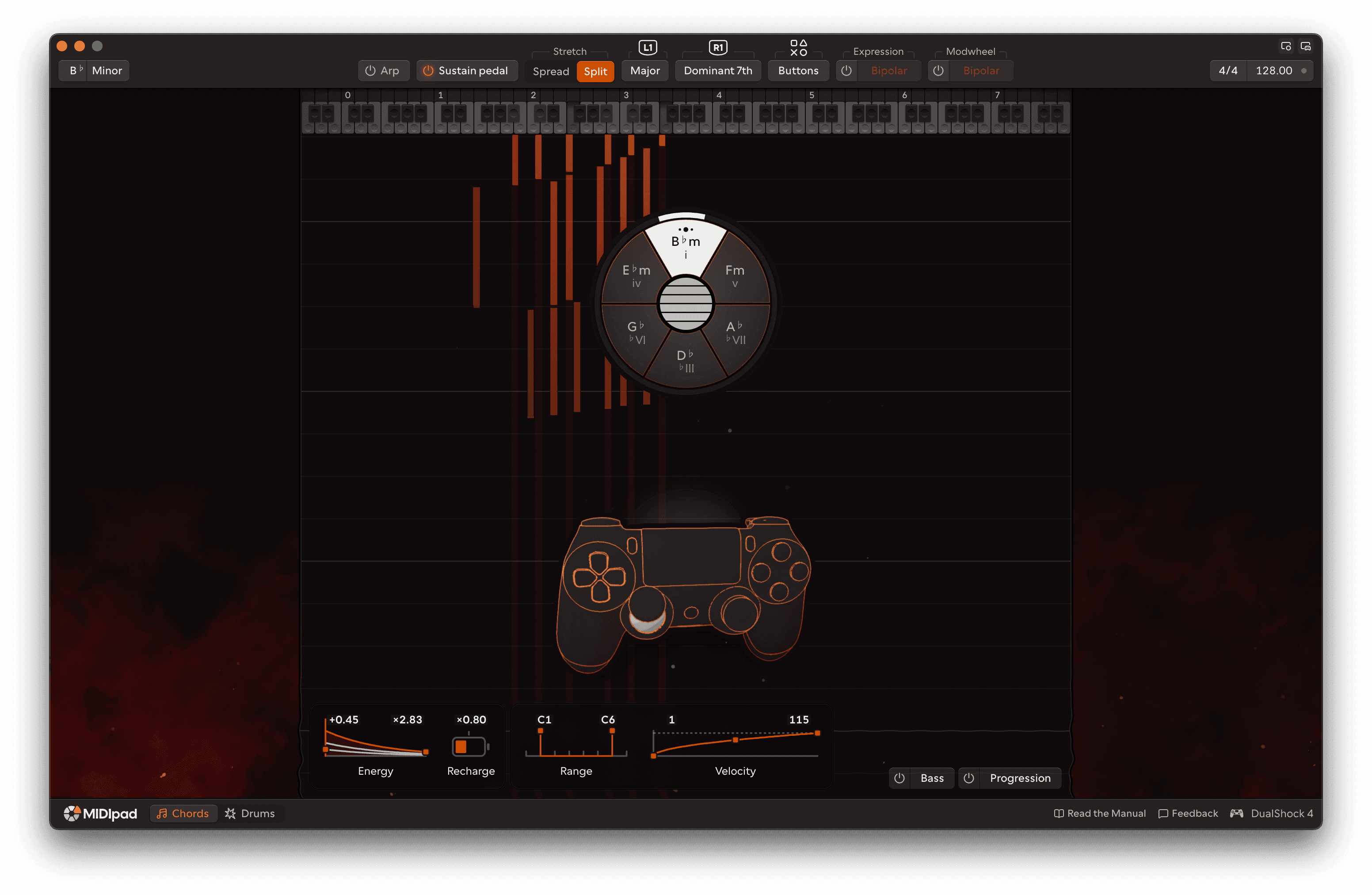
- Added three new themes: Carat, Dusk and Heatmap.
Improvements
- The meter controls are now scrubbable number inputs rather than dropdowns, tempo's whole control is now scrubbable on the Y axis to bring it more in line with standard DAW/VST behaviours.
- Triangle plays the bottom and top strings together again rather than just the top. Working on making all four buttons configurable.
- Fine-tuning to the face-button block chord presses.
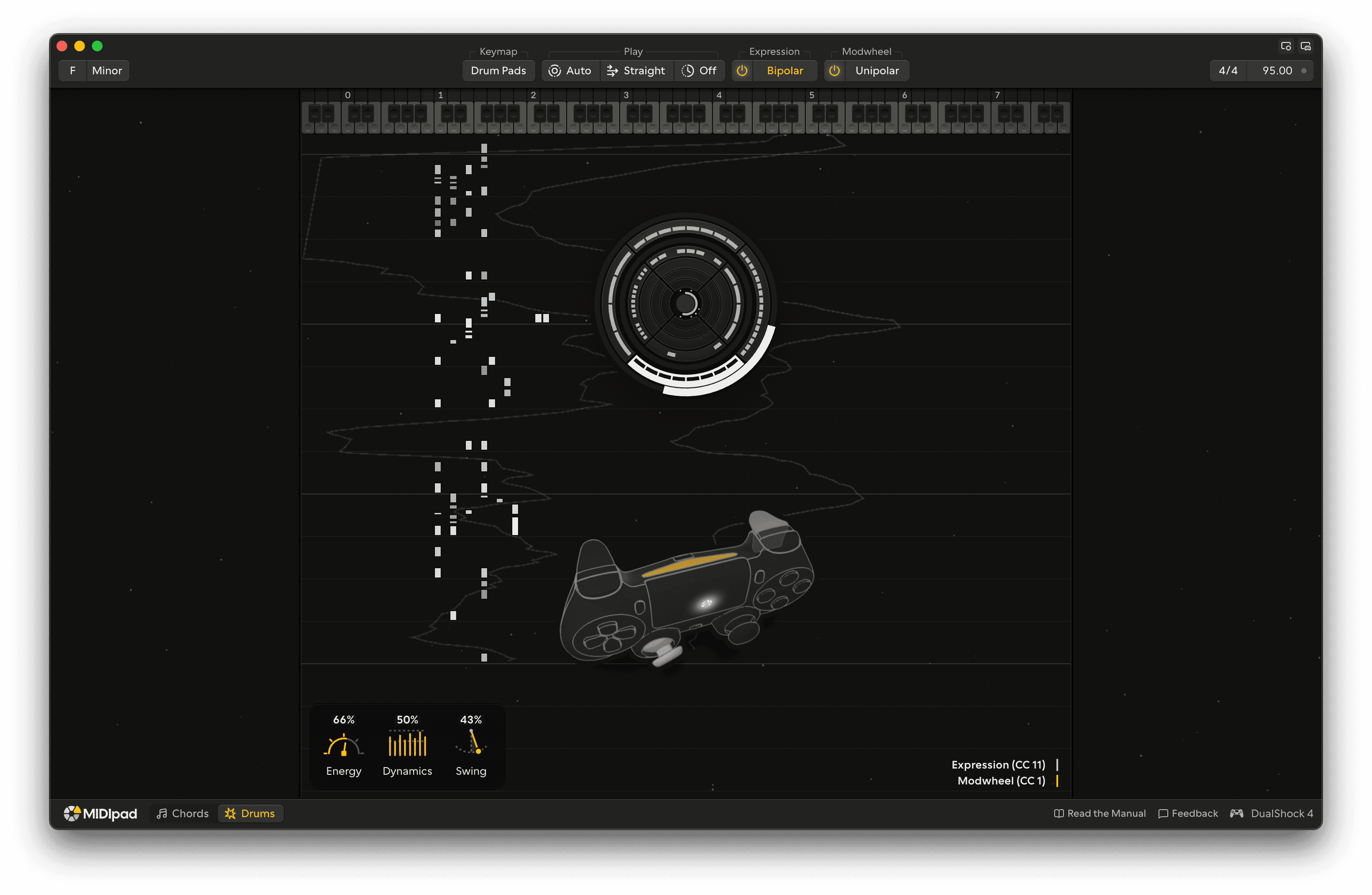
- Drums' visualiser got simplified.
- Made the in-app updater more transparent and easier to tell what's going on.
- Cleaned up the UI a bit.
Bug fixes
- The "MIDI engine is not responding" notice no longer appears after waking from sleep.
- General fixes and improvements.
0.202609.46
4th September 2026
New features
- Chords' strings can now be routed to grouped channels together in Multi-channel mode, so a bass track and a chord track can come from one chord. Dead fun with arpeggiators.
- Chords gained a Voicing setting that affects armed-note selection. Wide is the mutant barre-chord thing it's always done, Close is the new one, designed to be much closer to how a keyboard is played, much tighter together, kind-of voice-led.
- MIDIpad now sends basic anonymous usage counts by default: which features and settings get used only, no personally-identifiable information or anything musical you're doing, just enough to help me make informed decisions about the future of the app and what features to focus on. You can turn it off from Settings → About.
Improvements
- Enhanced the menubar menus and their options so it's easier to access commonly-used settings without having to go all the way through the settings window.
Bug fixes
- A sustain pedal left held in your DAW no longer hangs every note Chords plays. You're welcome, Ableton Live users.
- General fixes and improvements.
Removed
- The Stretch response setting, it was confusing to users and extreme settings could break things.
- The Low-octave switch. Low-octave got unwieldy real fast in real-life use, and the gap that it addressed is now filled by the enhanced voicing and multi-channel output routing, so you can do it in your DAW if you want.
0.202609.21
2nd September 2026
Improvements
- The automation CCs are addressed by channel now. Each instrument listens on its own channel, Chords on 1 and Drums on 2, and both use the same numbers from 102 upwards.
Bug fixes
- The tempo no longer shows double for a moment when you press play in your DAW.
0.202609.7
1st September 2026
New features
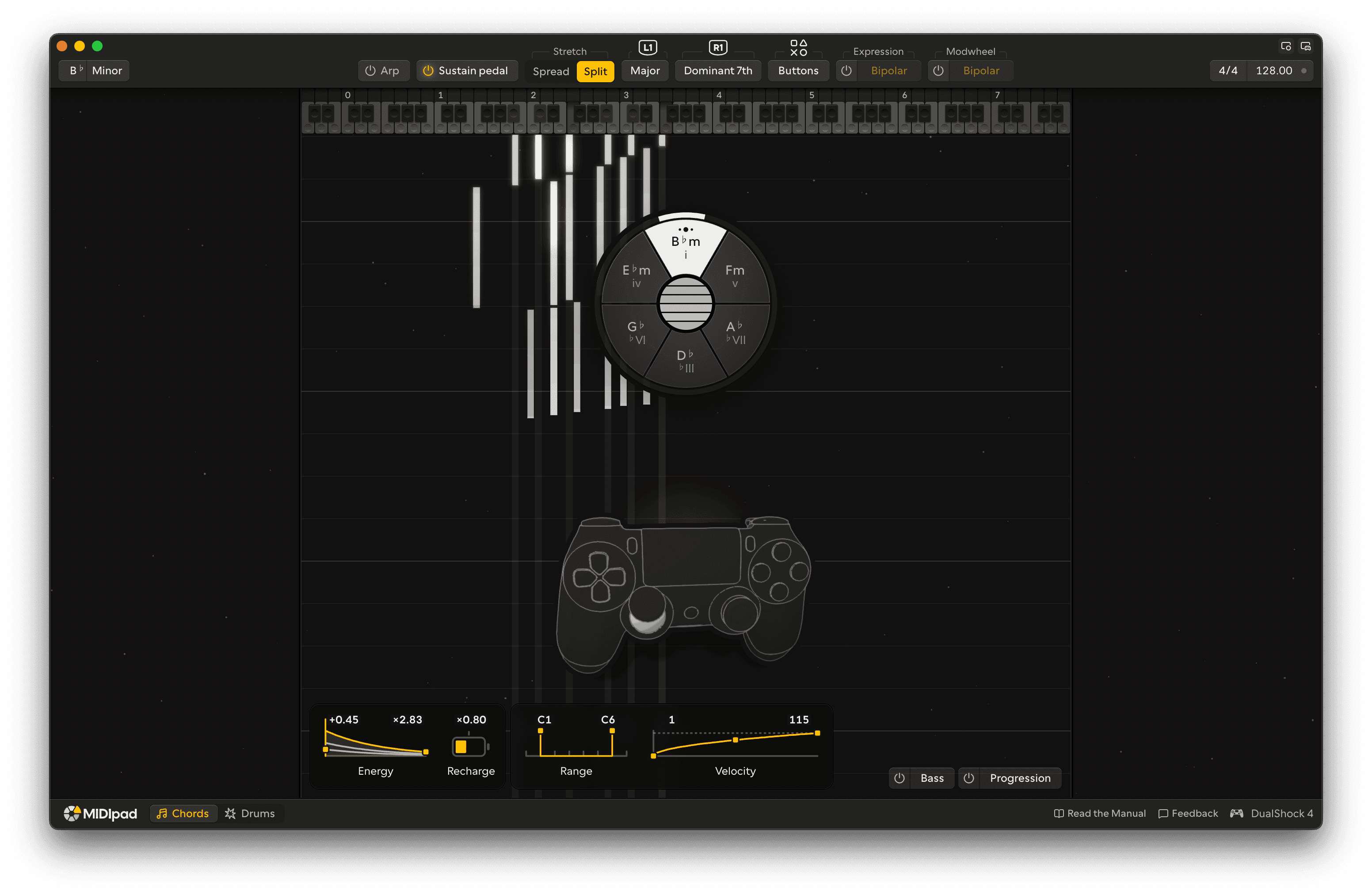
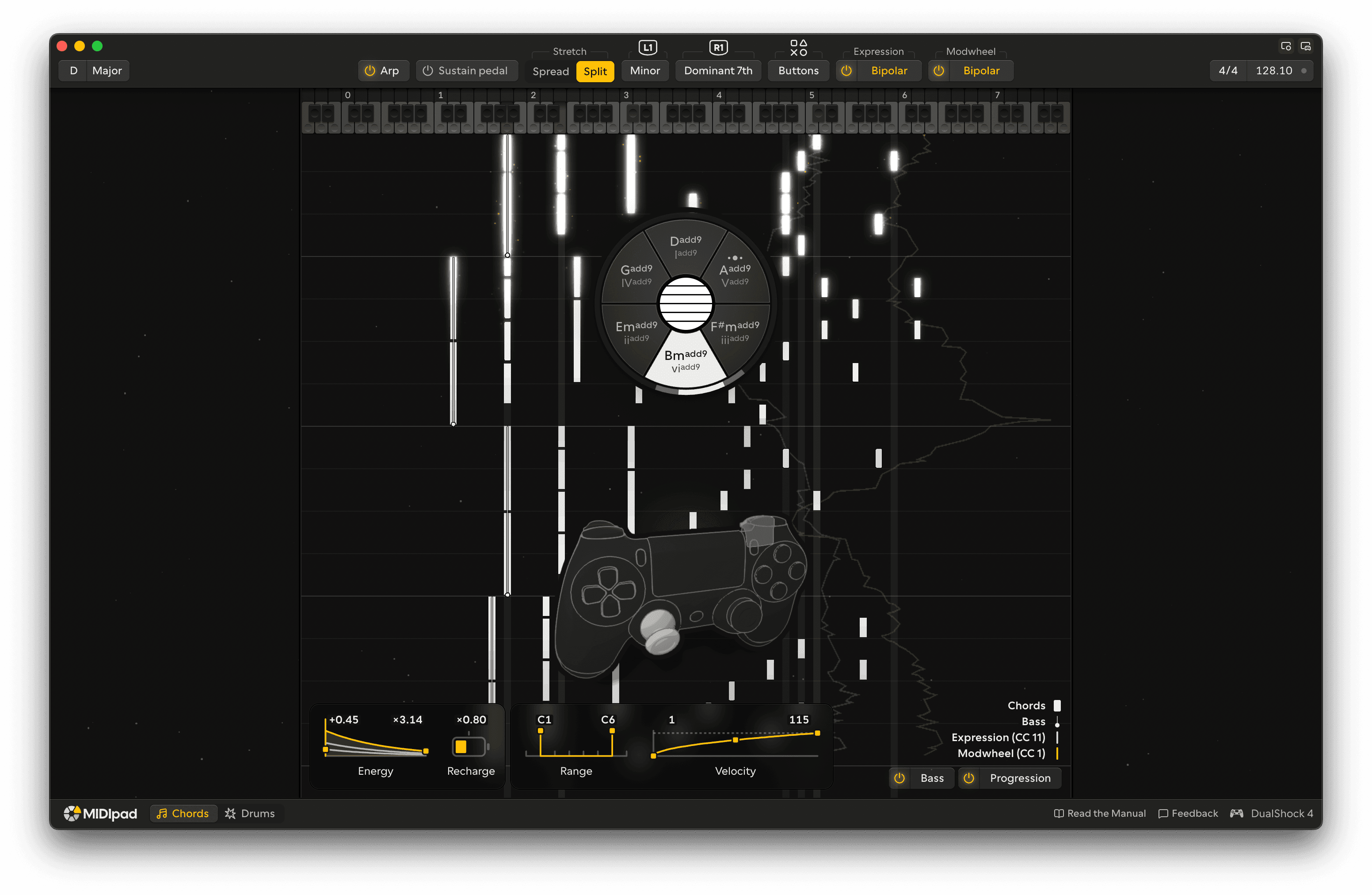
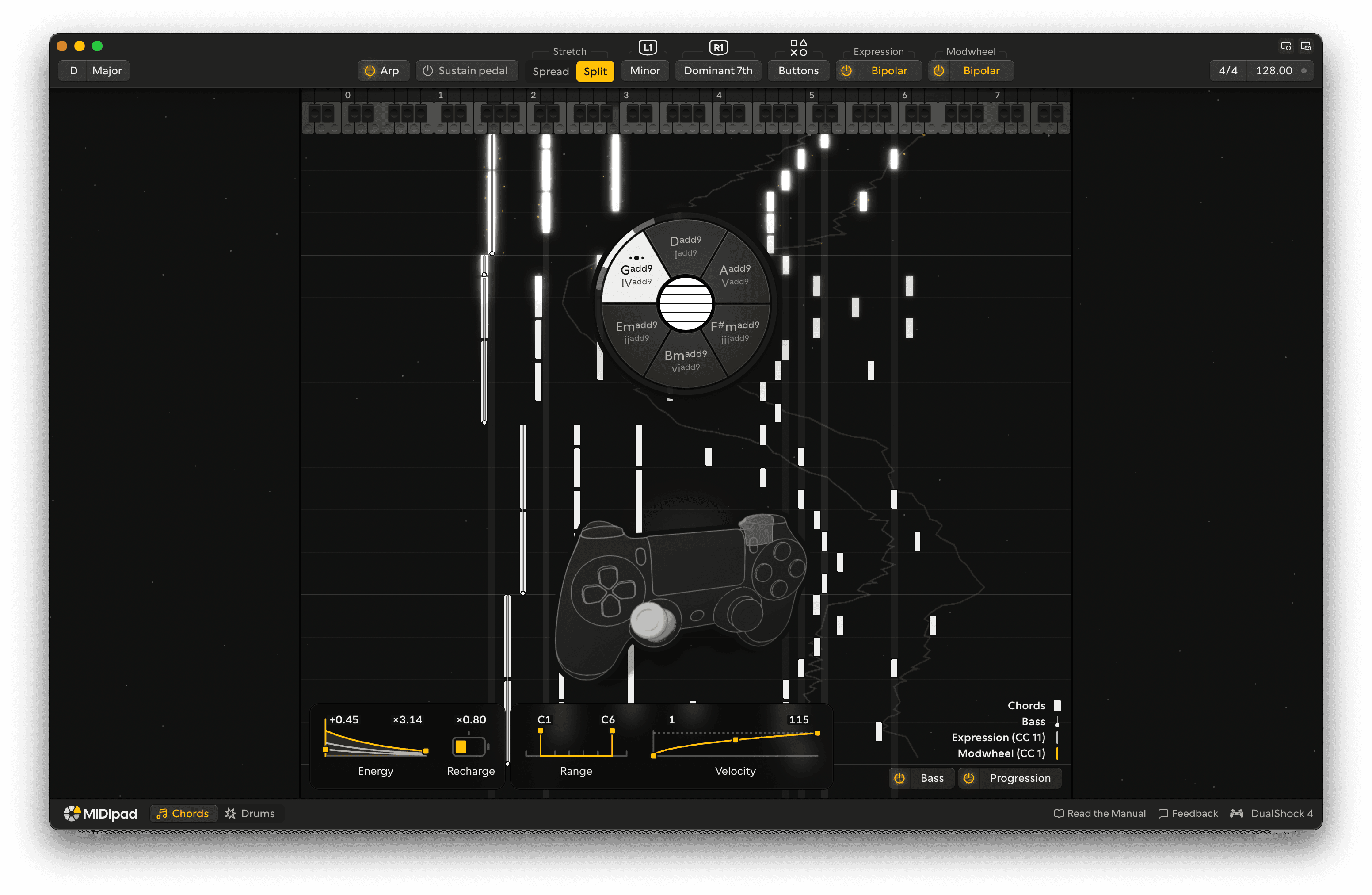
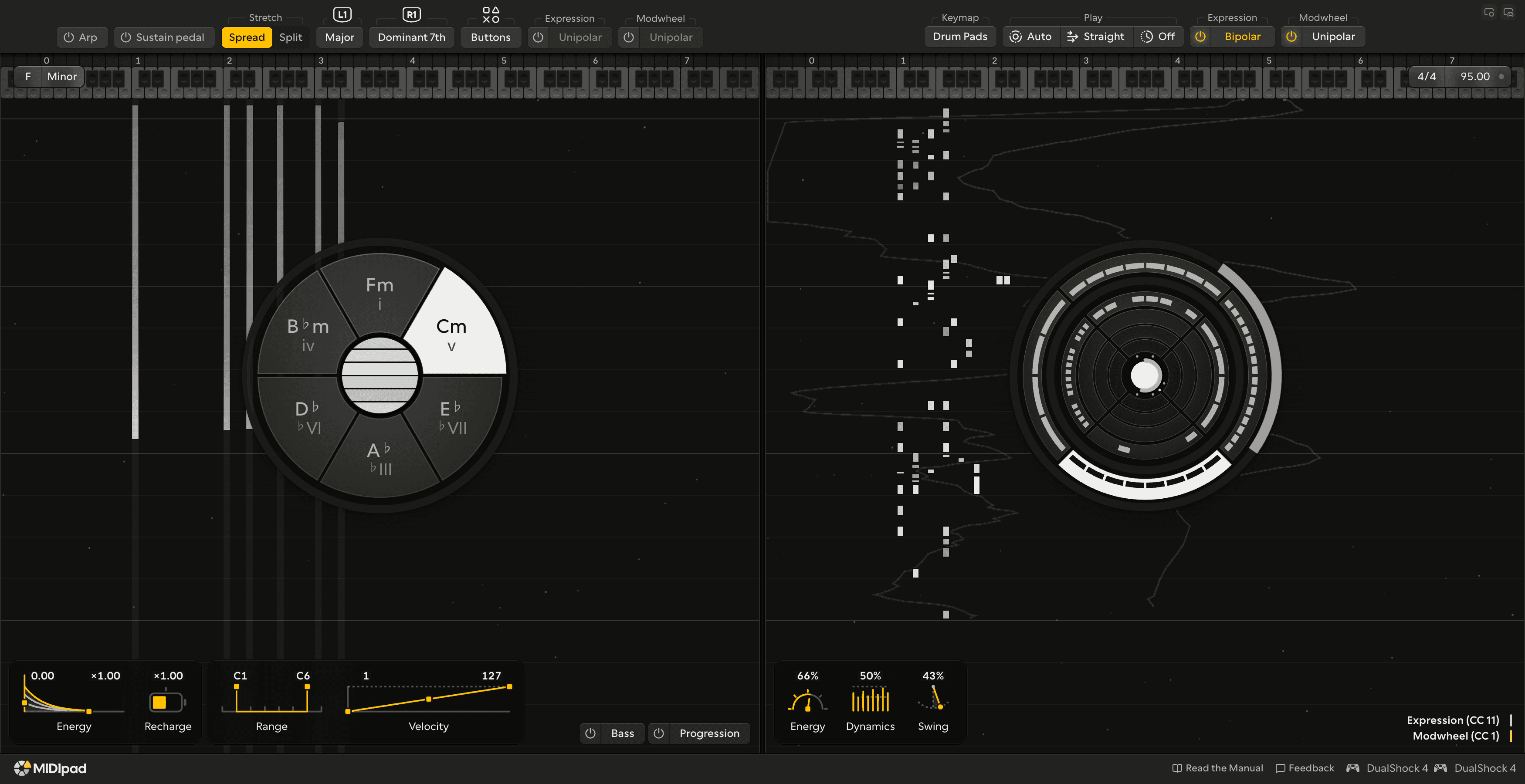
- Themes! Settings has an Appearance pane now, and a licence opens six new looks for the whole app: Space, Midnight, Ember, Canopy, Abyss and Storm. Each one reacts to what you play and has a couple of controls of its own. I expect this to be a part of MIDIpad that keeps growing for years, as I'm having so much fun making them.
- You can set the time signature now, and Drums plays in it properly; 6/8 plays in threes, 7/4 fills all seven beats, etc. The grooves are made up on the spot for the tempo and the bar you're in, from a handful of rules about what a drummer's hands and feet can actually do at that speed, so nothing lurches (too badly) between tempos and there's no loop library in there. The Drums band has Swing and Snare offset sliders for pulling the feel around, and a Half-time switch for when you want the 85bpm kit under a 170bpm song.
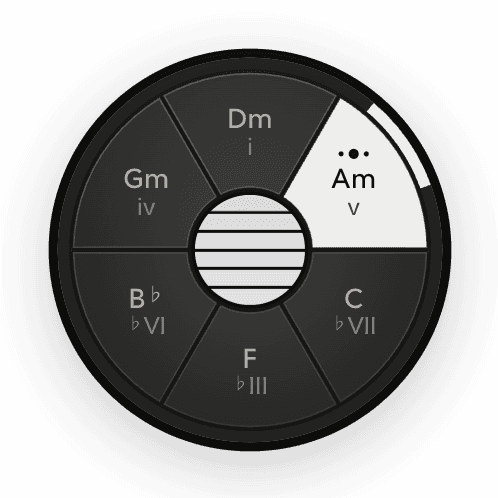
- Chords has four output channel options, same as what most MPE keyboards offer: MPE, multi-channel (one string per channel and no master channel, for a synth per track), poly aftertouch (everything on one channel, with each string's pressure on its own note) and single channel. In the full version, single channel carries pressure and a CC74 too, so a plain mono synth still breathes with the instrument. Chord names on the wheel are spelt for the key now, so F major gives you a B♭ where it used to say A♯.
- Drums has three output channel options: MPE, multi-channel and single channel. In the full version the kick, snare and hi-hat each can go out on their own channel, and how far you're pushing each stick or trigger goes with it as MPE pressure and slide/timbre CC. There's a plain multi-channel option, and single channel if you just want the notes.
- The sliders on both control bands can be driven from your DAW. Send CCs 102 to 106 (Chords) or 110 to 114 (Drums) into the MIDIpad in port and the sliders follow, so you can automate the feel of the instrument through a song. Settings has an Automation pane that lists them all and shows what's arriving.
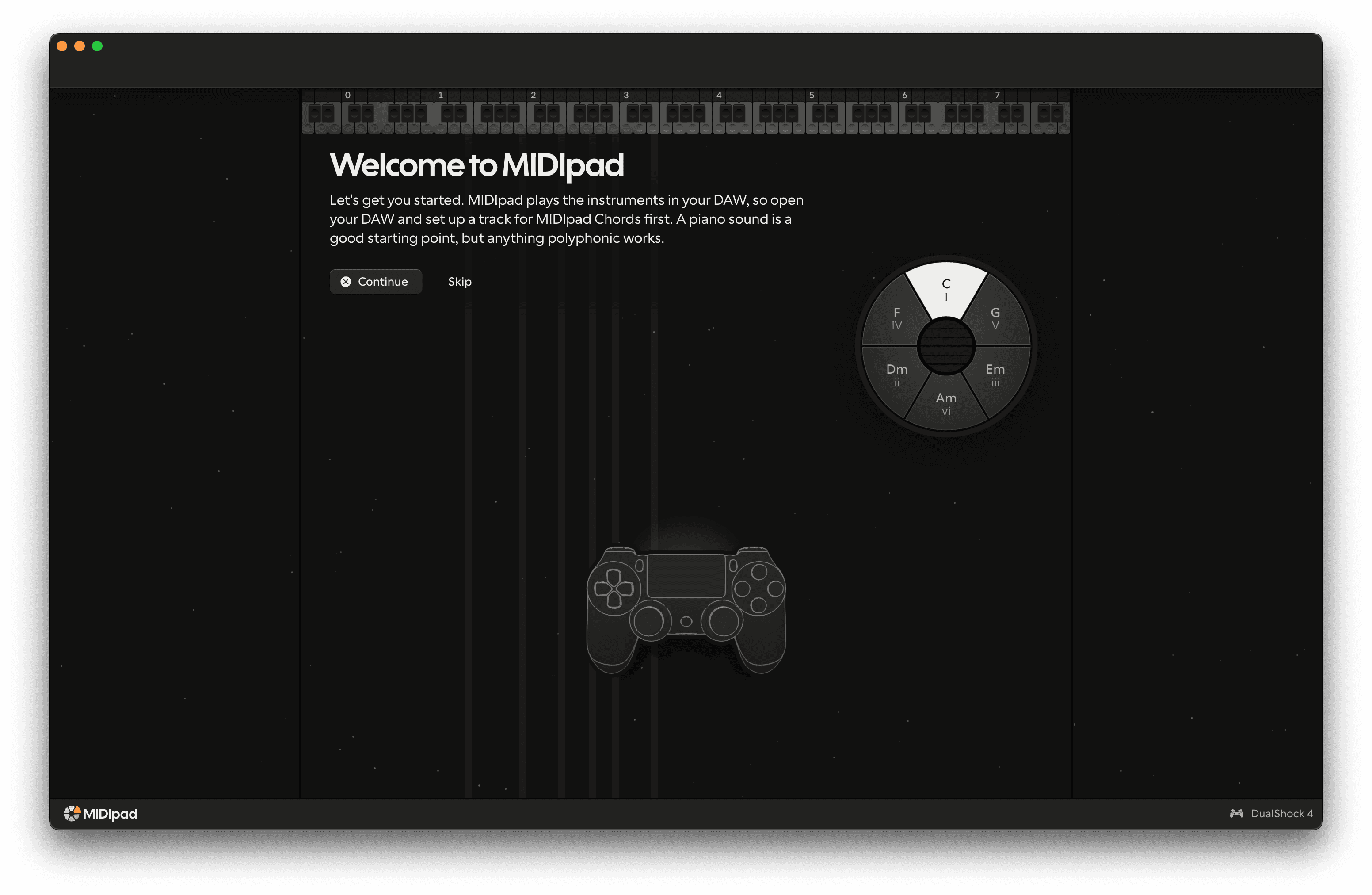
- A lot of new furniture. Settings has its own window now because it grew enough to justify it. Click the controller in the bottom right of the window (or Help, then Controls) for a reference of what every button, stick and trigger does on the instrument you're playing, and it lights up as you press. The controller overlay draws your pad as a wireframe that presses when you press. The welcome tour now takes you through all the visible controls in the main window rather than just a couple of them. The whole app zooms now, and it works with a screen reader and with Increase Contrast.
Improvements
- The main window got an upgrade. The first thing you'll notice is the new visualiser, and the second thing is likely to be the instrument controls. The controls aren't tucked away in a slightly hidden sidebar any more (sorry, my bad), they sit in a band at the bottom of the window, and on a big enough window the key, time signature and tempo move up into the corners and get out of the way, giving everything a bit more breathing room.
- Drums has been overhauled with an enhanced engine that's now tempo- and meter-aware, meaning you're no longer stuck with 4/4 rhythms (see the time signature note for more on that). The left stick still plays the hi-hat and the right stick still plays the kick, and pushing either one out to the rim brings the snare in on the backbeat if it's set to auto mode. The face buttons drop kicks in where you want them, the d-pad plays snare patterns in increasing intensity, clicking a stick in ratchets it, the left bumper drops the whole groove into half-time while you hold it, and the right bumper doubles the backbeat. The left trigger opens the hi-hat up in layers, and if you'd rather have a bit more control over the backbeat there's a setting that puts it on the right trigger.
- The left trigger on Chords works like a palm on the strings now. Lean on it and the chord gets quieter and duller, lift off and it comes back, so fluttering the trigger makes the chord breathe. All the way in is still the mute. The String sustain slider (formerly Ring) goes past ×2 now, up through some very long tails to infinity, where nothing fades until you mute it. That combination of infinite sustain and fluttering the trigger is really cool.
- Stretch keeps the whole chord intact as you pull the right trigger now, where it used to lose notes on the way up. There's a Low octave switch on the Chords band that adds an octave under the lowest string, and if you turn it on in Settings, tilting the pad takes the next chord up or down an octave. The four face buttons play block chords properly: every press hits at the same strength, holding a button holds its strings, and a press just ahead of the beat lands on it.
- Following your DAW's clock is much tighter. Hits land within about a millisecond of the grid, the first clock after you press play is the downbeat, drum notes are a 16th long so nothing gets recorded two beats long, and when you stop the DAW the tempo it was at sticks around. The tempo reads to a tenth of a beat.
- Made the app universal binary so there's only one download for everyone.
- The manual is being rewritten from top to bottom to match all of this. Some of it is still rough and I'm fixing it as I go, so if you get stuck please let me know.
Removed
- MIDIpad doesn't make any sound of its own any more. The built-in synth voices and the drum kit are gone, along with the audio settings that went with them. I really did enjoy them, but keeping them going was getting in the way of the actual point of the app, which is being the best MIDI controller it can be. Your DAW, a standalone synth, a sampler, anything that takes MIDI in makes the sound now.
- On top of the sounds: the kit editor and the per-button drum note map, the lean and the snare roll on the triggers, the fill, the single hits and hat figures on the d-pad, the Strokes slider, the gear drawer, the volume control, the Shake on/off switch, the Expression settings, and the Mute response and Trigger direction settings for the left trigger.
Hear about the next release

Ready to play?
Download for free.