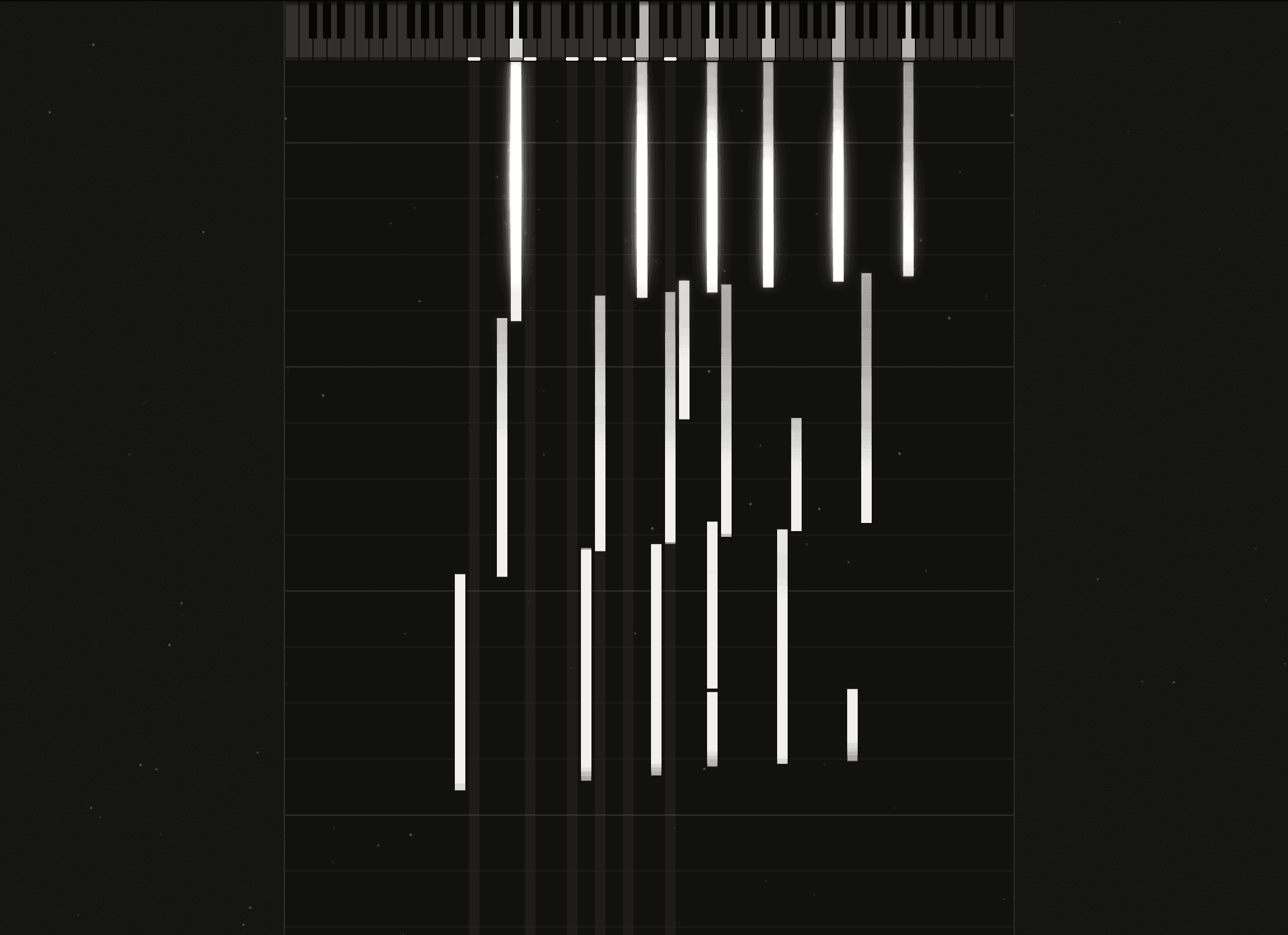
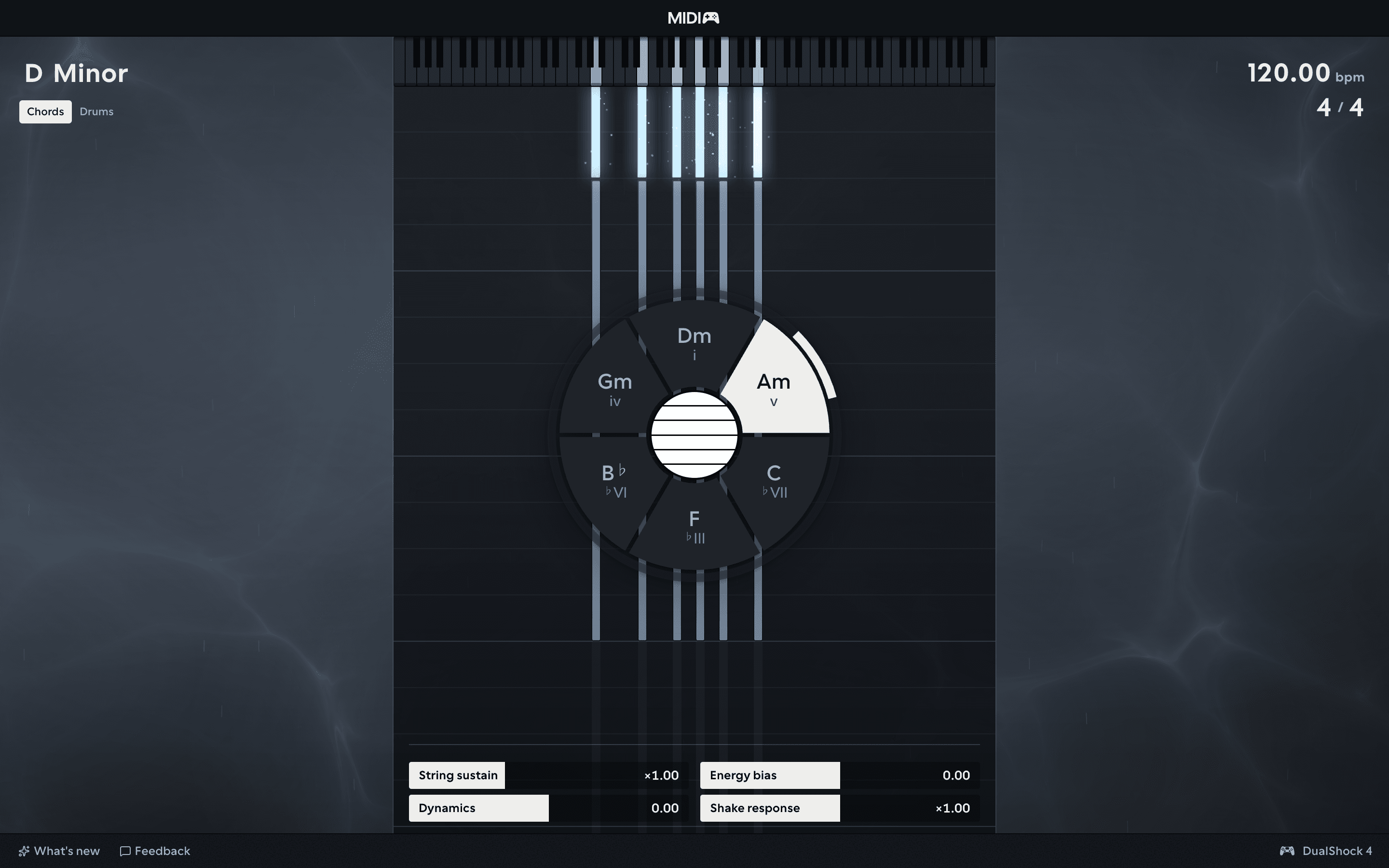
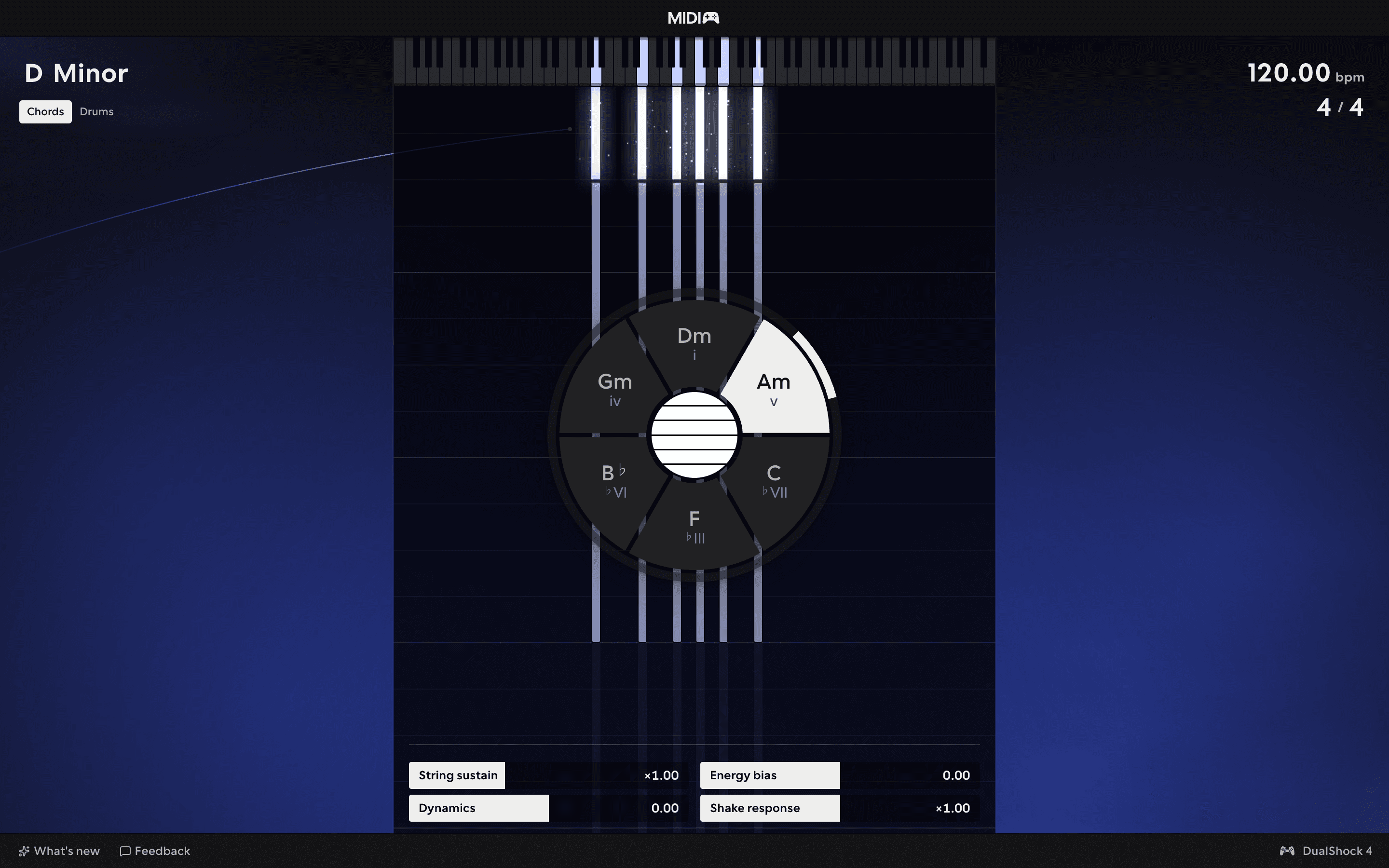
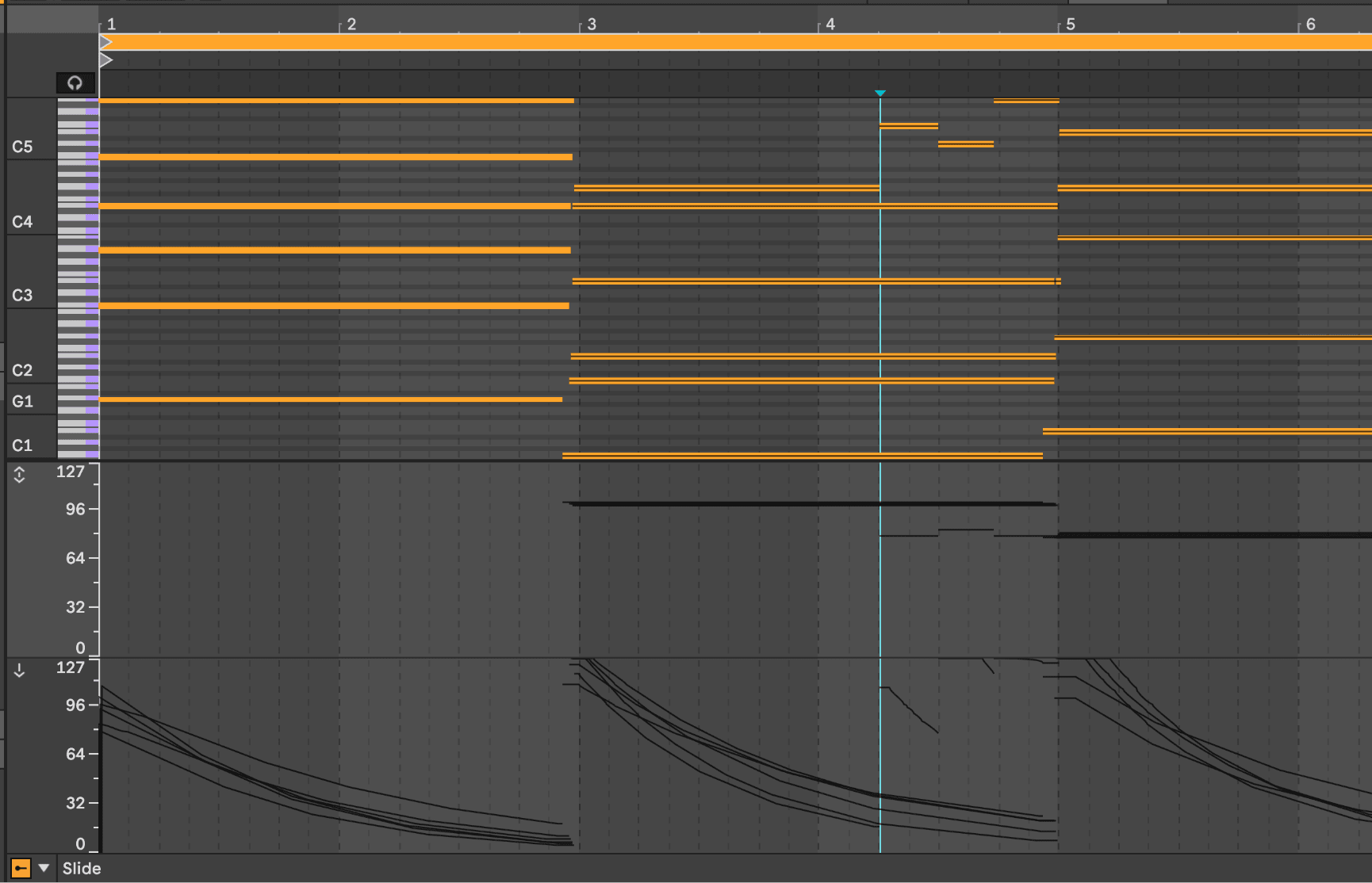
MPE and CC outputs
Both instruments send MPE and CC outputs alongside their notes, map them to your instrument and effect parameters to pull every ounce of expression out of your gear.
Early access: every release through 1.0 and beyond, no subscription.
until 1.0 · early access pricing
€19 / £16 by region · tax at checkout
Pay once, keep it forever, every release through 1.0 and beyond.
MIDIpad is free to play in Demo Mode, indefinitely.
Activate on your machines and free a slot from inside the app any time.
Both instruments send MPE and CC outputs alongside their notes, map them to your instrument and effect parameters to pull every ounce of expression out of your gear.

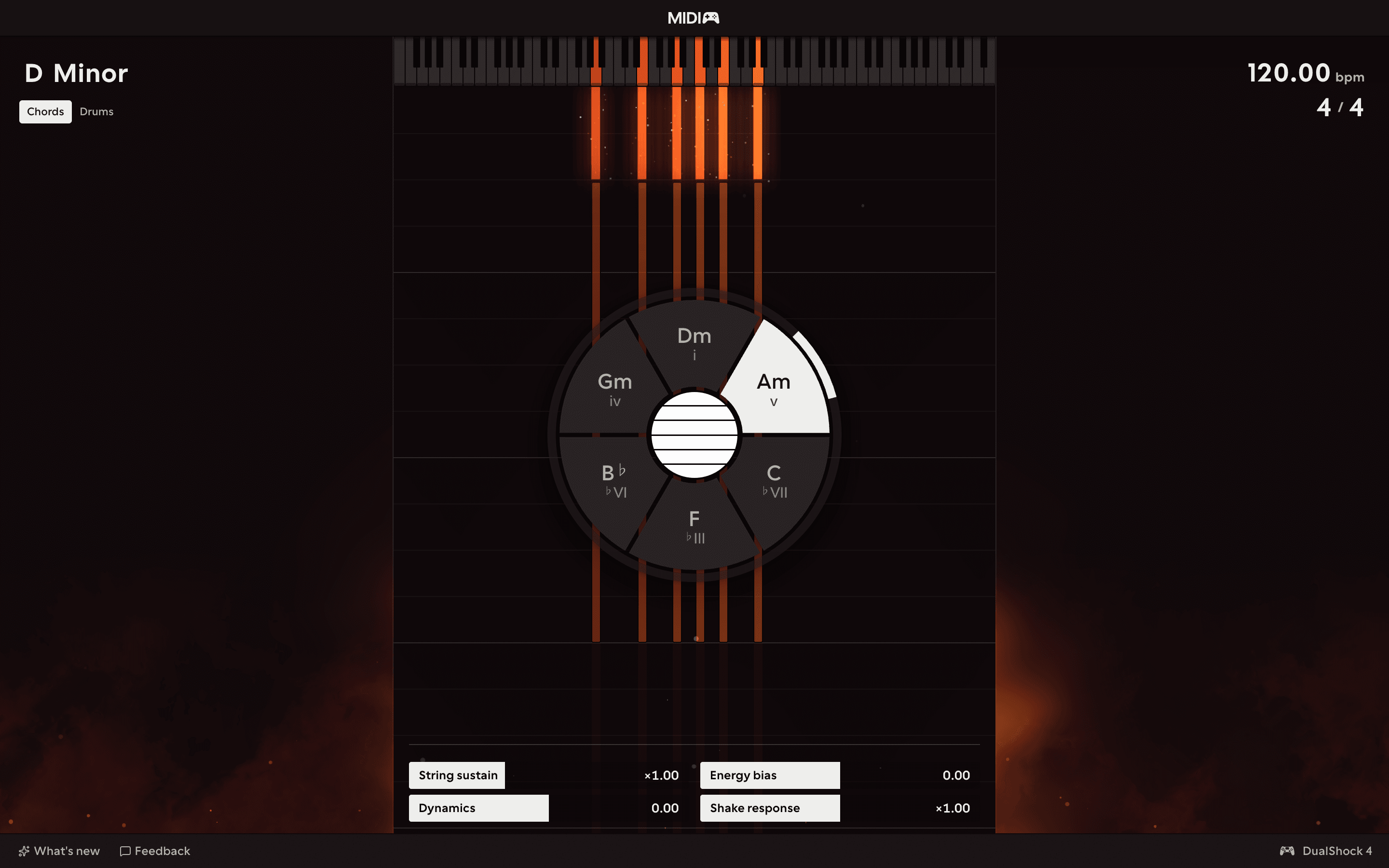
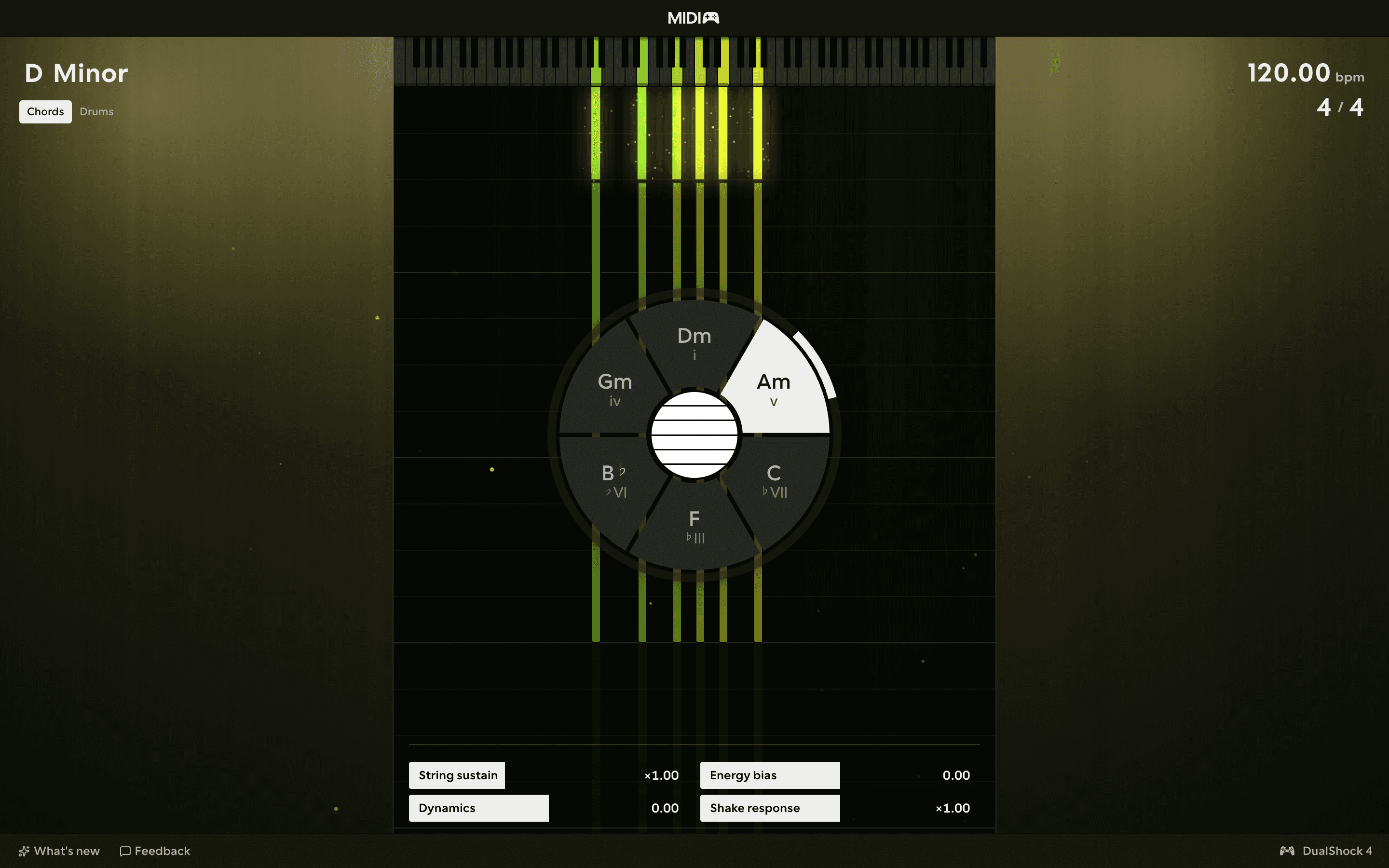
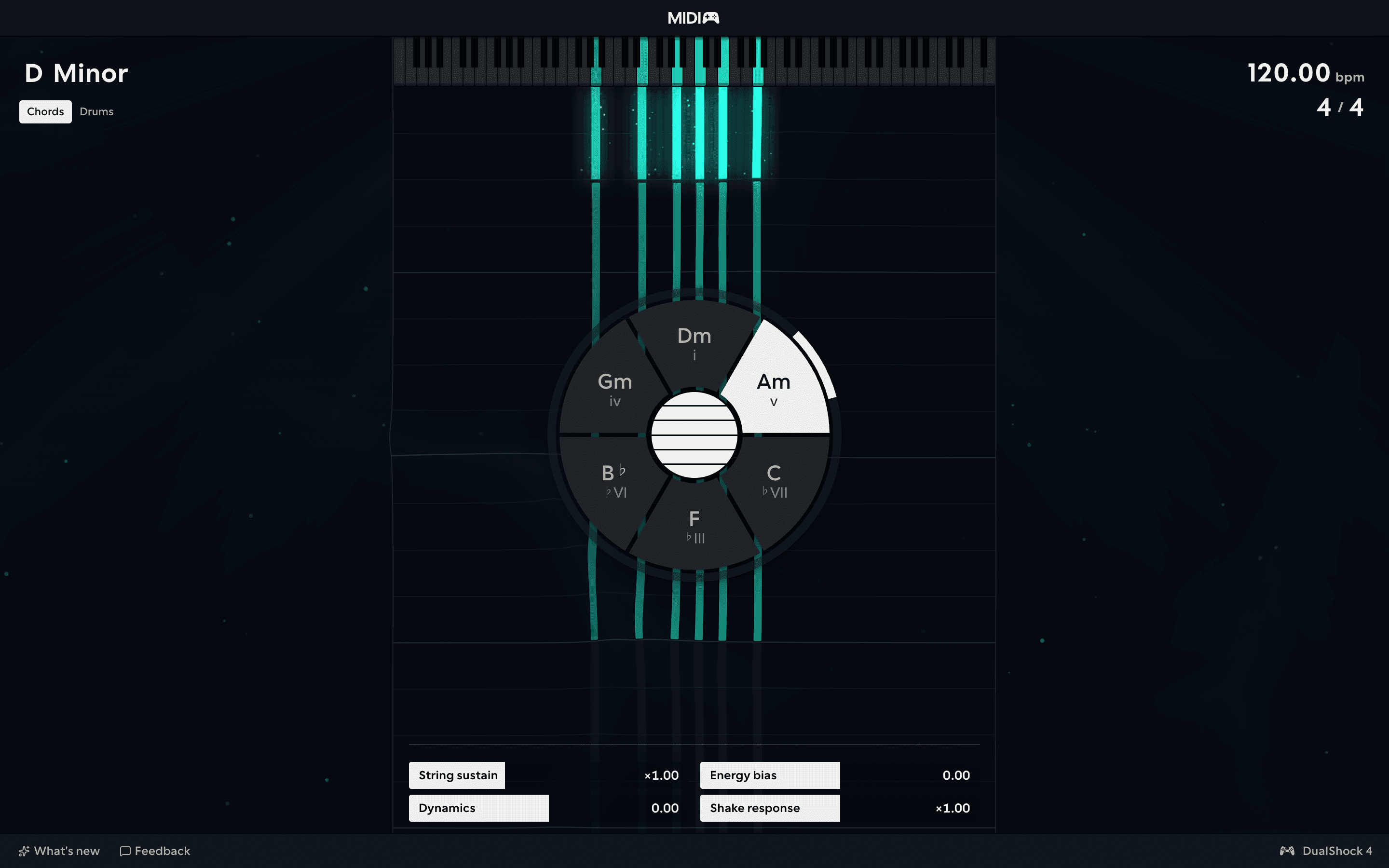
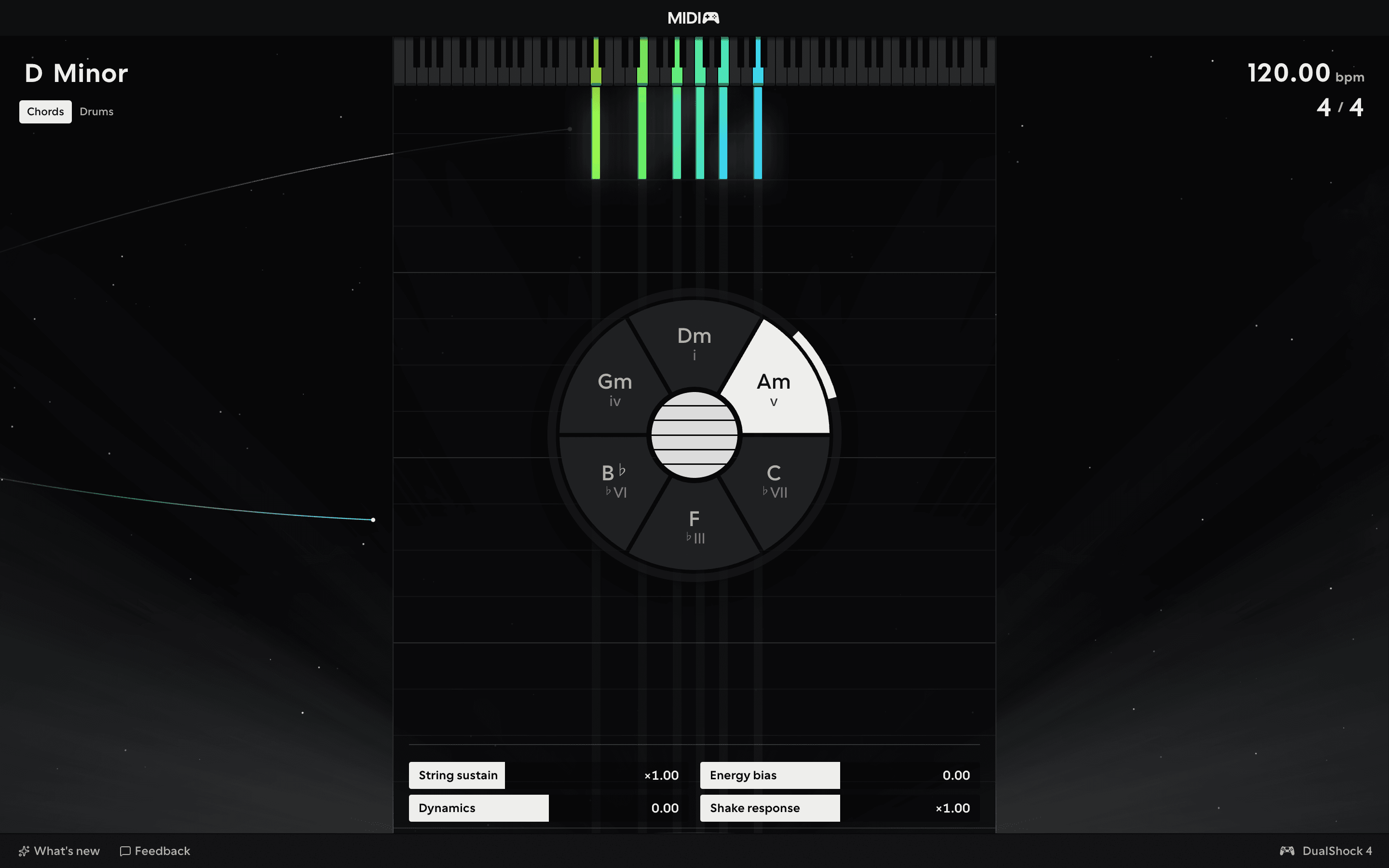
Customise the Chords and Drums instruments to your play style and workflow.
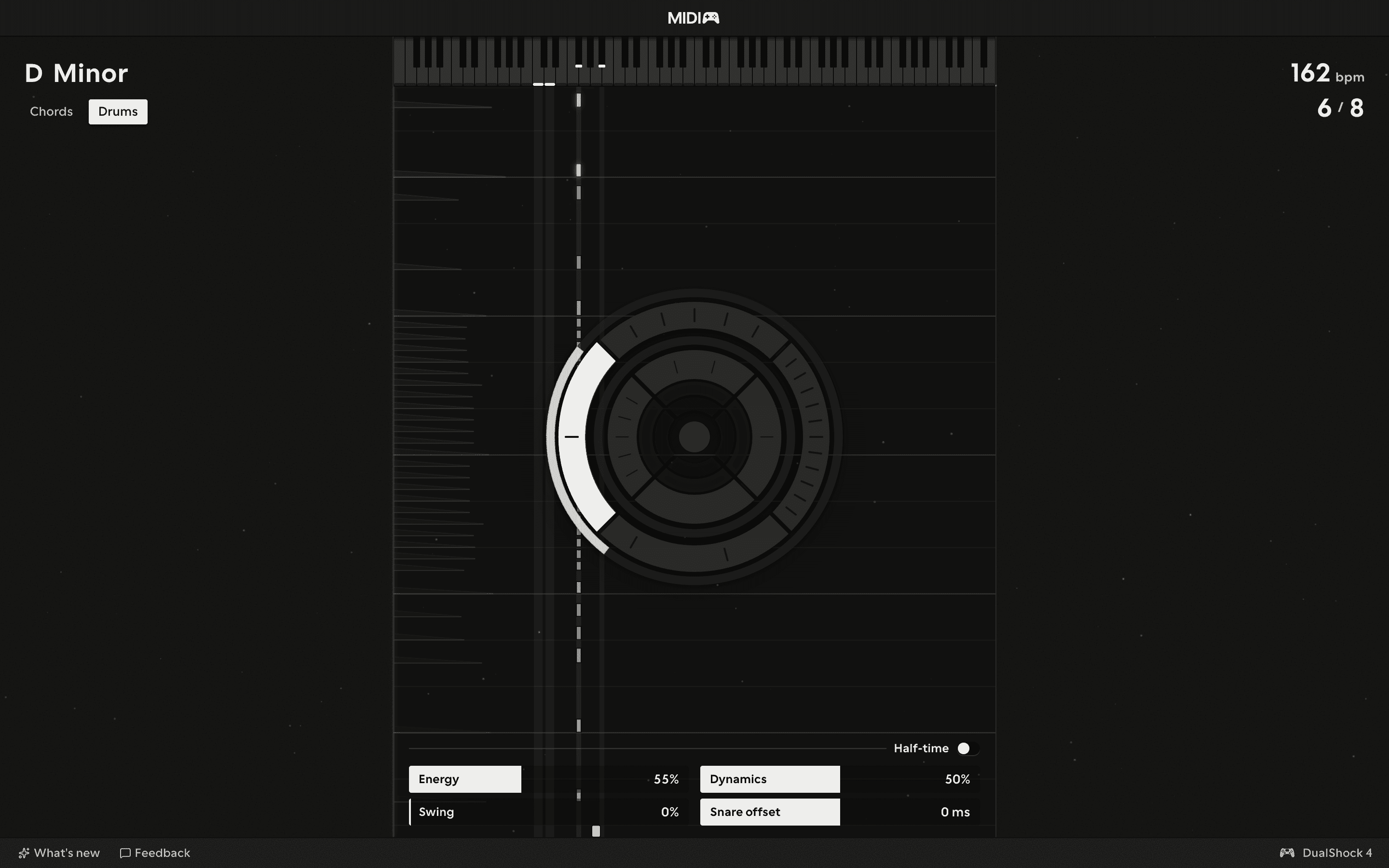
Go beyond 4/4 and unlock (pretty much) any time signature you want.
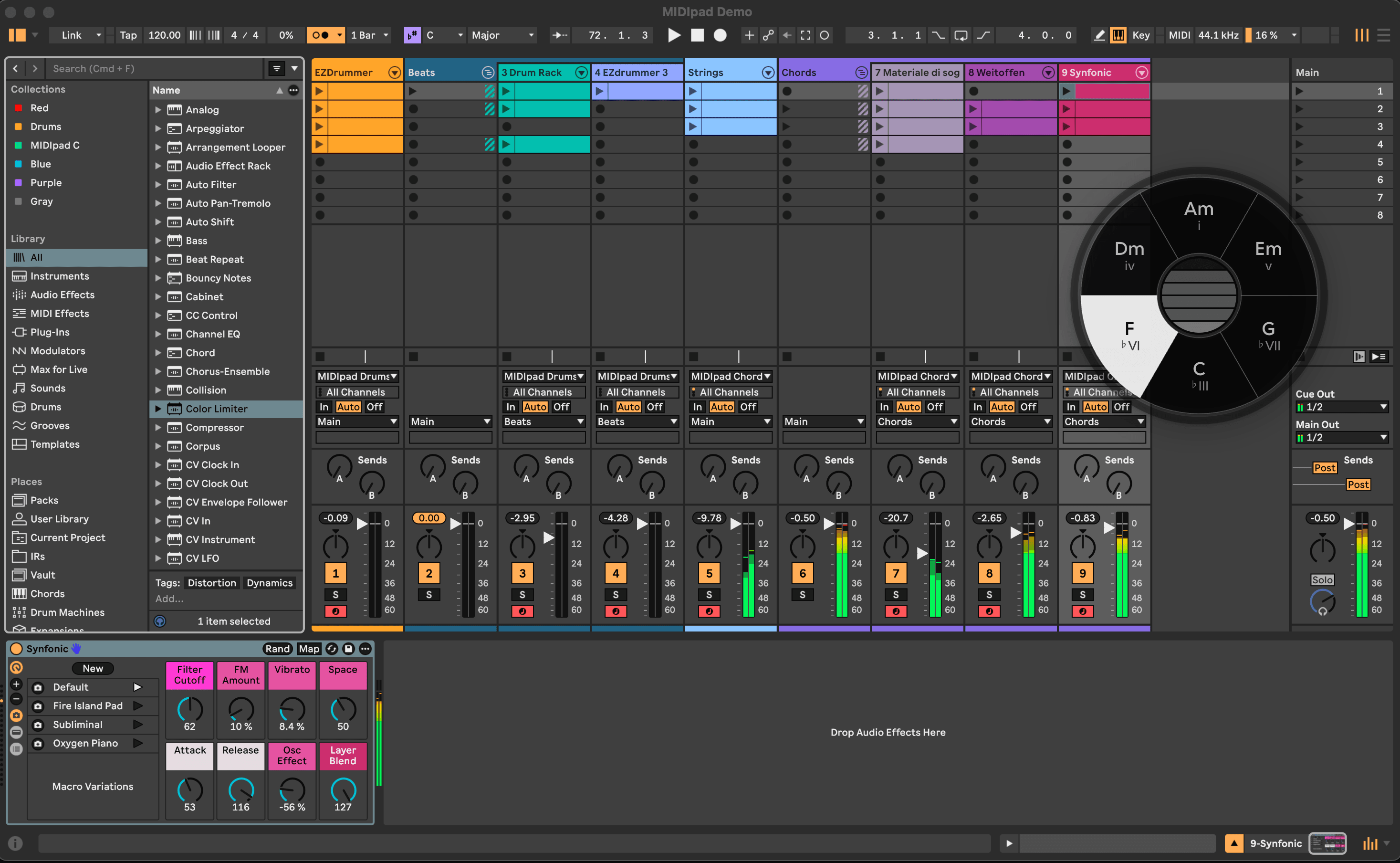
The wheel and the strings float on top of your DAW, so you see what your thumbs are doing while you record.
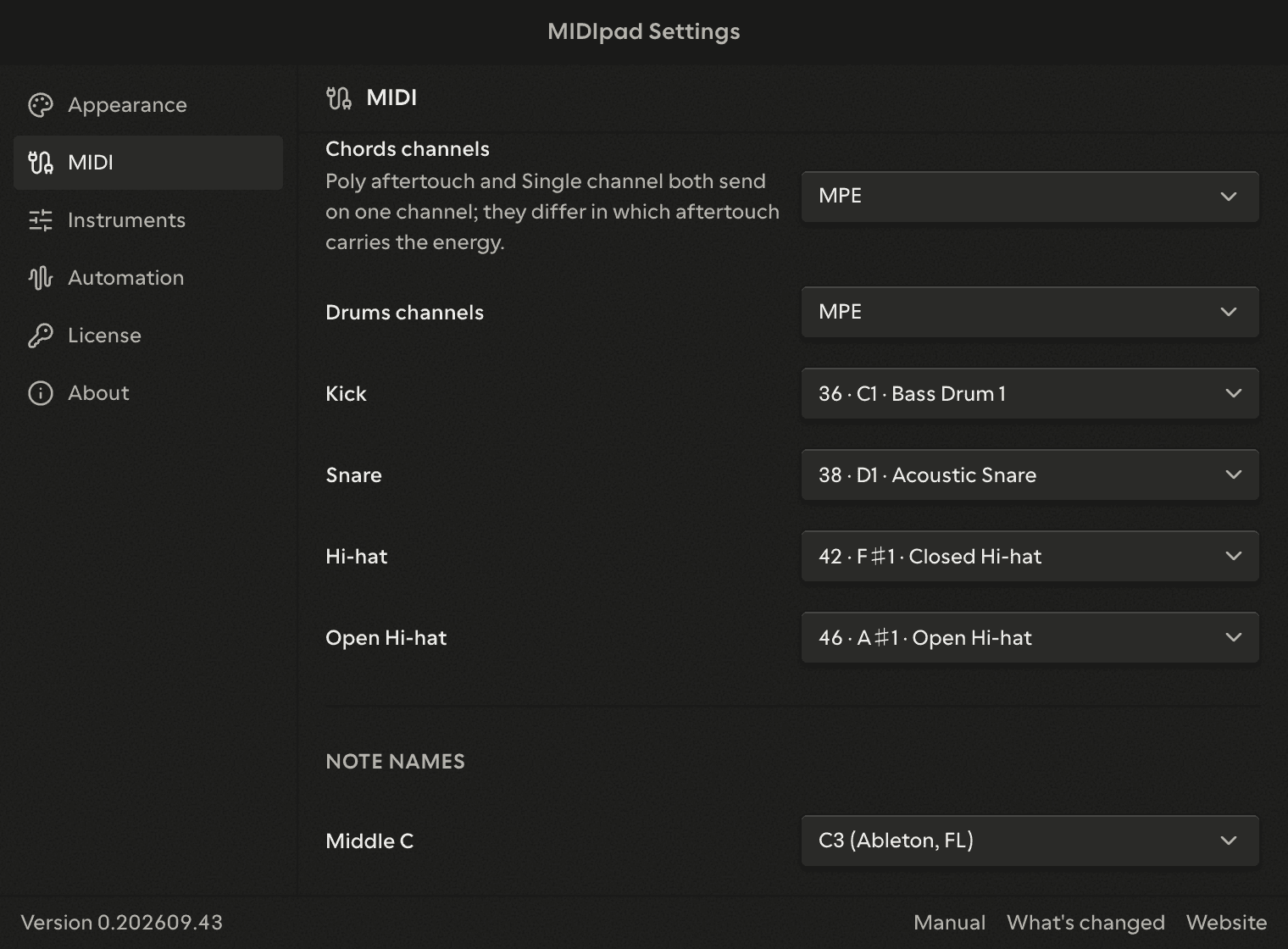
Remap Drums outputs to your favourite software's specific needs.
Buy once and get automatic updates to every new release, every new feature added, whether I've thought of it or not right now.
MIDIpad's only been out for a few weeks, but already people have been saying nice things about it.
“MIDIpad is something else, an instrument with its own harmonic and rhythmic logic, and its chord wheel and stick-controlled drum streams are unlike anything we've come across before.”
“I was surprised how much it feels like a real instrument rather than a simple gamepad-to-MIDI mapper.”
More detail in the manual.
| Free | Paid | |
|---|---|---|
| Both instruments | Minimum outputs | Full outputs |
| Chords output | One channel, notes and velocity | MPE, Multi-channel, Poly aftertouch or Single channel |
| Drums output | General MIDI notes, one channel | Your notes, a channel per drum, MPE and CC outputs |
| The key | Any root, Major as the home face | Any root, Major or Minor as the home face |
| Time signature | 4/4 | Any |
| Character, both instruments | The app's defaults | Your custom settings |
| Themes | Default | All of them |
| Instrument Overlay | - | Included |
| Controller Overlay | Included with demo mode indicator | Included |
| Every future release | Included | Included |
MIDIpad is at version 0.202609.79 - sold before 1.0, while releases are still reshaping it. The changelog records what each one changed.
Releases are steered by what players report, so please get in touch with suggestions, bug reports, or just to say hi. There's also a feedback form in the app itself.
Payments are handled by Polar, our merchant of record. Applicable VAT or sales tax is handled at checkout. Already bought? Your licence key came by email; receipts and invoices are in the customer portal.