Your gamepad is a musical instrument.

More than simply mapping gamepad buttons to MIDI notes or CCs, MIDIpad turns the gamepad you probably already own into two powerful, MPE-capable MIDI controllers: an expressive, scale-aware plucked-string engine and a real-time, gesture-driven drum sequencer.

macOS · Universal Binary

What?

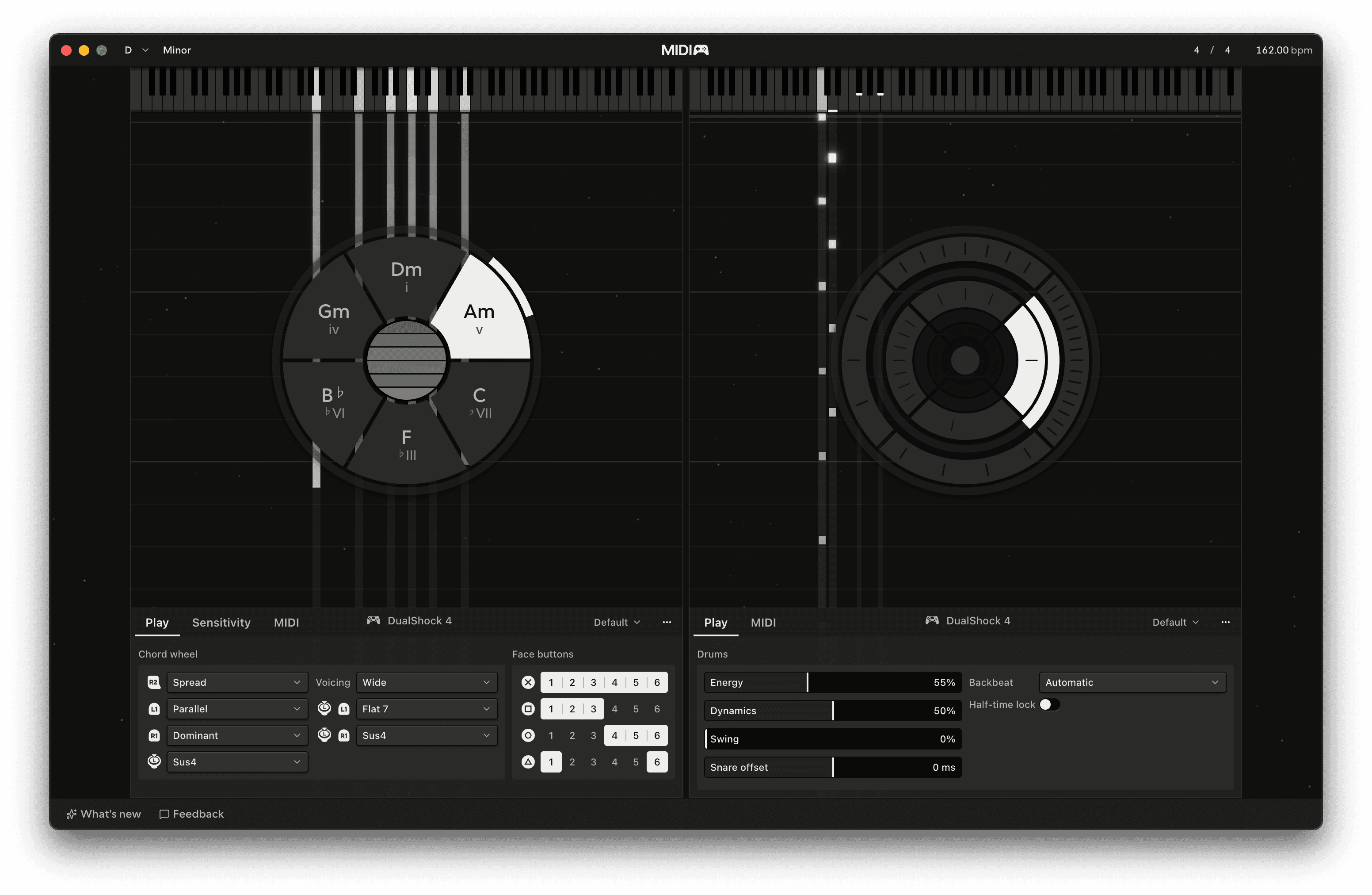
MIDIpad comes with two instruments today: Chords and Drums.

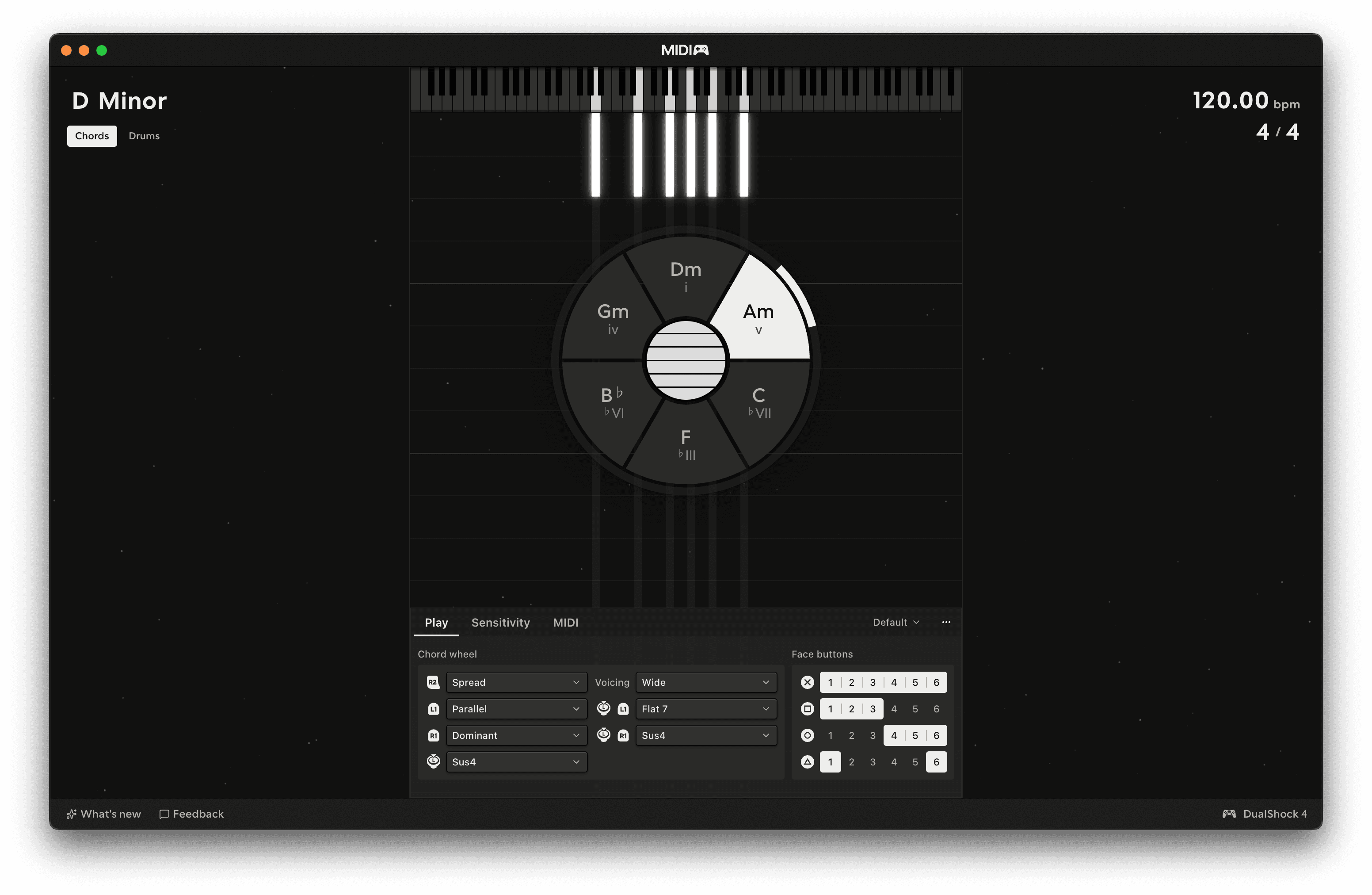
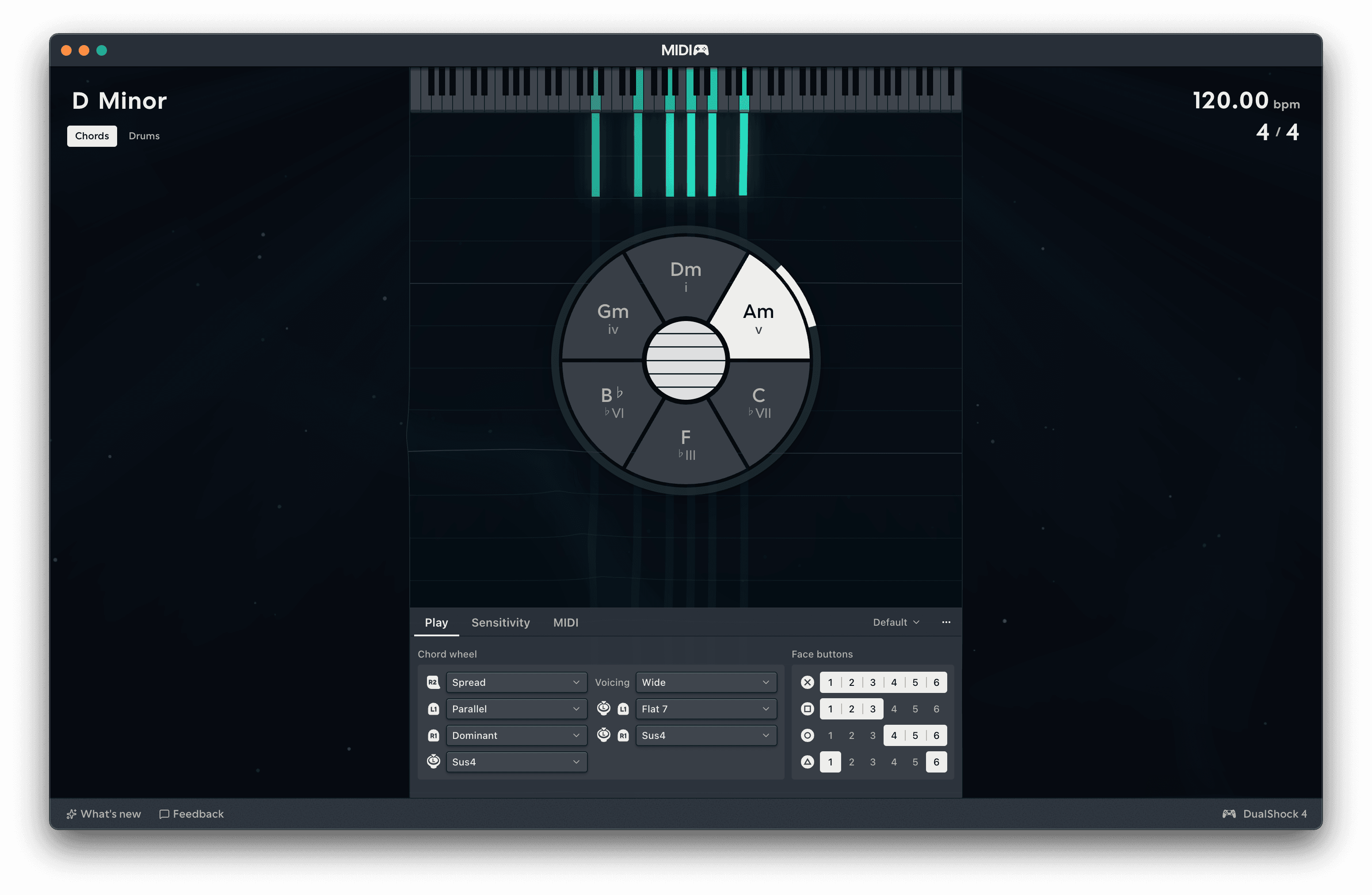
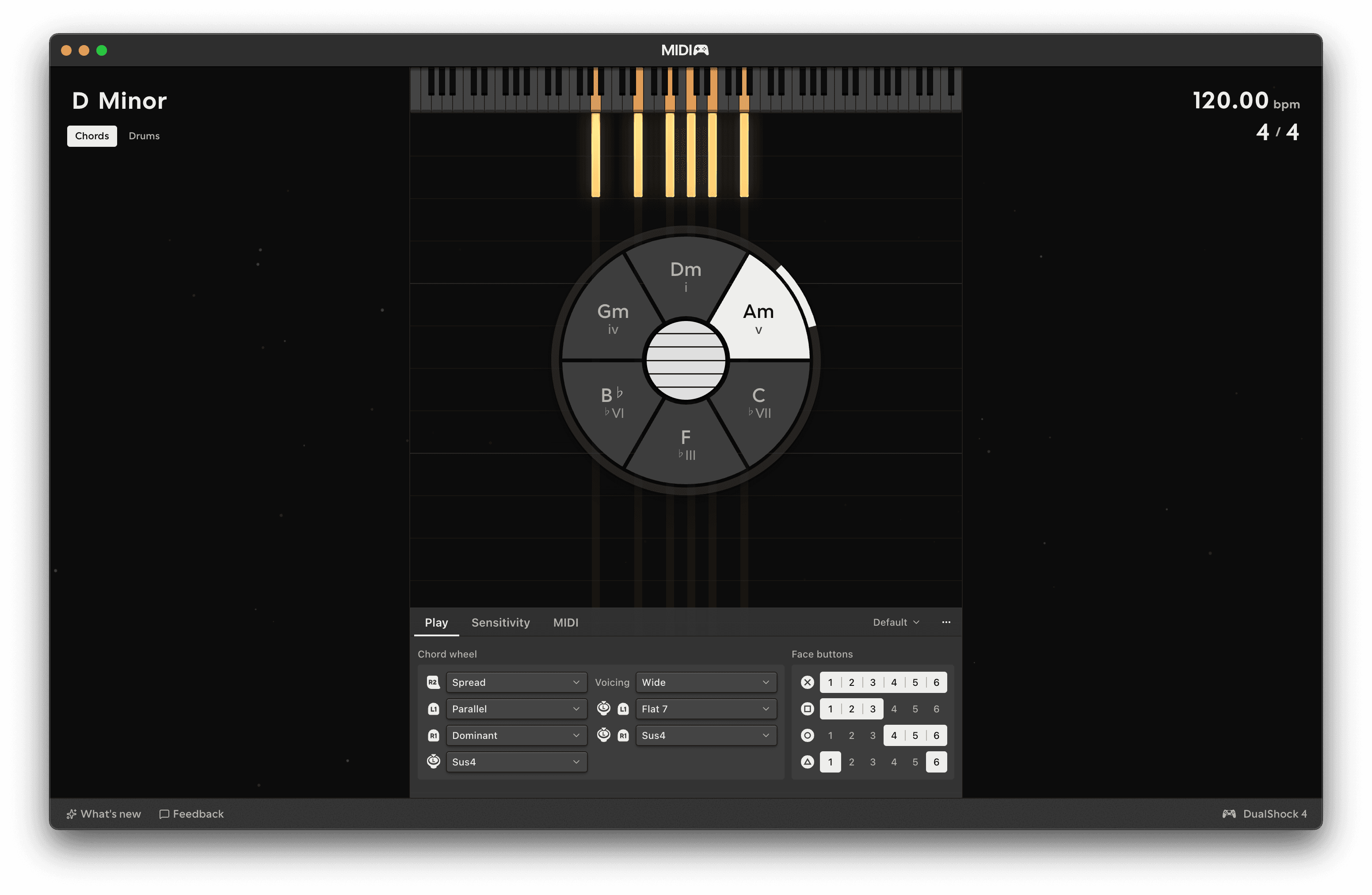
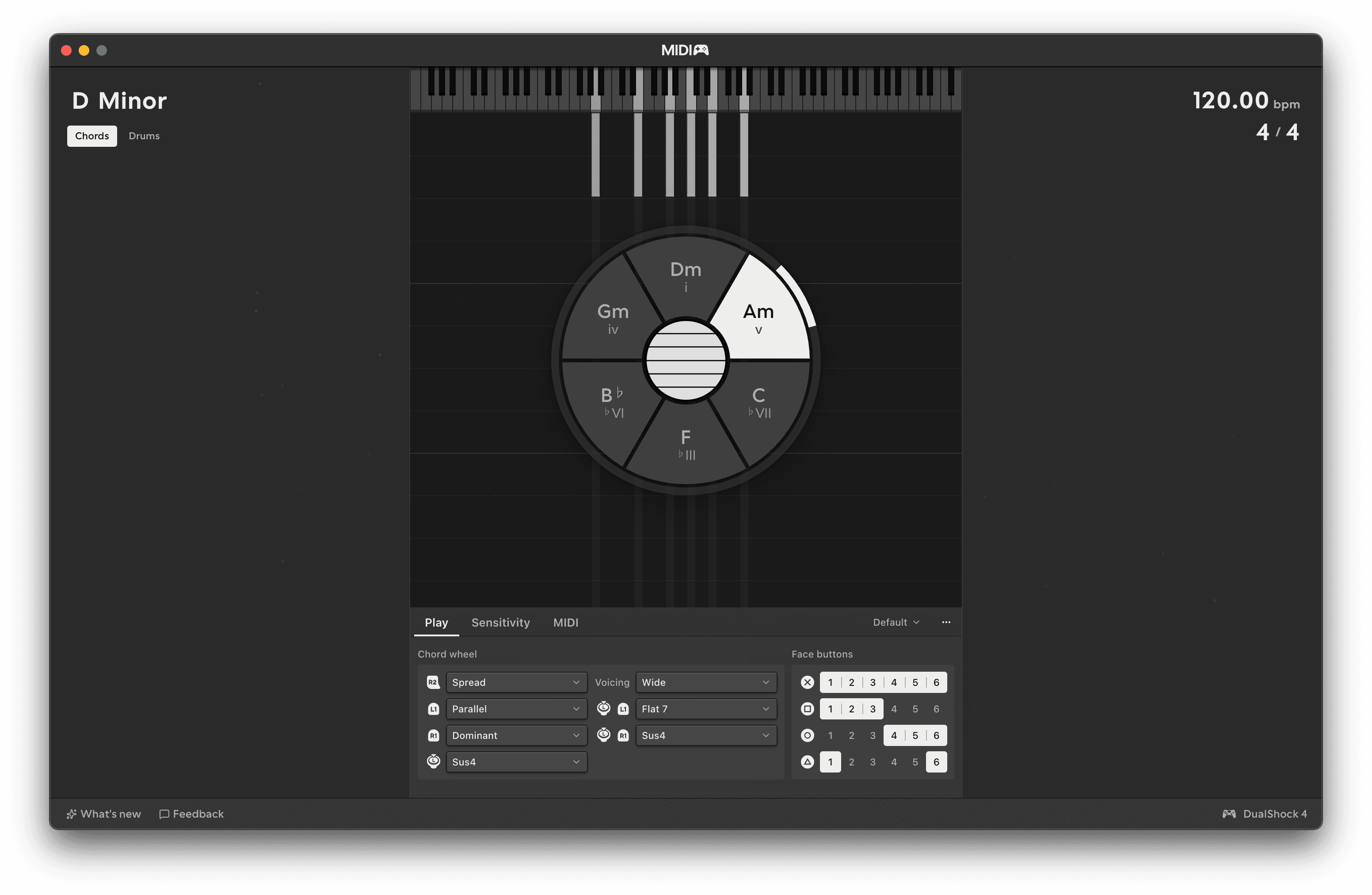
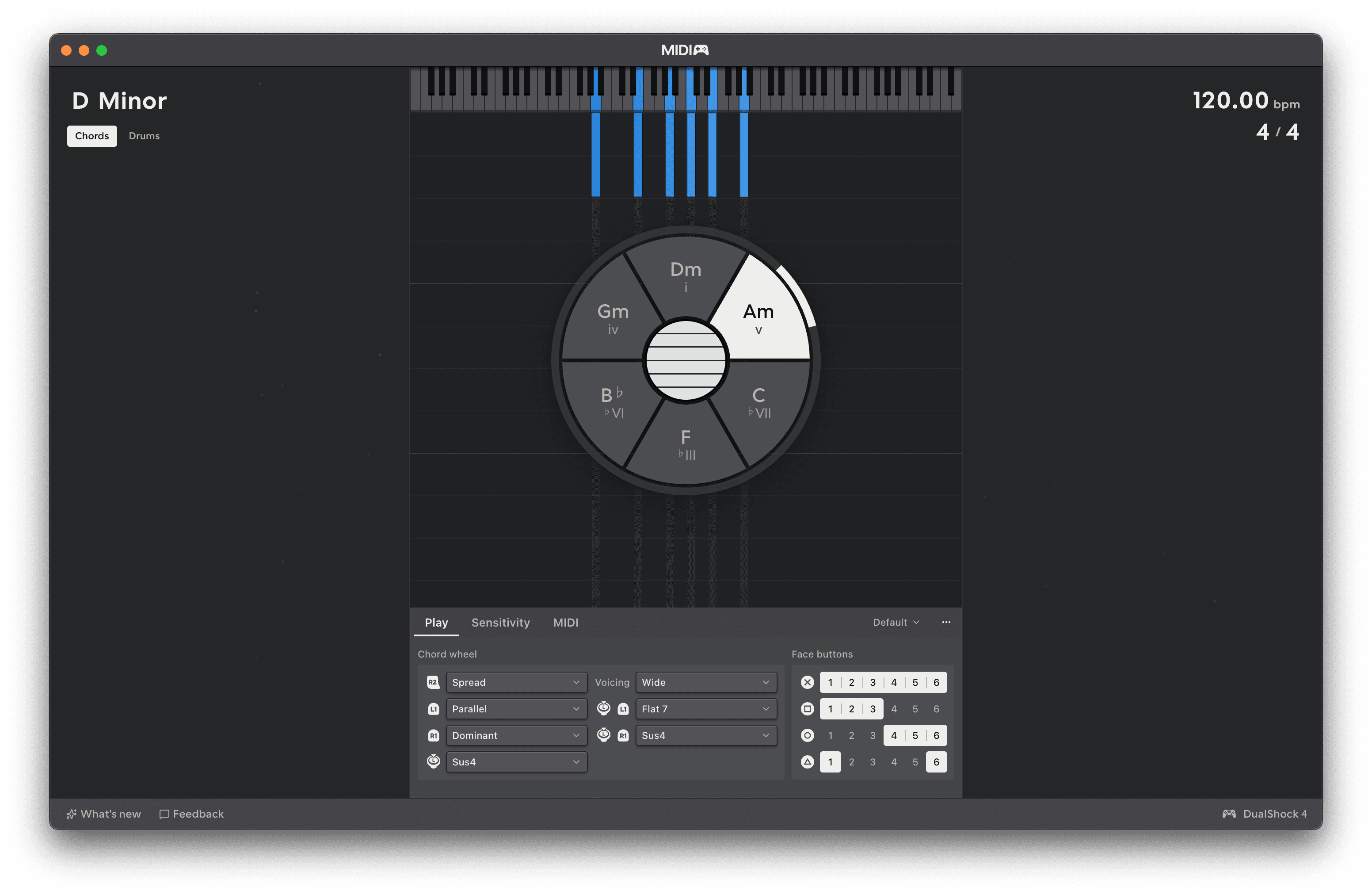
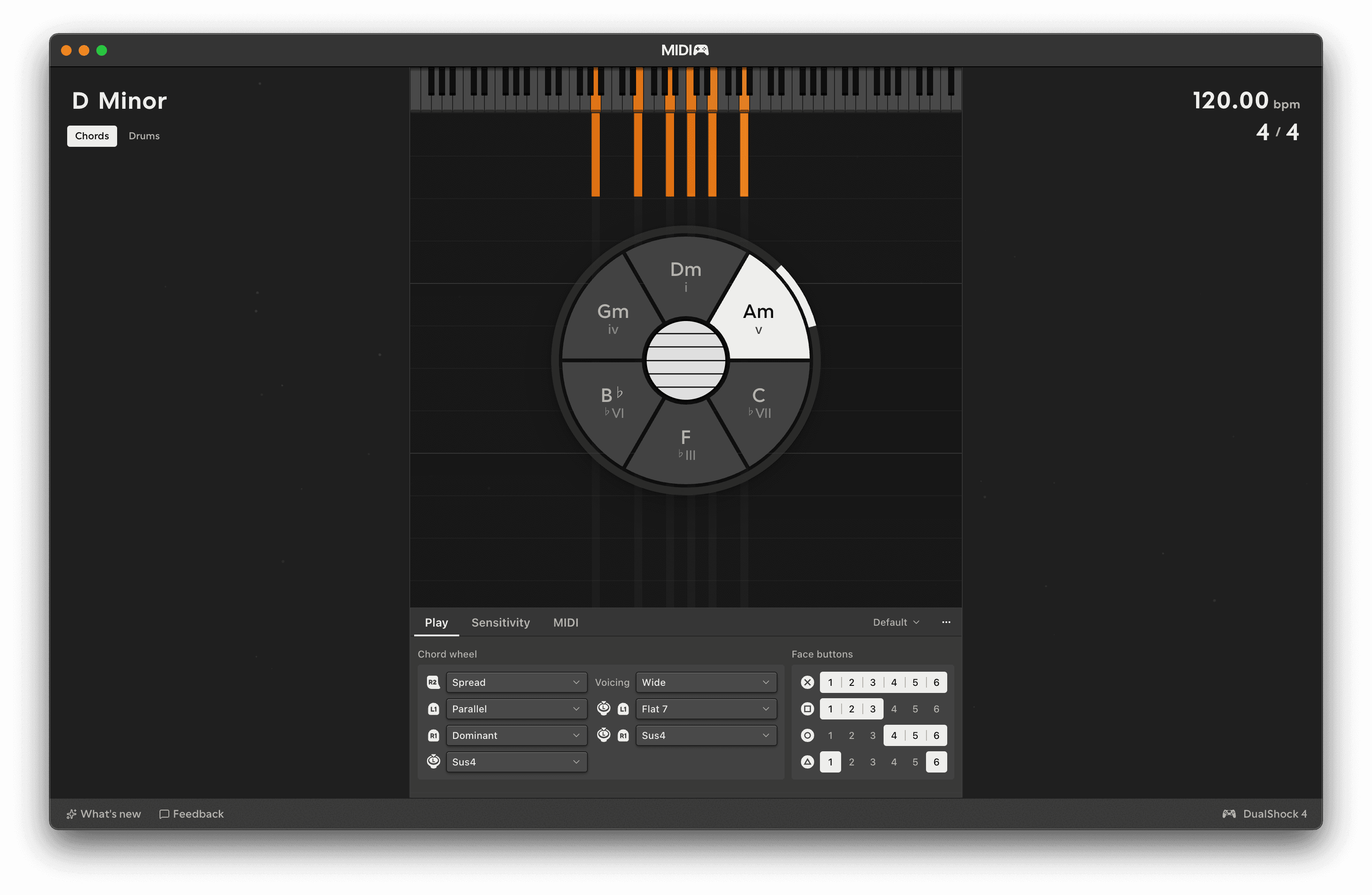
Chords: a scale-aware, beautifully expressive melodic engine.

Despite its apparent simplicity and the fact that it only has six strings, Chords is a versatile instrument controller that works well with a variety of synth and sampler patches. Its internal strings engine convert strummed touchpad or stick gestures into a stream of MPE-encoded notes that cannot clash with one another.

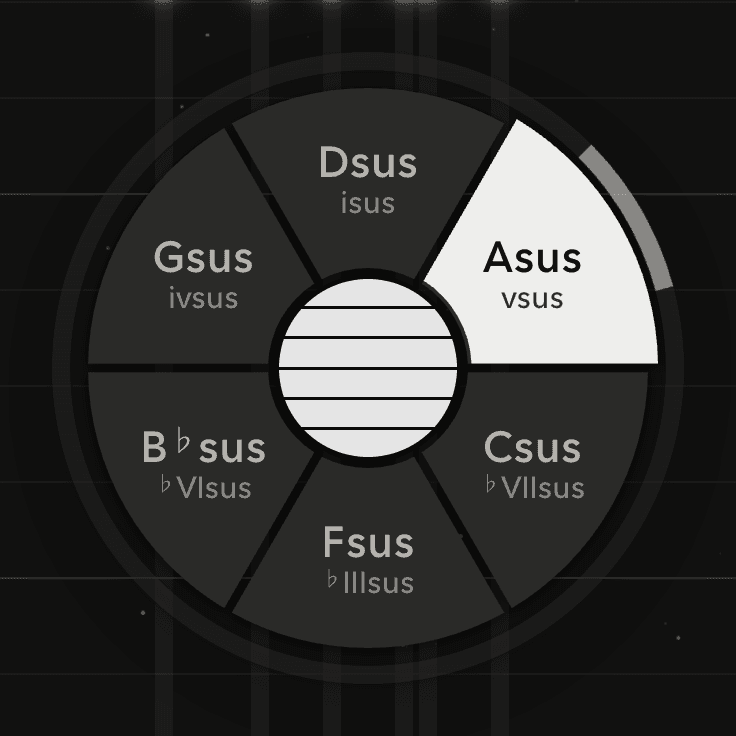
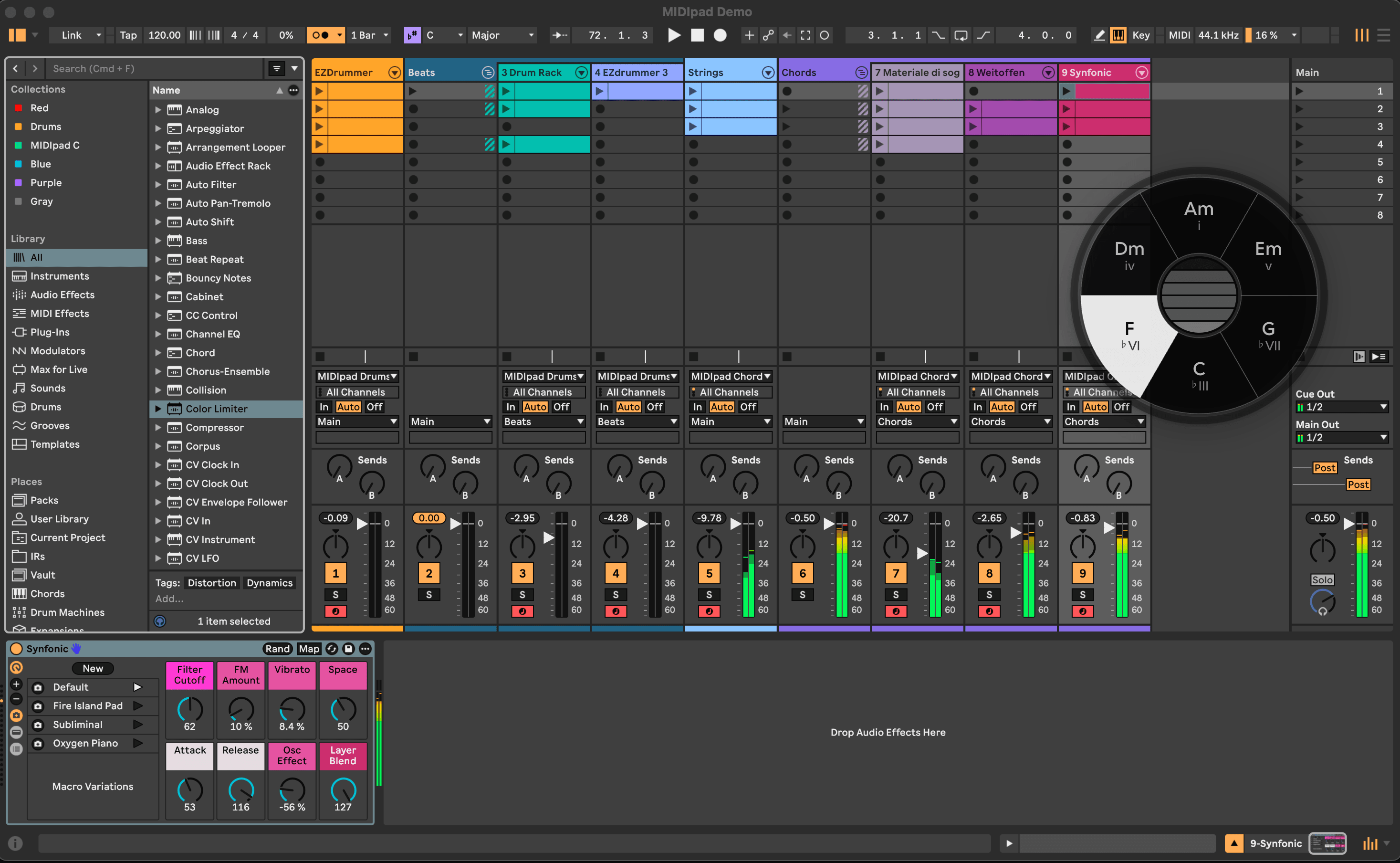
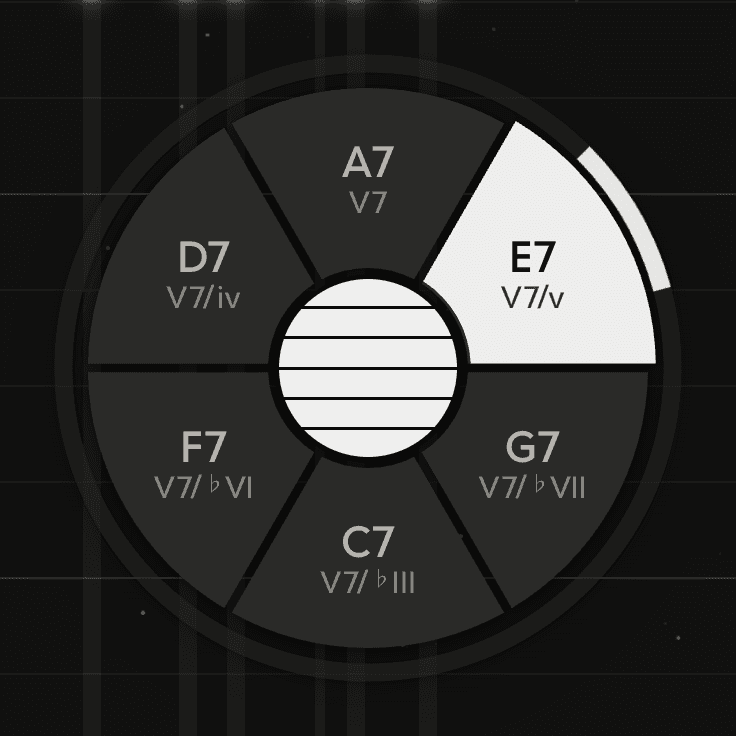
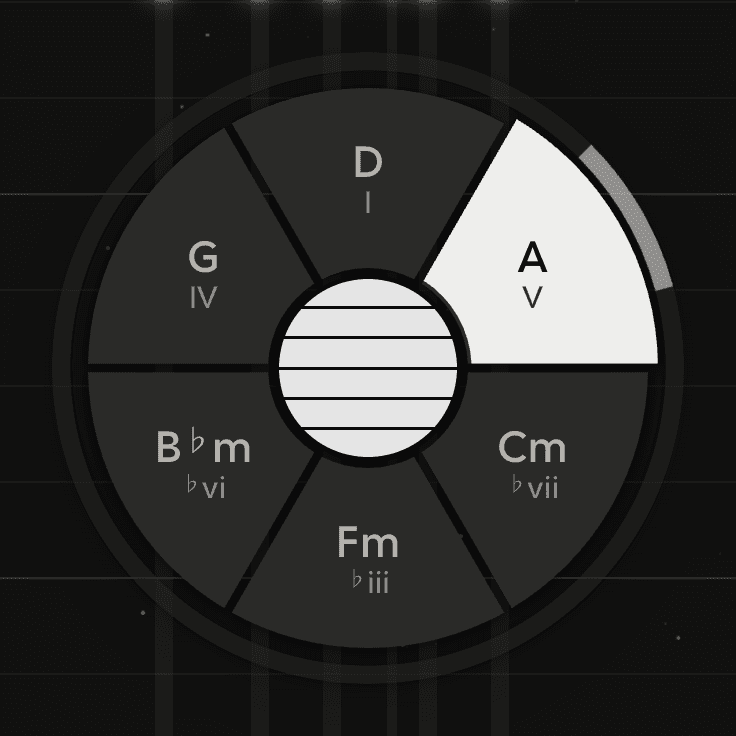
Plucking an already-ringing string silences its previous note when you move chords, making chord progressions fluid and predictable to play. The chord wheel gives you access to a range of chords and combinations that ordinary scale quantisation refuse you, so borrowed chords and dominant-sevenths are only a shoulder-button press away.

More in the manual →
Drums: a gestural groove machine you play like a beat-em-up.

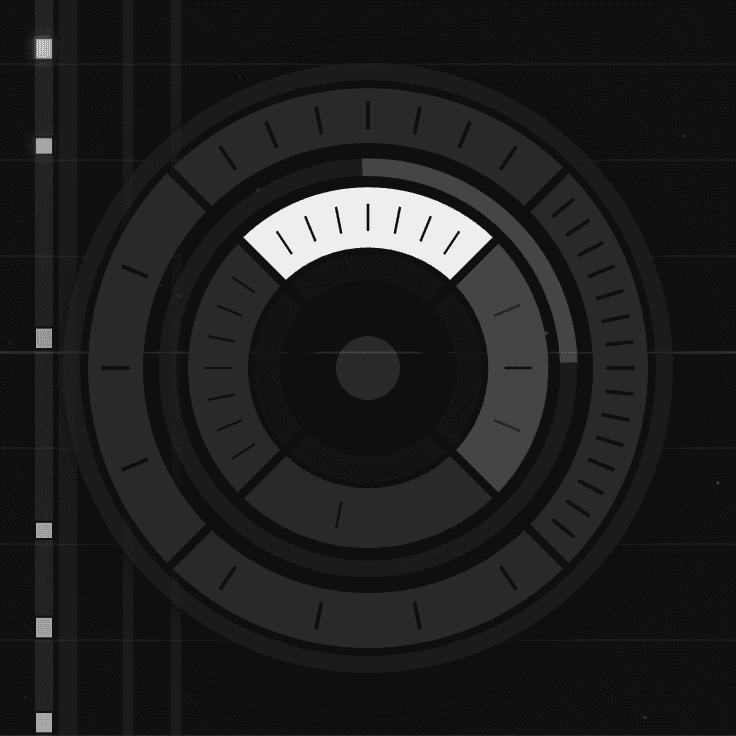
Drums is bloody-mindedly focused on the core three parts of a kit that drive the rhythms of most music: kick, snare, and hi-hat. Its tempo- and meter-aware sequencing engine is nudged and shoved around in real time by the stick directions and button presses, giving you a tactile, physical relationship to the groove, without punishing you for missing a hit.

Play it like a fighting game, mash the sticks and buttons to oblivion - something cool will fall out of it.

More in the manual →
Make it yours.

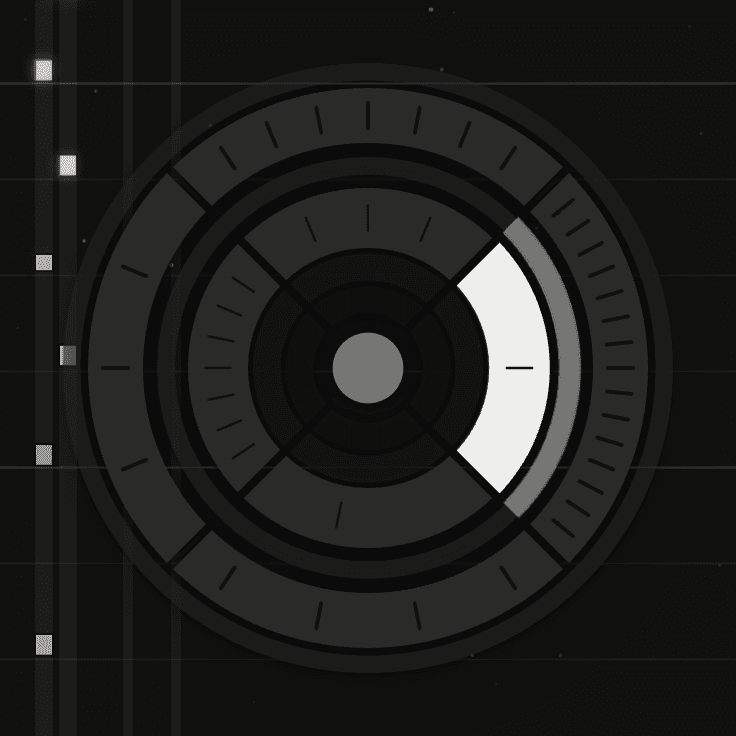
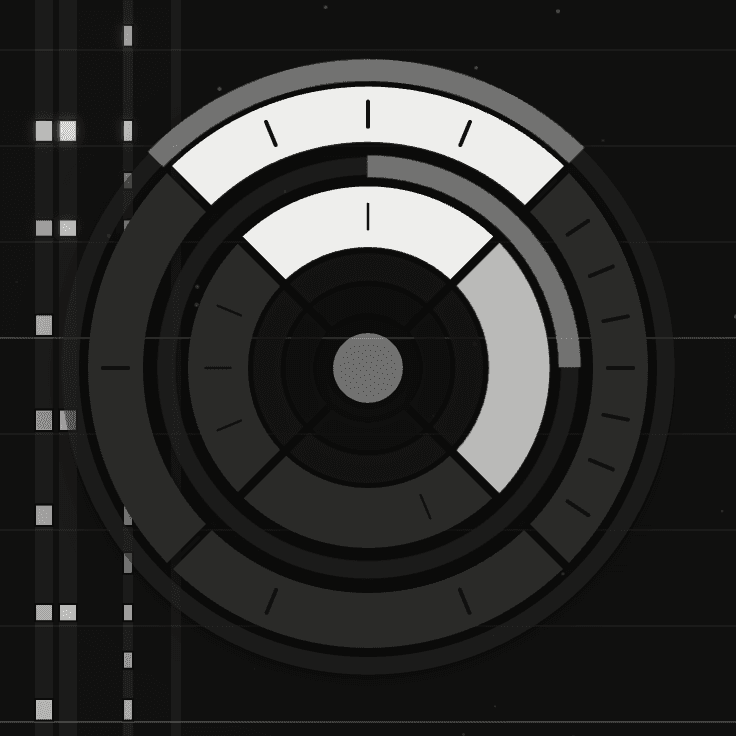
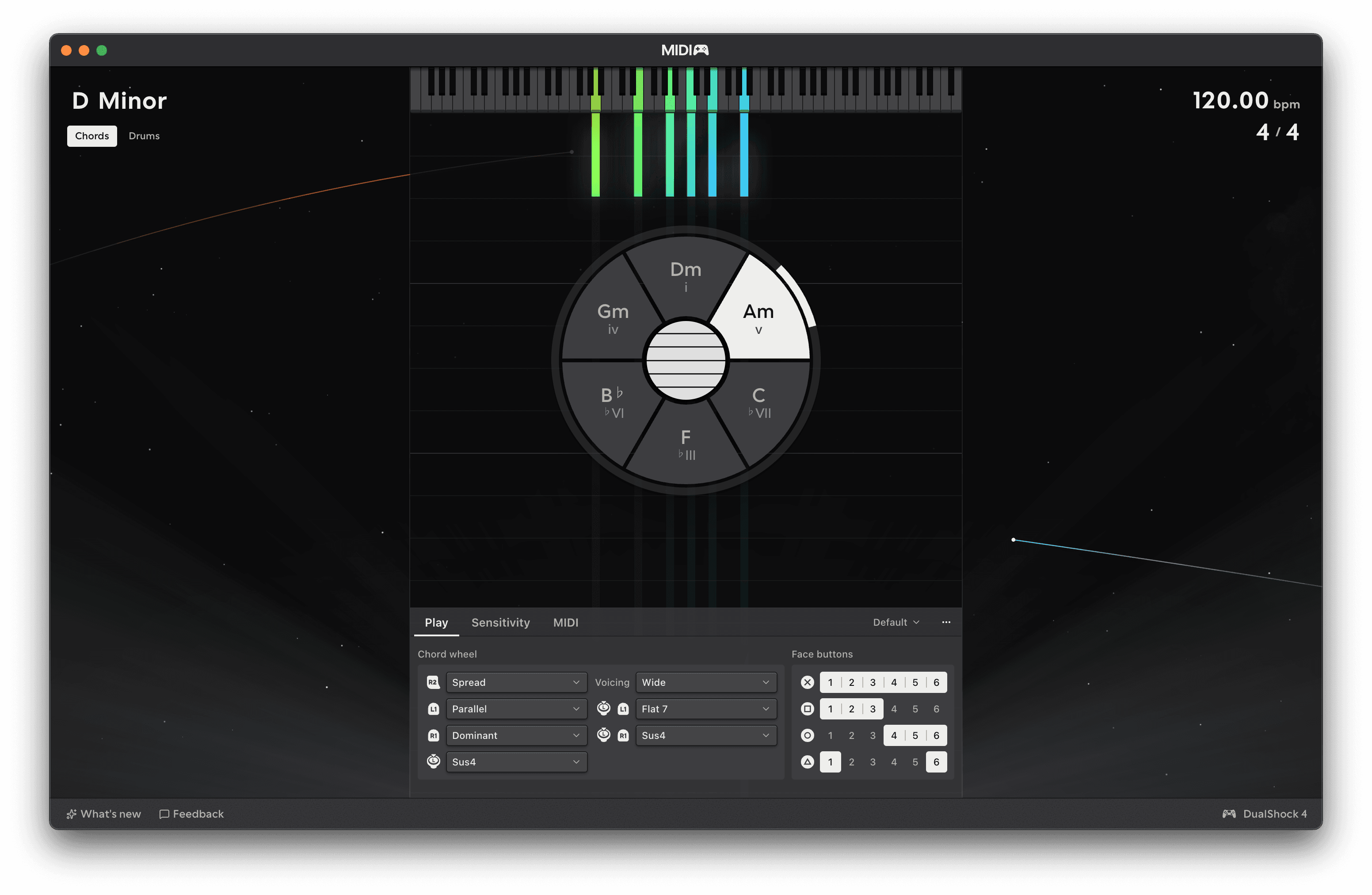
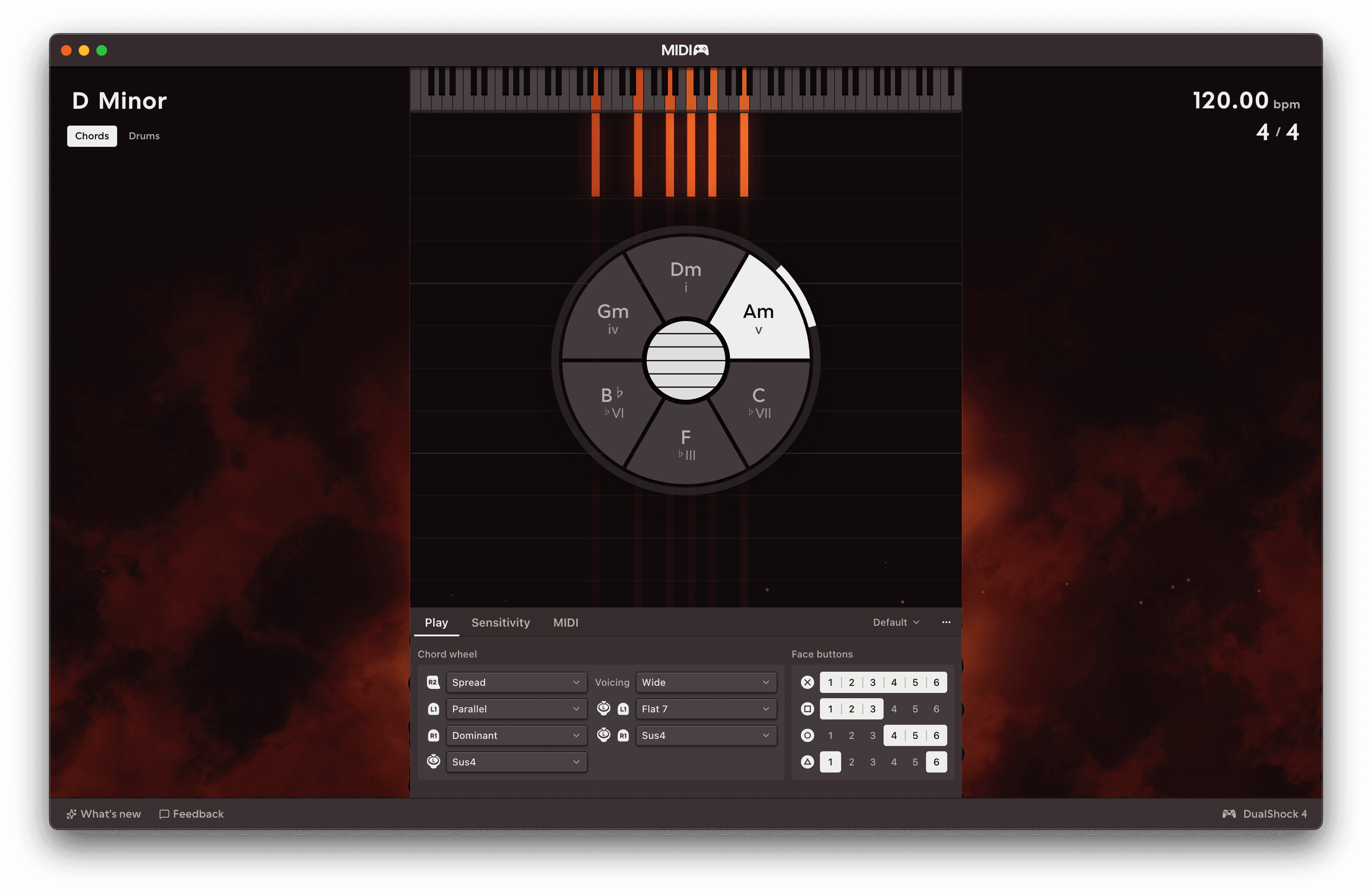
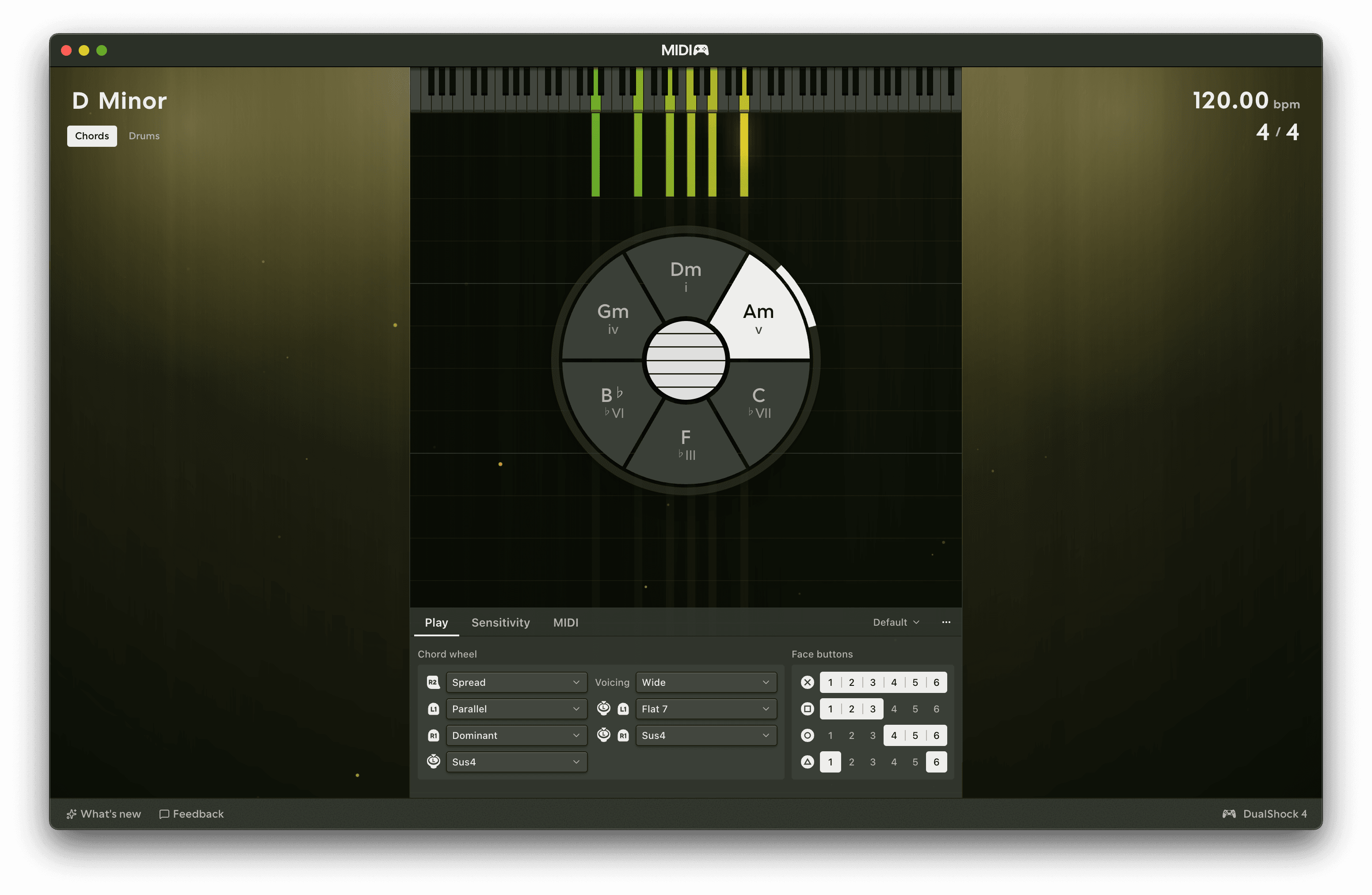
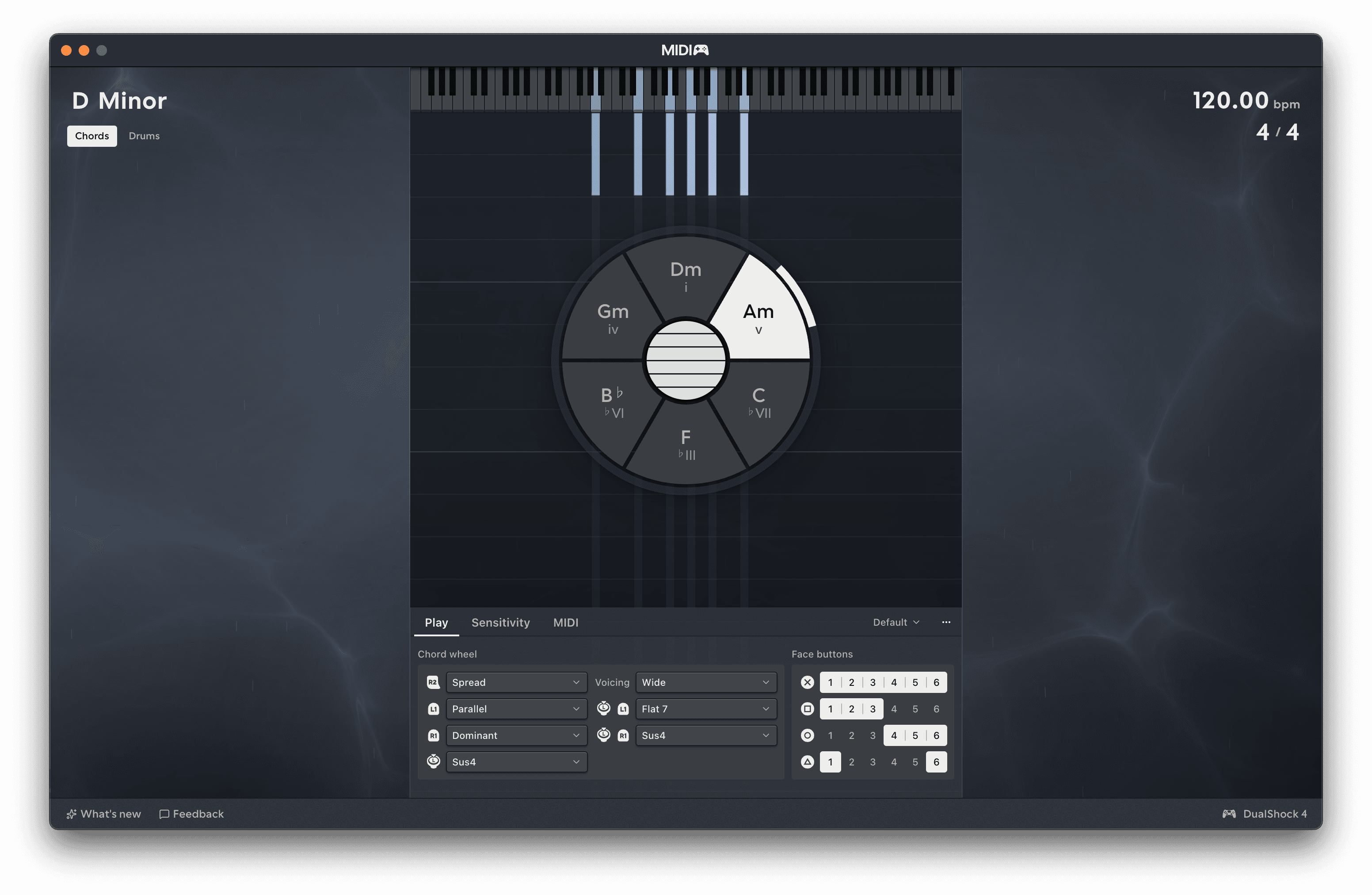
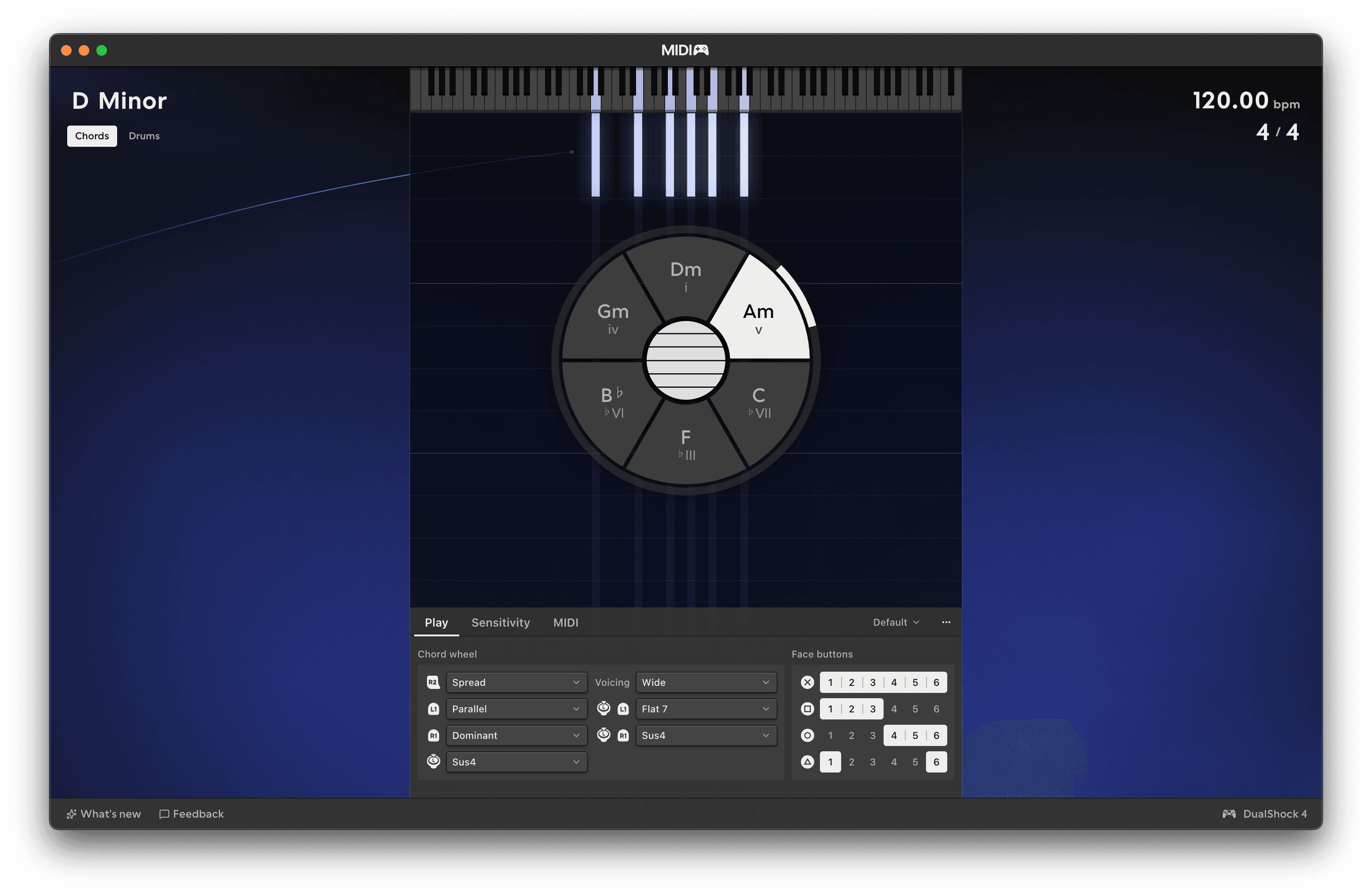
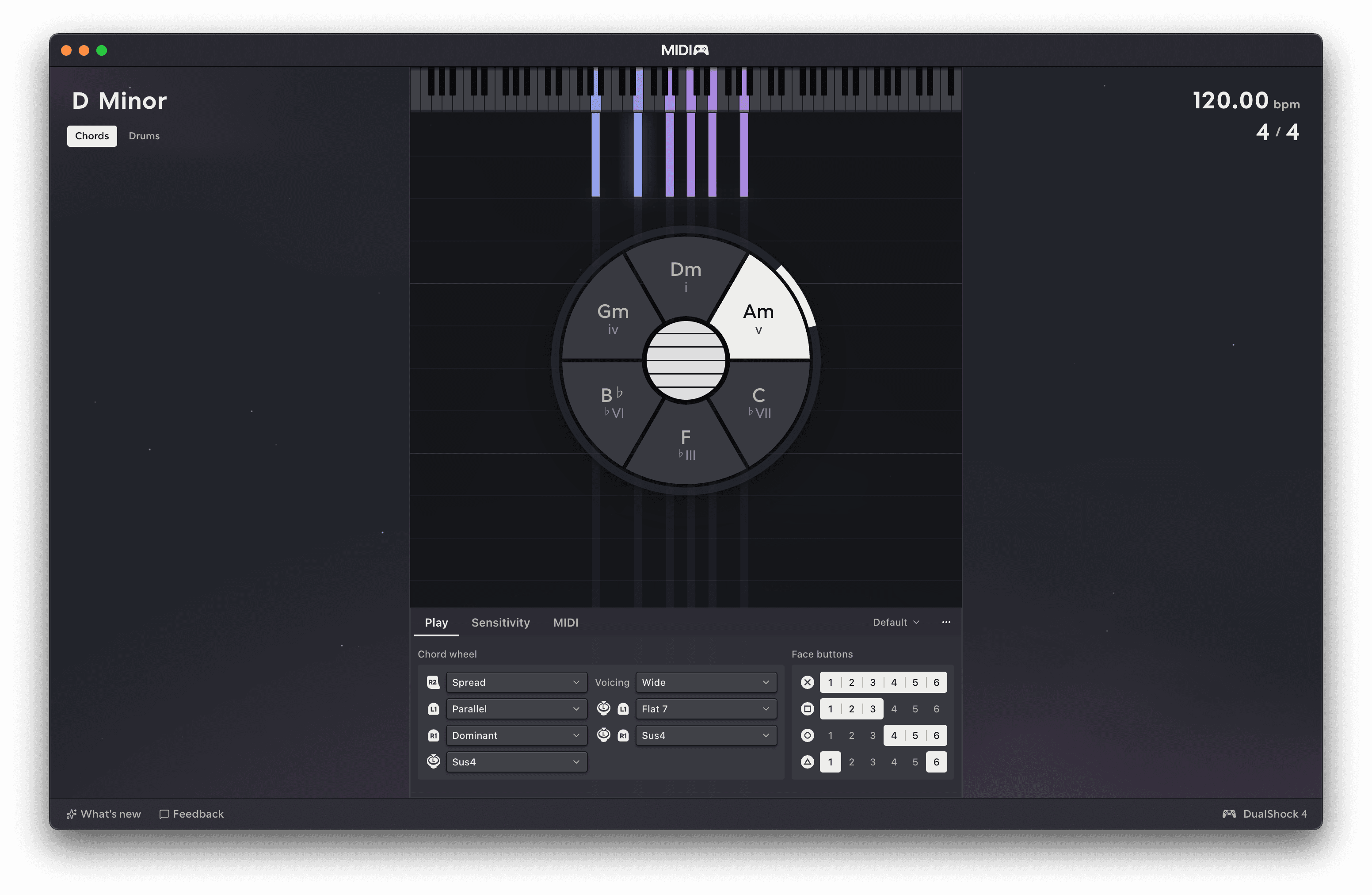
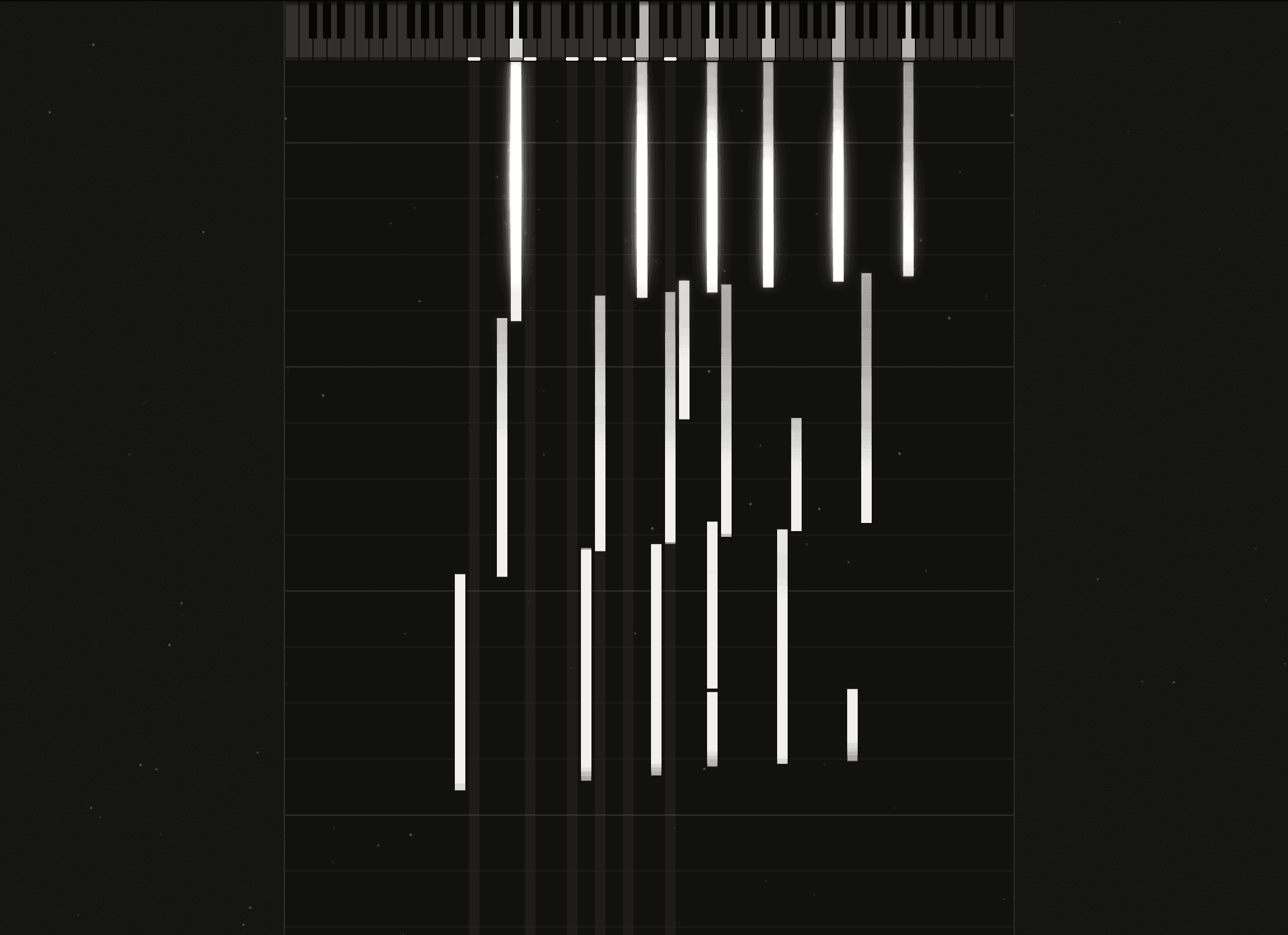
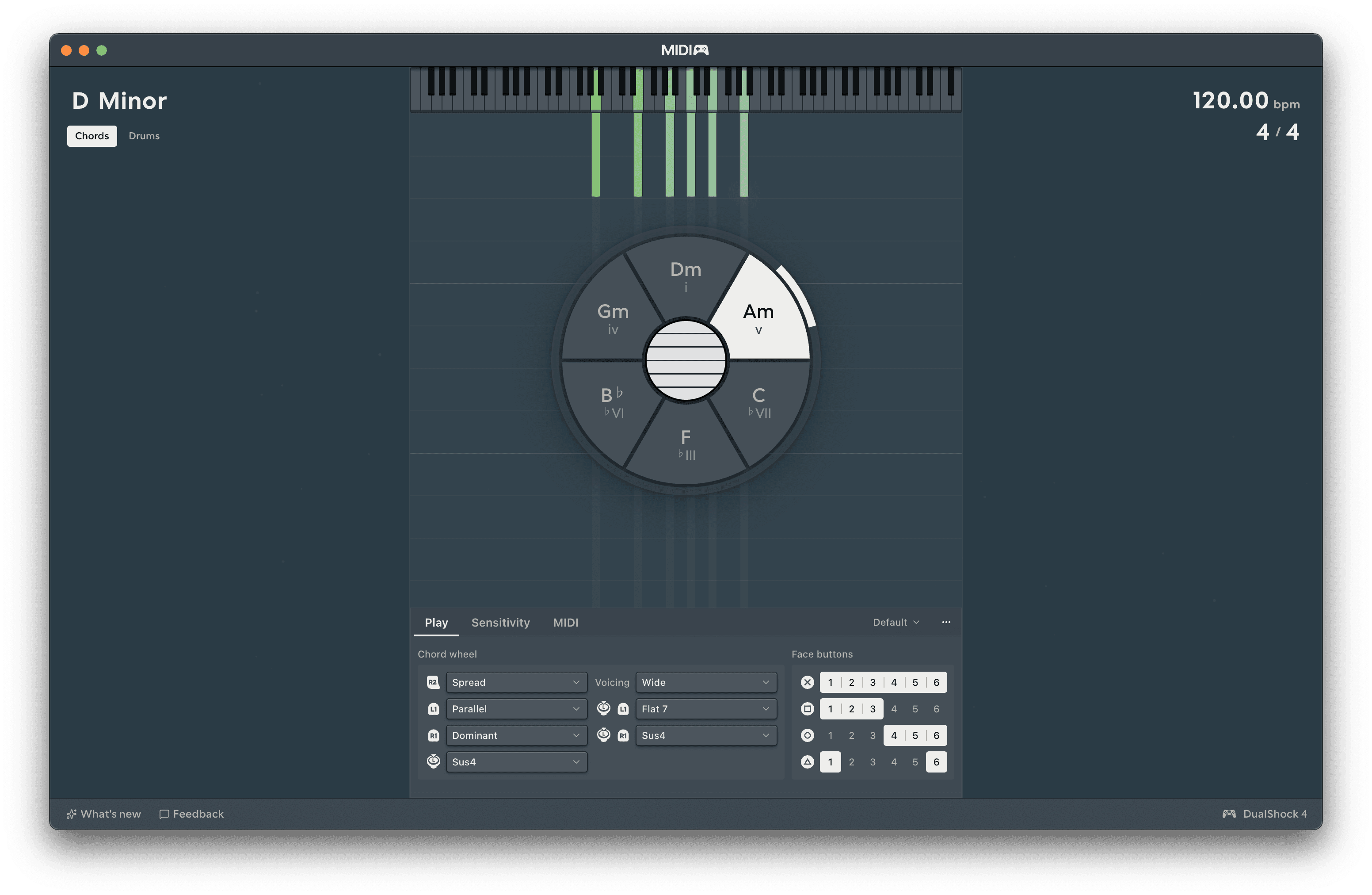
Upgrade to customise MIDIpad's visual style from a growing library of reactive, immersive themes.

MIDIpad in the Space theme, a chord armed and the notes falling
Buy the full version →

For pros and hobbyists alike.

MIDIpad is designed to work with a variety of synths and samplers, from the simple to the complex. Paid users get access to new avenues of expression via MPE and CC outputs, the instrument overlay, deeper instrument customisation, and more.

The Instrument Overlay floating over Ableton Live, a chord armed

Visual feedback, when you need it.

Upgrade to unlock the instrument overlay, so you can see what the instruments are doing while you record. Drag it around and resize it to wherever you like on screen.

More in the manual →
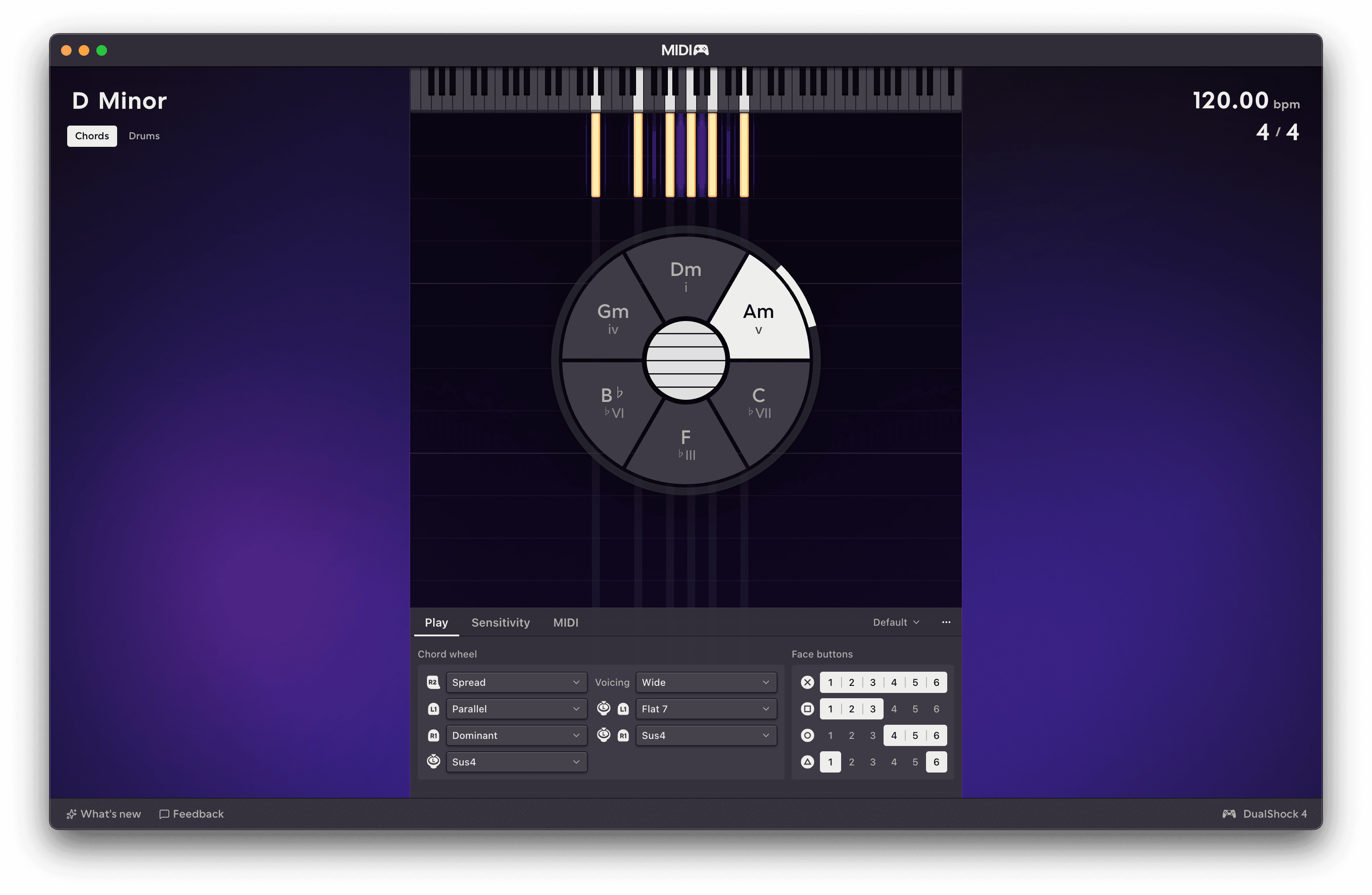
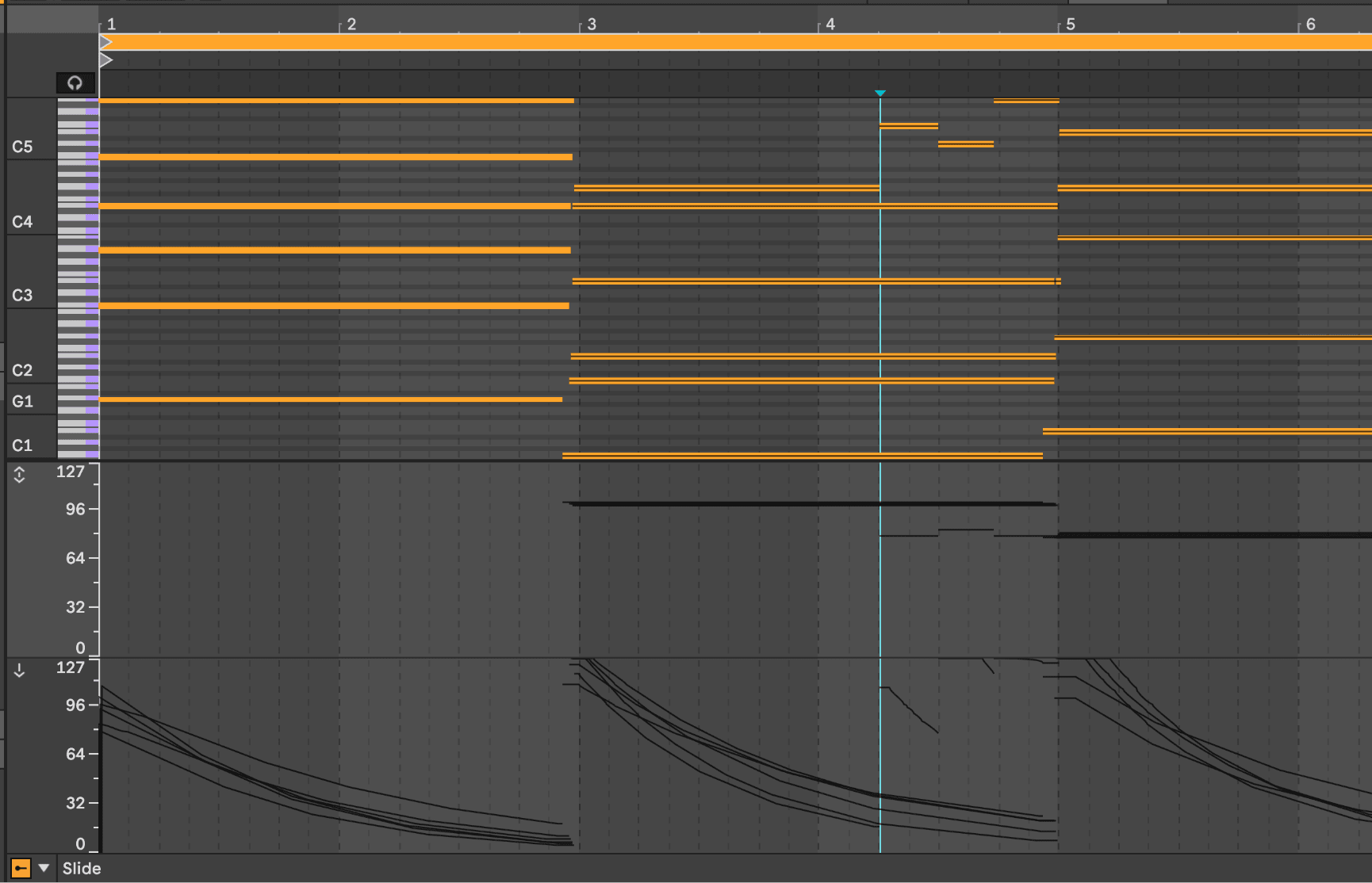
A DAW's per-note expression lanes after a strummed take

A different take on MPE.

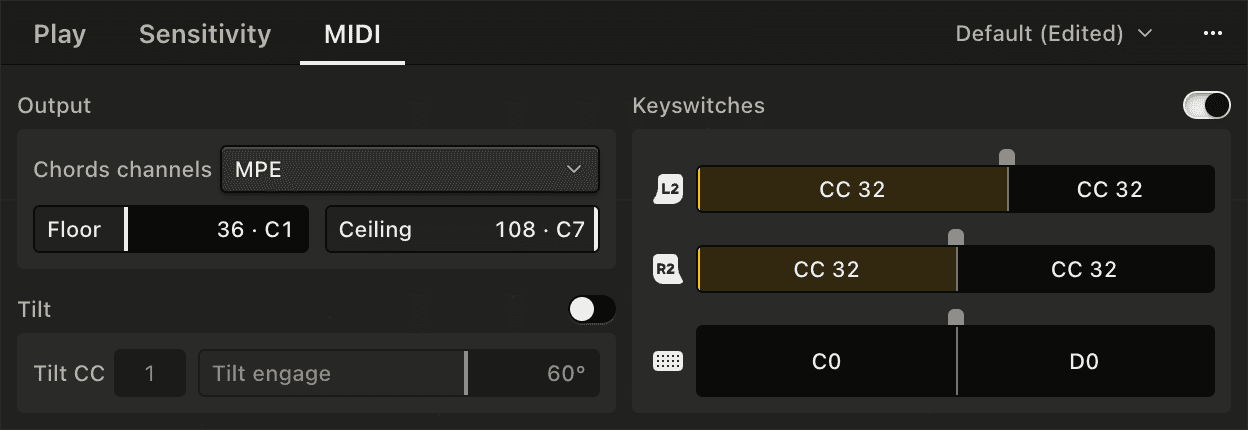
The full version of MIDIpad sends a full range of MPE and CC outputs alongside the notes it plays. Map them to your instrument and effect parameters to pull every ounce of expression out of your gear.

More in the manual →
Don't just take my word for it.

MIDIpad's only been out for a few weeks, but already people have been saying nice things about it.

MIDIpad is something else, an instrument with its own harmonic and rhythmic logic, and its chord wheel and stick-controlled drum streams are unlike anything we've come across before.

I was surprised how much it feels like a real instrument rather than a simple gamepad-to-MIDI mapper.

More on the press page →

Ready to play?

Download it, connect a controller and play both instruments for free, for as long as you like. Upgrade to unlock every feature and support development.

$19 until 1.0 · early access pricing · macOS · Universal Binary