Drums
Not gonna lie, this is kind of addictive.
I’ve long held the suspicion that drum machines were invented by people who were scared of drummers.
These people hit bins with sticks for fun, after all. Many people would be intimidated by that. Much easier to deal with a little grid of sixteen buttons in a row. After all, who can tell the difference? It’s hitting a bin with a stick. It’s not really music. It just goes “thud” in time. A metronome can do that. If it’s thrown with enough force, anyway.
MIDIpad Drums is my love-letter to drummers. It is my jealous desire to hit bins with sticks condensed, and a gleeful acknowledgement that I cannot make hitting a bin with a stick sound musical, no matter how hard I try.
But I still want to.
Drums is the weirder side of MIDIpad. The left stick plays the hi-hat and the right stick plays the kick, and the snare backbeat kicks in when the sticks are fully pushed to their edges or by pulling R2. Underneath that, the four buttons under your right thumb put the kick in specific places, the d-pad plays cymbals in place of the hi-hat, and the touchpad plays the toms. Point a stick to start a rhythm. The direction sets the rhythm, and letting go stops it.
Drums sends on the MIDIpad Drums port. Out of the box it sends standard General MIDI percussion, so any GM-mapped drum kit works without you configuring anything. See Set up your DAW.
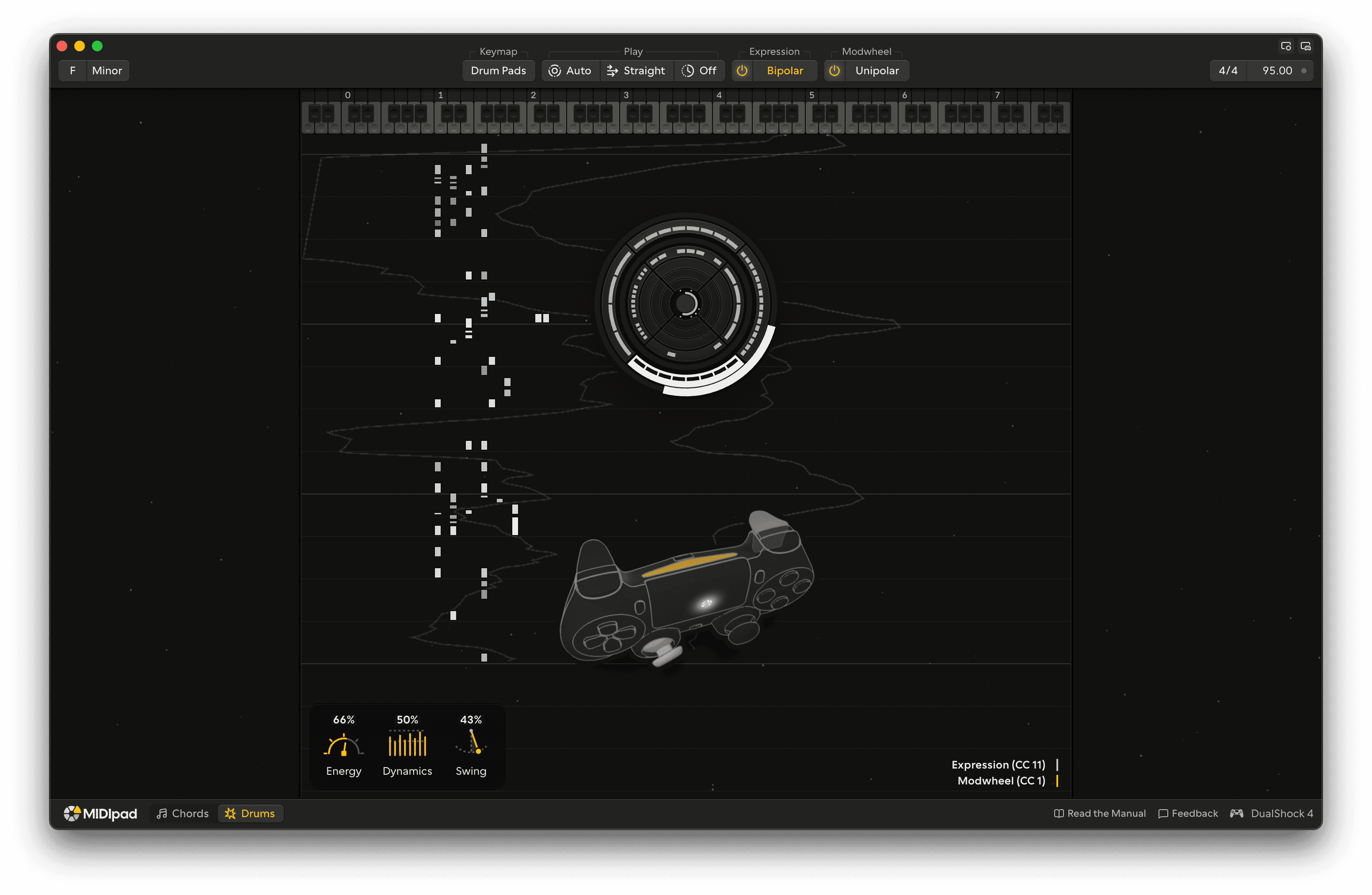
At a glance
Starts a hi-hat rhythm. The direction you point picks which one.
Starts a kick rhythm. The direction picks which one.
Push all the way out and the snare joins in on the backbeat. Or set Snare to On R2 and it's on the right trigger instead.
Hold for a rolled, ratcheting hi-hat, for accents and fills.
Hold for a busier kick, a double-kick push for accents and fills.
Hold for half-time, with the snare on the 3. When the Half-time setting is on, hold for normal time.
Hold to play everything in triplets. When Feel is set to Triplet, hold to play straight.
Four fixed kick placements, one per button. Hold one and its kick comes in, in time. They follow half-time and triplets. I don't recommend trying to finger drum with this.
Hold a direction for the ride, its bell, the crashes or the china, in place of the hi-hat.
Hold while the hi-hat plays to open it on the offbeats. The deeper you pull, the wider it opens. Let go and the pedal closes it.
Plays the backbeat, busier as you pull
Plays the snare on the backbeat, whichever way Snare is set. Pull further for extra snare hits around it, and all the way in for a roll.
Touch the pad to play the toms, with the kick under them. The higher your finger, the busier they get, and left to right goes from the high toms to the low ones. Hold R2 to bring the snare in, pull L2 for cymbals, and press the pad down in its lower half to play all four toms with more kicks, or in its upper half for a roll. Lift your finger and they die away.
Switch instrument
Chords or Drums.