Changing the character
Because you've got opinions.
Everything about how Chords plays is on the Chords panel at the bottom of the main window, across three tabs. Double-click any slider or number to put it back to its default.
Play
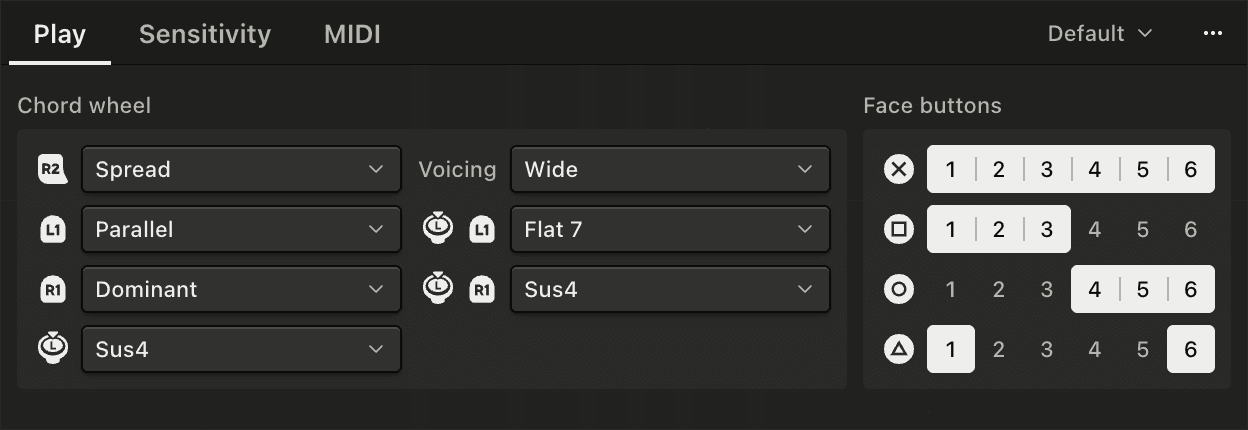
| Control | What it sets |
|---|---|
| Stretch | How pulling the right trigger moves the strings: Spread, Inversions or Rooted. See Stretching the chord |
| Voicing | How the chord is spread across the strings. Wide, the default, is essentially a mutant barre chord with the root on the bottom string. Close keeps the notes closer together, acting a little bit like a keyboard player's hands. Neither is "better" than the other, they just have different use-cases. |
| L1 visits, R1 visits | Which set of chords each shoulder button brings up. See Finding more chords |
| L3 on Home, L3 on L1, L3 on R1 | What holding the left stick in adds on each wheel. See Finding more chords |
| Face buttons | Which strings each of the four buttons plays. See Strumming |
Sensitivity
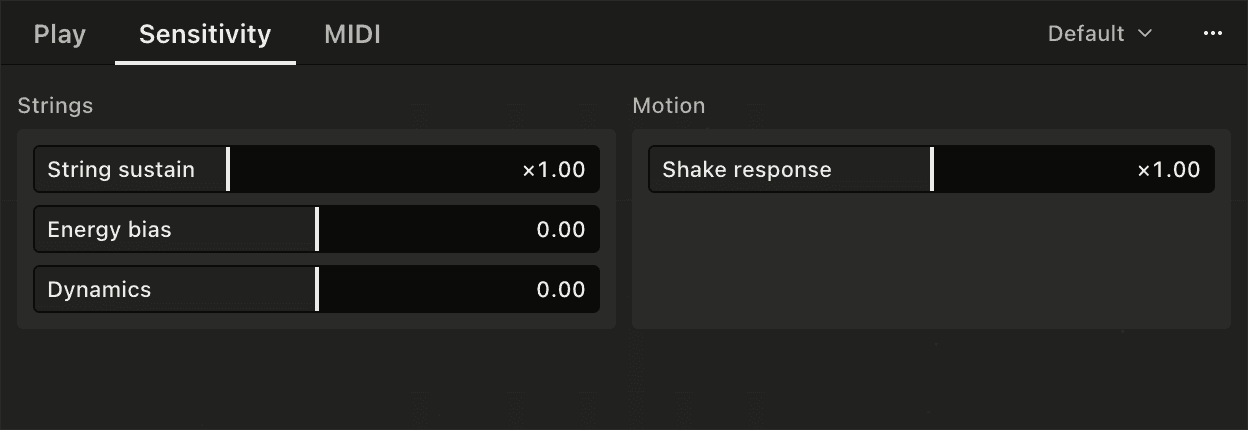
| Control | What it sets |
|---|---|
| String sustain | How fast energy drains, which is how long a note lasts. Most of the slider runs from a quarter of the natural time to double it. The top few notches step through much longer times, then ∞, where energy never drains and only the trigger ends a note |
| Energy bias | Positive holds the low strings longer, negative the high ones |
| Dynamics | How much a slow swipe sends, in velocity and energy. Positive brings the slow swipes up, negative widens the gap between slow and fast. See Strumming |
| Shake response | How much a shake feeds the ringing strings. At zero the shake is off - see Shake and tilt |
MIDI
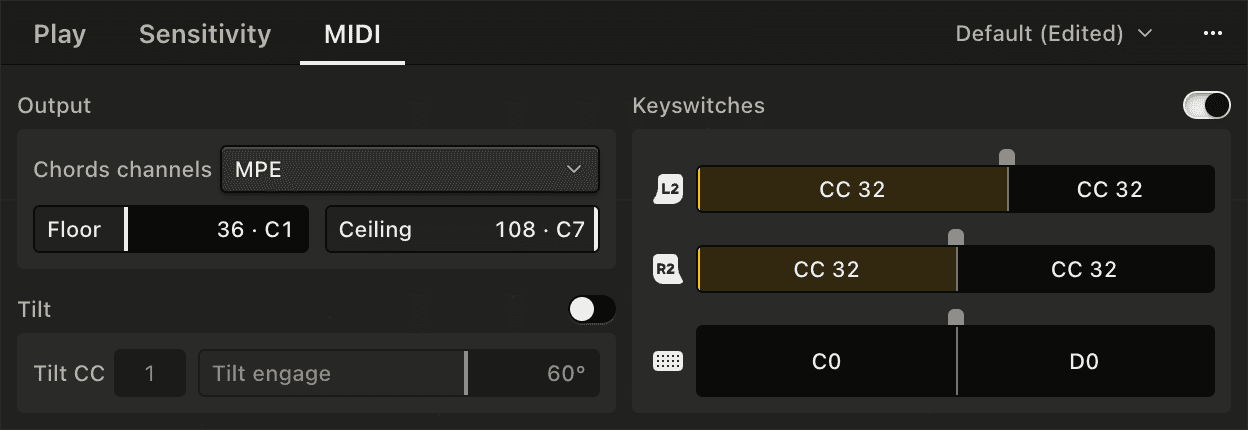
| Control | What it sets |
|---|---|
| Chords channels | MPE, Multi-channel, Poly aftertouch or Single channel. See MIDI and MPE |
| Floor | The lowest note of the chords, C1 to C4. C2 is the default |
| Ceiling | The highest note the stretch can reach, C5 to C8. C8 is the default |
| Tilt | Rolling the pad on its side sends a CC. Off by default. See Shake and tilt |
| Keyswitches | Notes or CCs sent as L2, R2 or your finger on the touchpad moves into a zone. See Keyswitches |
If stretching the chord takes your patch out of its range, bring Ceiling down.
Presets
The menu at the top of the panel saves everything on it as a preset, so you can keep a setup for each synth or sampled instrument you play. The ⋯ button beside it has Save, Save As…, Rename…, Delete, Import… and Export…. A preset you've changed since loading it shows (Edited) until you save it. Default has the original settings.
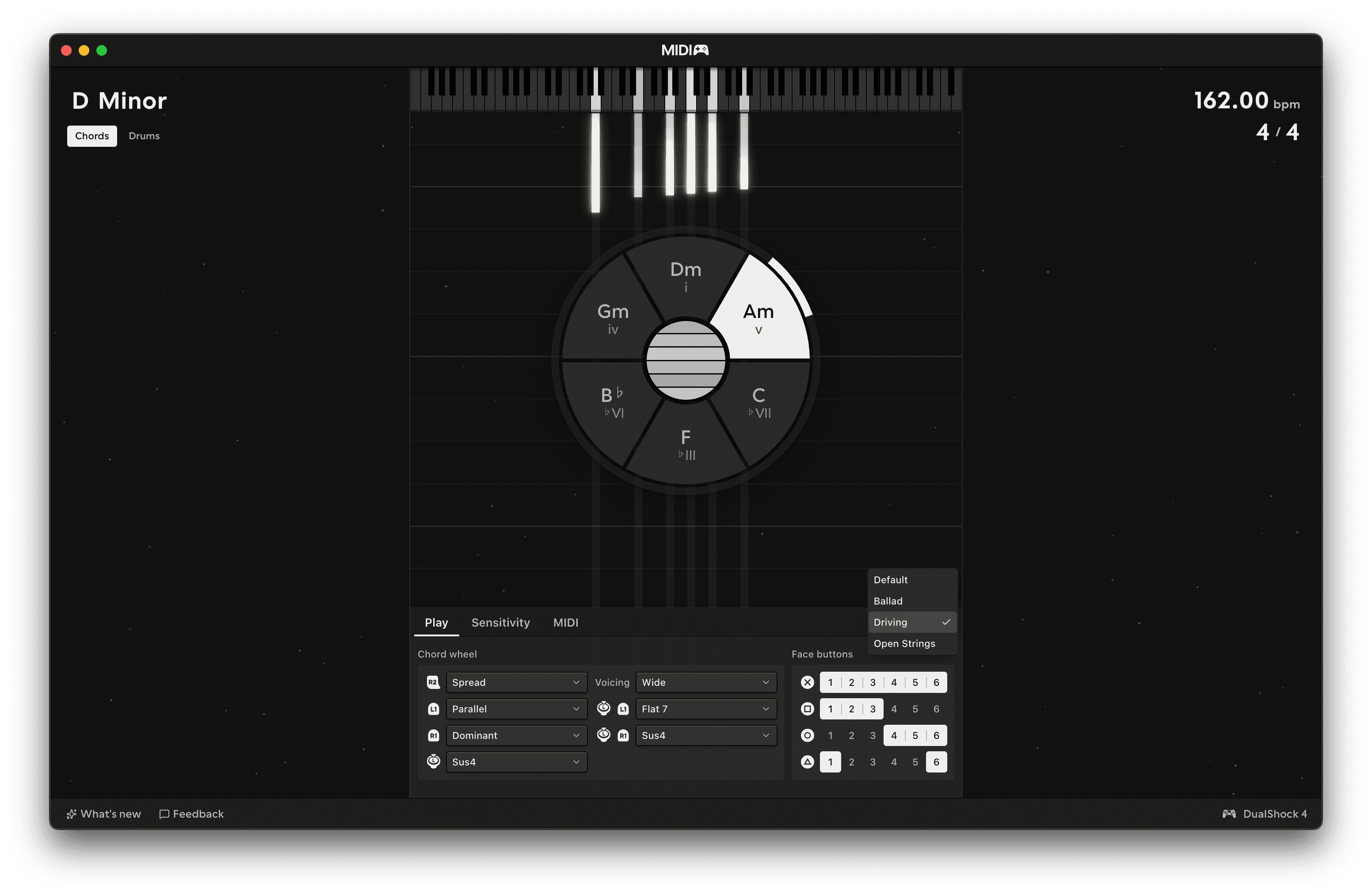
You can also switch presets from Instrument → Chords Preset in the menu bar, and Edit → Undo steps back through changes to the panel, including loading a preset.
Presets are files, so you can export one and send it to someone else, or import one they've sent you.
Automation
String sustain, Energy bias, Dynamics and Shake response can each be controlled by a MIDI CC sent to MIDIpad in, listed on the Automation pane - see App settings.