Changing the feel
Otherwise you might as well just use a sequencer.
Quickly: left shoulder button makes everything slower. Right shoulder button moves the snare onto the offbeats. Both work together and combine in really fun ways.
- Hold the left shoulder button L1 to shift into half-time feel. The hi-hat swaps to its own half-time rhythm rather than playing the same one slower.
- Hold the right shoulder button R1 and the snare moves to the & of every beat, four a bar. The hi-hat and kick don't change.
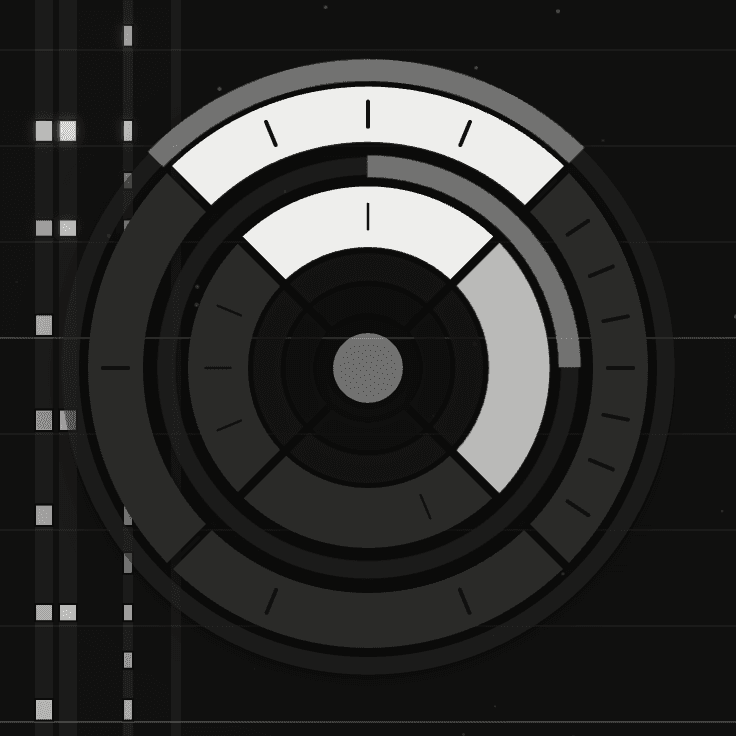
Both together
Hold both and the groove stays in half-time, and the right shoulder button brings the snare back to 2 and 4, so you've got a half-time rhythm in the kicks and hats and the snare just carries on cracking on.
Again: play it like a fighting game.
Half-time lock
The Half-time lock switch in the instrument controls puts the whole kit at half the clock's tempo.
Half-time lock or L1?
The way MIDIpad works with tempo under the hood is quite specific - when it's fast, it plays fast appropriately, likewise when it's slow. But sometimes you want fast overall but not fast feel on the drums, which is different from a temporary half-time groove. The difference from the L1 half-time is that it kicks in the half-tempo play feel across the board, rather than shifting the current tempo into half-time (does that make sense? I hope it makes sense).