How it works
Sometimes like a guitar, sometimes like a violin.
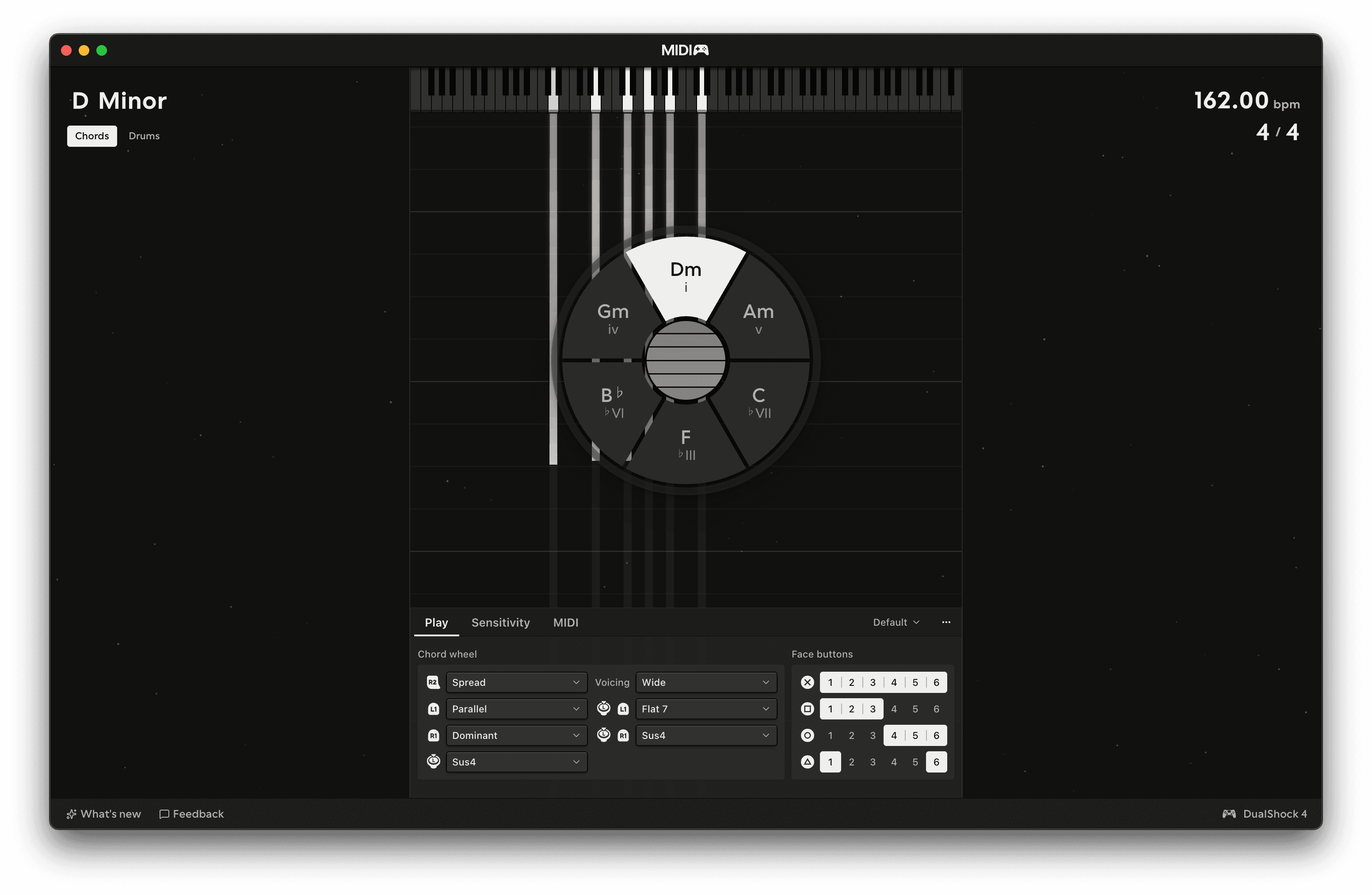
Chords has six "strings", or energy stores, that you strum with the touchpad. Besides the chord and note data, each one has two numbers: energy and timbre, and those are affected by how you play them, much like string instruments in real life. Everything you do with the touchpad, the triggers and the motion sensors moves one of those two numbers on the strings you hit, and the numbers go out as MIDI.
Energy
Simply put, energy is whether (and how hard) a string is "vibrating", so strumming or tapping a string on the touchpad when it's silent will start that string's note. A string with energy sounds; when its energy runs out it sends its Note Off. Energy goes out as channel pressure on the string's channel, which is where the MPE stuff gets really fun.
- Playing a string gives it energy. A fast swipe adds a lot, a slow one a little.
- Energy drains over time. Low strings drain slower than high ones by default, about twice as slow at the bottom, so a chord left alone ends from the top down.
- Playing a ringing string adds to it. The string sends Note Off then Note On, and the energy it still had left goes into the new note.
- A finger on the touchpad holds it. While a finger is down the energy on every ringing string doesn't drain. A held face button does the same for the strings it plays.
- Shaking the pad "recharges" every sounding string, raising the output pressure and keeping the note sustained.
- The left trigger pulls it down. The further you pull, the more energy is held back, and the pressure drops with it. The last few percent of travel drains the strings, so a full pull sends every Note Off. When you ease off, the energy comes back.
String sustain sets how fast energy drains, Energy bias sets whether the low or high strings drain slower, Dynamics gives you control over how they respond to movement over the touchpad and how they fire when tapped, and Shake response controls how much energy is fed back into the strings by shaking the pad. See Changing the character.
Timbre
Timbre is where on the string it was played. It goes out as CC74, the timbre or slide control on most MPE synths.
- A pluck or a strum towards the right of the touchpad starts with a higher CC74, towards the left a lower one. Plucks from the right stick and the block chords don't set it, so the string keeps what it had.
- Move a finger along a string on the touchpad's X-axis and that string's timbre will follow, dragging the others with it proportionally.
- The left trigger pulls it down, along with the energy.
- Unlike energy, timbre doesn't drain. Each string keeps its timbre until you play it again or move it.