Installation
Let's get this party started.
MIDIpad is a free download for macOS. Run, don't walk - go and download it if you haven't, otherwise what are you doing here?
Without a licence it runs in Demo Mode to give you a chance to get to grips with it before deciding whether it's for you. It's most of the full play experience, just with limited customisation options and only basic MIDI note/velocity outputs. Each day, it plays as the full version for 20 minutes from the first note, then goes back to the demo. Upgrading to the full version unlocks everything the app has to offer, now and in the future (see Demo vs licensed for what's included in each) and supports the app's future.
Download and install it
- Download MIDIpad from the download page.
- Open the .dmg file and drag MIDIpad into your Applications folder.
- Launch it.
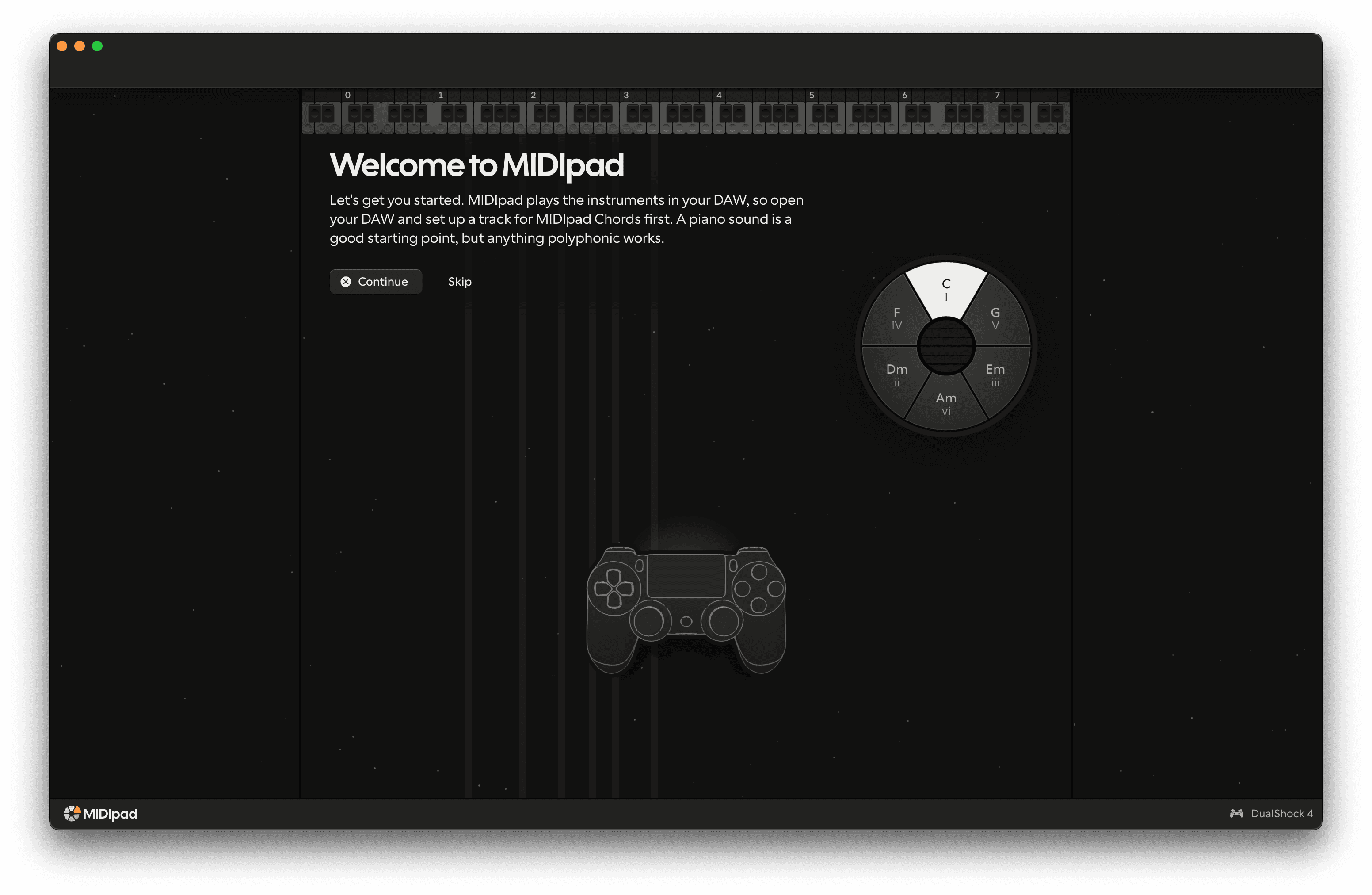
The first time you open MIDIpad, the stage asks you to set up a track for MIDIpad Chords in your DAW. Press Continue, and the name of each control appears beside the controller as you play. After that, a few short tasks show you the home key and the chords on the shoulder buttons and L3.
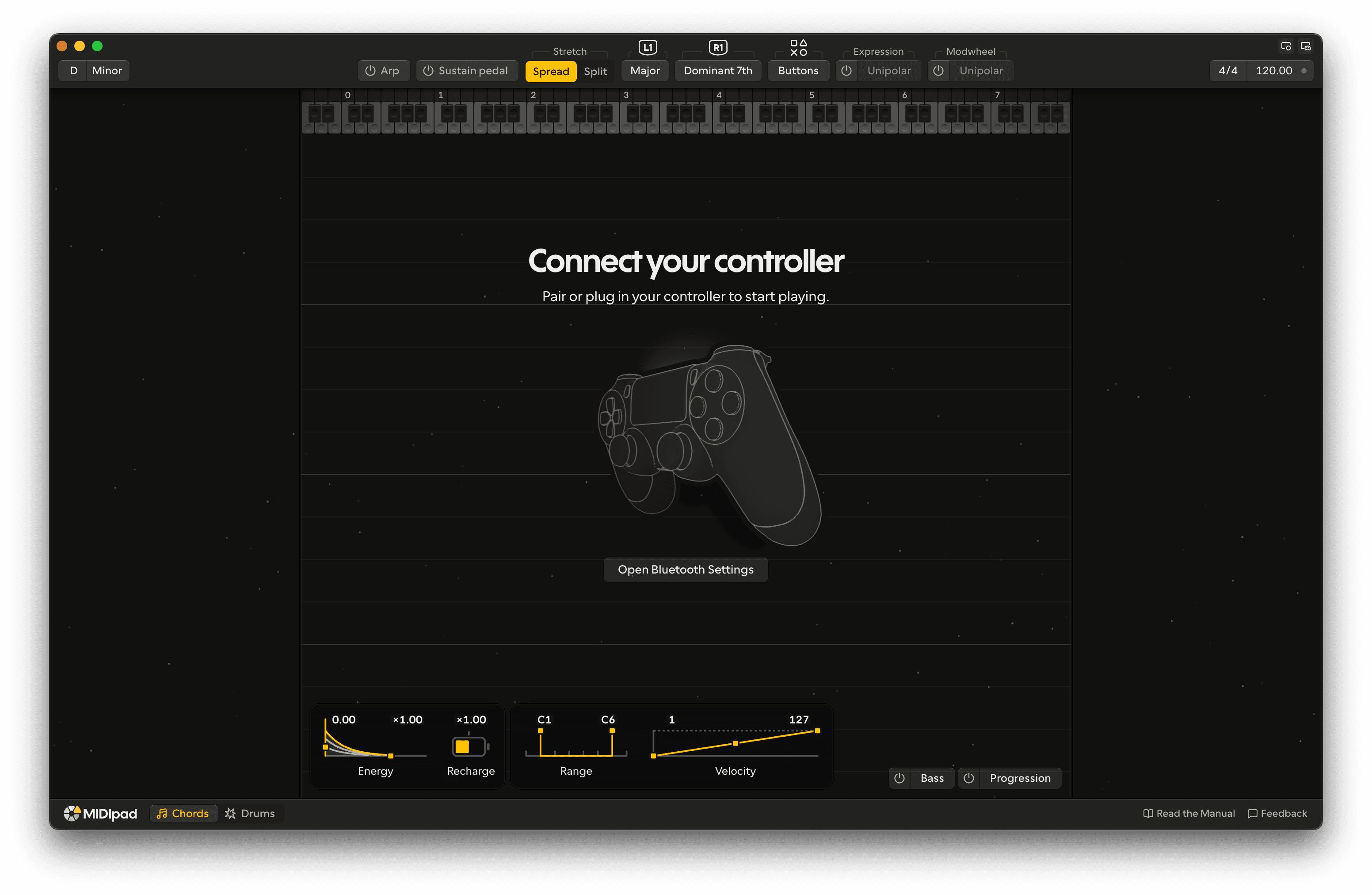
Next steps:
- Connect a controller - the window asks you to connect one until it finds one.
- Set up your DAW so there's something to hear, then make your first sound.
Updates
MIDIpad checks for updates on its own and downloads them in the background. When one is ready, click Restart Now to install it, or it installs the next time you quit. To check by hand, use MIDIpad → Check for Updates…, or Software Update in Settings → About, which also shows the download's progress.