Playing a beat
All of the fun clicky bits are in the hi-hat.
Tilt the left stick Left stick in any direction and a closed hi-hat starts up, locked to the tempo. Tilt the right stick Right stick to bring the kick in beside it, and push either one all the way out to bring in the snare. Let go of a stick to stop it.
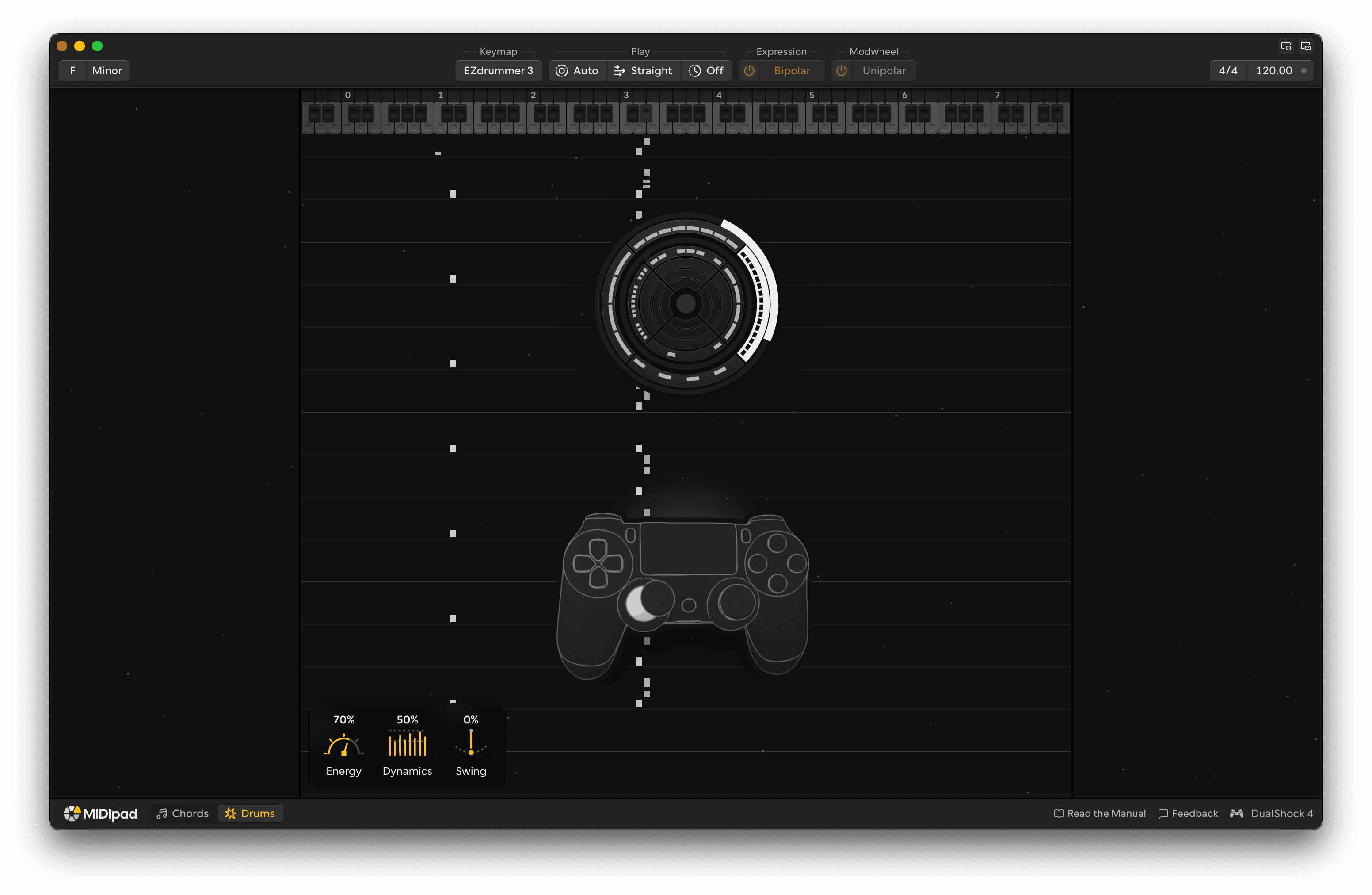
The direction you point the stick sets the rhythm, and how far you push it sets the velocity. It's quite simple, really. But it's a lot of fun.
Hi-hat
On the left stick, left plays quarters, up plays eighths, right plays sixteenths, and down plays the &s, the offbeats on their own. Moving the stick to another direction switches the hi-hat to that rhythm.
Kick
You can play the kick with the right stick, which plays a steady rhythm, and with the four buttons under your right thumb, which add kicks at fixed places around each backbeat.
Tilt the right stick Right stick to start the kick. The direction sets how fast it plays: right plays quarter notes, up plays eighth notes, left plays sixteenths, and down plays the two-step, the 1 and the & of 3.
Between quarters, eighths and sixteenths the rhythms crossfade, so the faster one fades in gradually as you move the stick towards it. The two-step doesn't crossfade; it switches on and off at the edge of its wedge.
That makes the kick something you can build: ease the stick round from quarters towards sixteenths and the kick gets busier bit by bit, instead of jumping.
Above 160bpm
At very fast tempos the kick's directions each play one step slower, so drum 'n bass and fast punk stay playable. The dial changes to match.
Snare
Push either stick all the way to its edge and the snare plays the backbeat: the 2 and 4 in 4/4. It comes in on the next backbeat and stops as soon as you ease off the edge. Pulling R2 plays it too, and adds more snare the further you pull. See Busier snare.
With Snare set to On R2, only R2 plays the backbeat, so the sticks can go all the way out without it. See Shaping the kit.
A busy kick gets out of the snare's way, so the backbeat always lands clean.
Kick buttons
The four buttons under your right thumb add the kicks that give a beat its style, each in a fixed place around the backbeat. Hold one and its kicks play every time the backbeat comes round, with or without the stick, and hold two or three together to build up a pattern.
Kick before the snare
The 1 and the 3 in 4/4, the foundation of a rock or pop beat.
Kick on the & before the snare
Pushes into the snare, for a more driving, syncopated beat.
Kick on the & after the snare
Answers the snare, for the bounce of funk and hip-hop.
Kick a 16th before each beat
A pickup into every beat, for a busier, rolling kick.
The buttons are made to be held: hold one and its kick comes in, in time, and keeps playing until you let go. You can hold more than one at a time.
The button kicks follow half-time, since they take their timing from the snare, and they play in triplets when the kit does.
Push both sticks out, add a button or two, and you've got a beat. The next page changes it.