Controlling string energy
I really should have chosen a better name than "strings" for these things, but I honestly couldn't think of a better name. I apologise again.
Each string has an energy level, and its note lasts until the energy runs out. Energy is sent as channel pressure, so a synth with pressure mapped will respond to it.
- Playing a string gives it energy. A fast swipe or push adds a lot, and a slow one adds a little.
- Energy drains over time. When it runs out, the note ends.
- Low strings hold energy longer. The bottom string takes about twice as long to drain as the top one, so a chord left alone ends from the top down.
- Playing a ringing string adds more energy. The string sends Note Off then Note On, and the energy it still had is added to the new note's.
String sustain sets how fast energy drains, Energy bias sets whether the low or high strings drain slower, and Dynamics sets how much energy a slow swipe adds. String sustain goes up to ∞, where energy never drains and notes only end when you end them. See Changing the character.
String sustain at ∞
Notes don't end on their own, so use the left trigger to end them. If the controller disconnects, the strings hold for 20 seconds and then drain as they would at ×1.
Softening and muting
The left trigger L2 pulls the energy down on every ringing string, so the pressure and CC74 drop with it: a half pull halves both, and the notes carry on. Pulling it all the way in ends every ringing note.
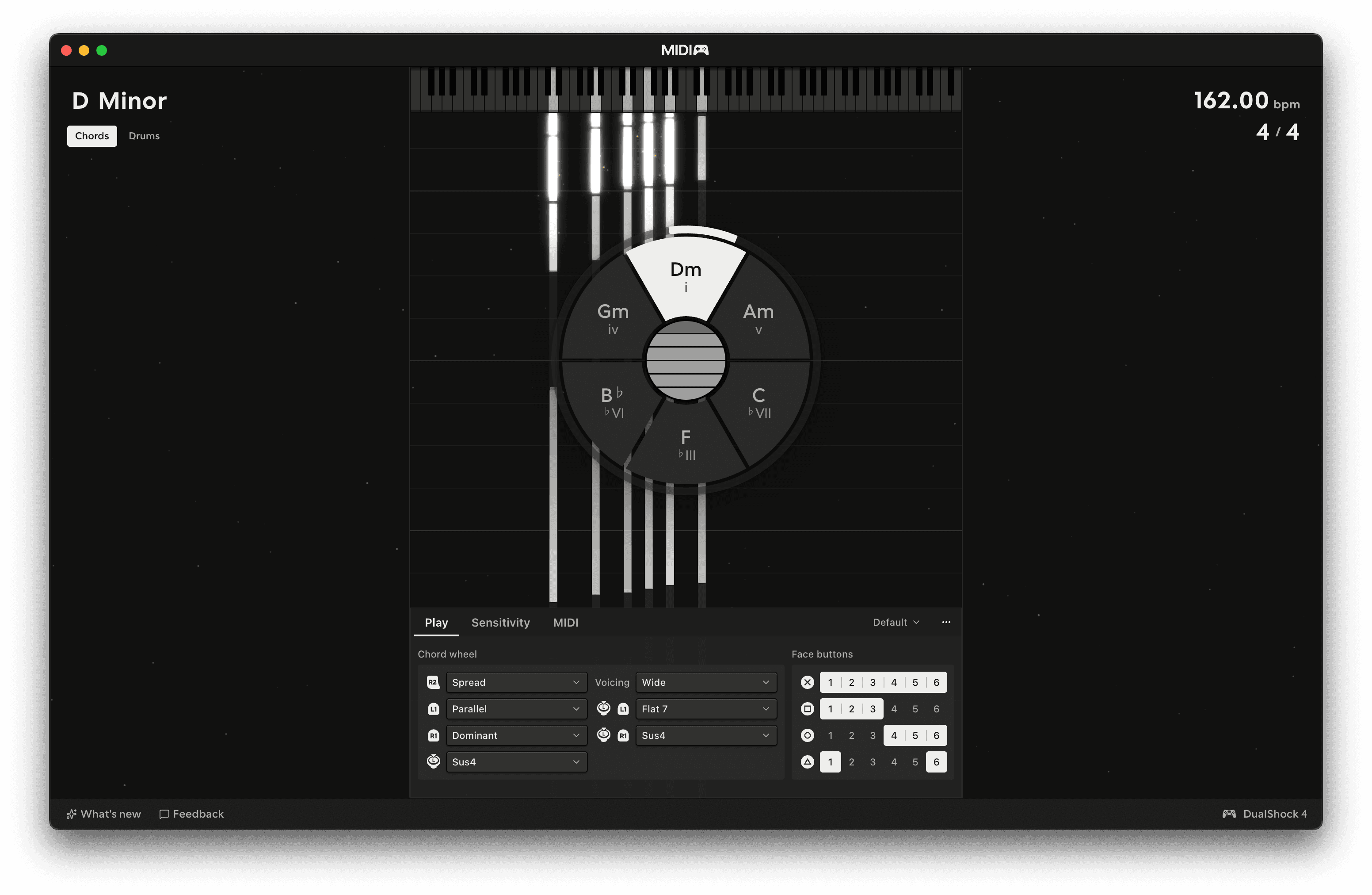
When you ease off the trigger, the energy comes back. Releasing it quickly adds a little extra.
The trigger also lowers the velocity of anything you play while it's pulled, from the touchpad, the right stick or the buttons. The string still takes its full energy, so easing off swells it back up.
Hold and timbre
Moving a finger along the strings is a strum. Moving it across the strings does not play anything. It holds the chord that is already ringing and sets its timbre. Timbre goes out as CC74.
Hold
While a finger is on the pad, the energy on every ringing string holds where it is. Lift the finger and the drain carries on from there. The left trigger still works while you hold.
Timbre
Once the finger is moving sideways, its position across the strings sets how bright the ringing chord is. Move right to make it brighter and left to make it darker. The string you started on takes the timbre at that position, and the other strings move with it in proportion, so the differences between the strings stay the same.
Timbre of each pluck
Where your finger lands also sets the timbre of what it plays. A strum or a pluck towards the right of the pad is brighter, and towards the left it is darker. A string keeps that timbre until you play, brighten or mute it again. Strikes from the stick and the block chords leave the timbre where it was. See MIDI and MPE.
Shake and tilt
Shake the controller to add energy to every ringing string, so the notes last longer. You don't need to shake hard.
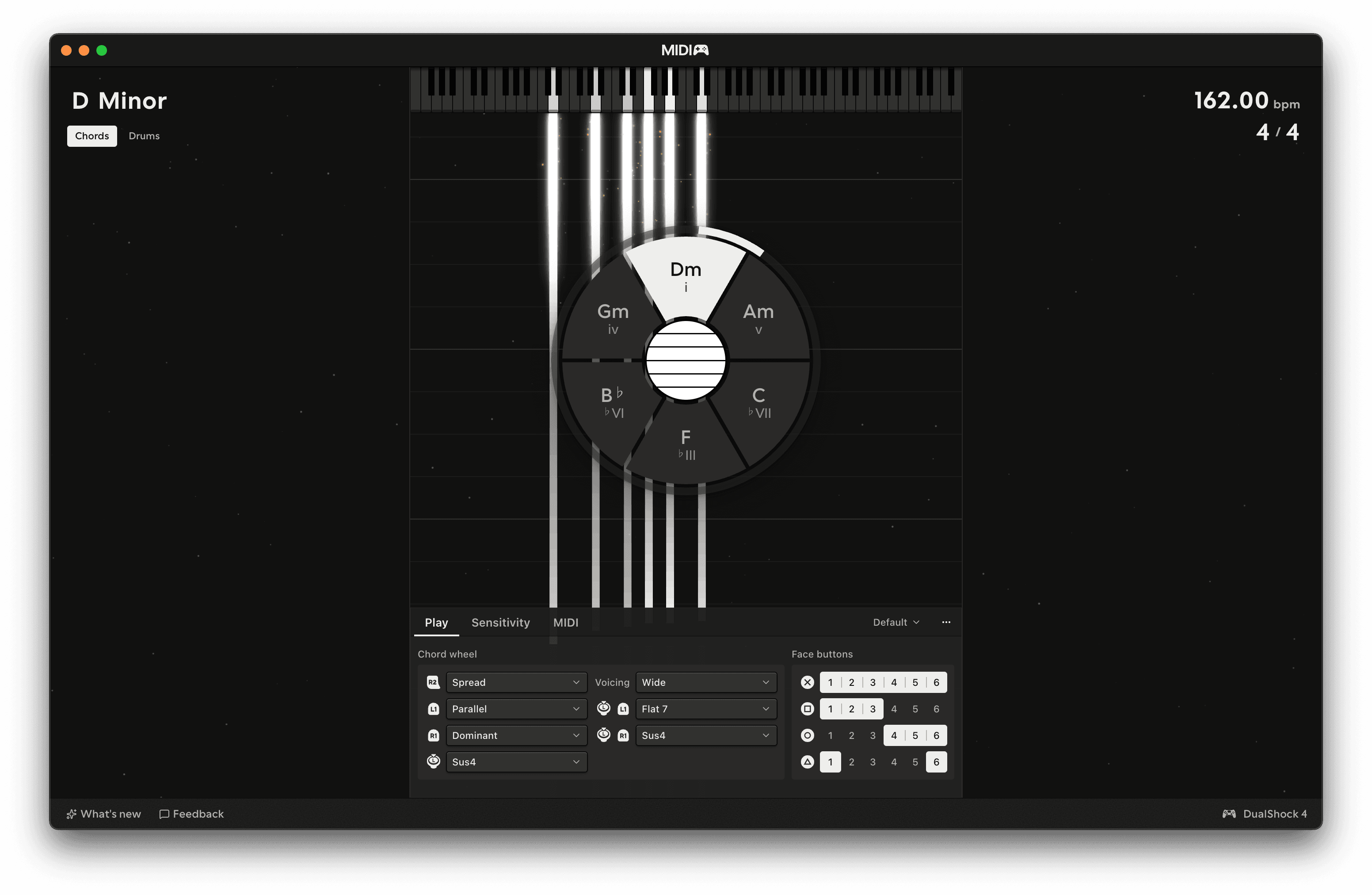
Shaking only affects strings that are already ringing. The added energy is sent as pressure.
Shake response
Shake response, on the Sensitivity tab of the Chords panel, sets how much energy shaking adds. Set it to zero to turn shaking off.
Tilt
Roll the pad onto its side, either way, and it sends a CC on the master channel: 0 when the pad is flat, rising to 127 as you roll. Map it to anything in your DAW. The default is CC 1 (mod wheel), which most sampled instruments already use.
Tilt is off by default. Turn it on under Tilt on the MIDI tab of the Chords panel. Tilt CC picks the CC and Tilt engage sets how far you roll before it reaches 127.
Both motion gestures need a pad with motion sensors. The PlayStation and Switch Pro controllers have them and Xbox controllers don't.