App settings
You know what settings are, I don't have to tell you.
Press ⌘,, or click MIDIpad at the bottom left of the main window, and the settings window opens. It has four panes: Appearance, App Settings, License and About.
Changes apply as you make them, there's no save step, and everything is remembered between launches.
Appearance
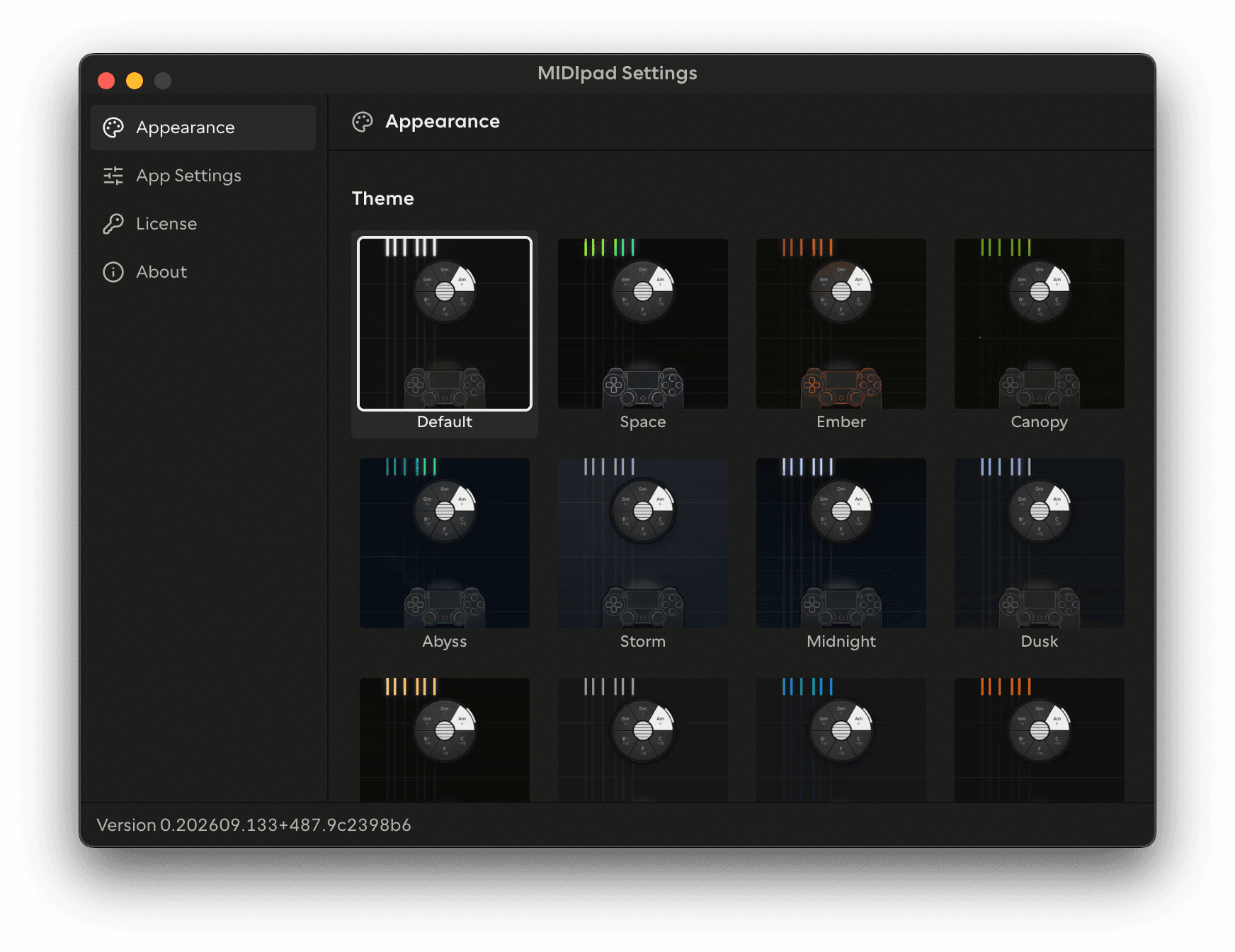
| Setting | What it does |
|---|---|
| Theme | The app's color scheme and visualiser design, and any extra controls that theme has |
| Visuals | You can disable the visualiser if you find it distracting |
| Middle C | Which octave number names middle C. The note names as they're written in the app follow it, the notes themselves don't move. C3 (Yamaha) or C4 (Roland), C3 by default |
| Brightness | Lighten the app in bright environments, or darken it a little in dark ones, from 80% to 150% |
| Contrast | Soften the contrast a little, or raise it, from 80% to 120%. This is different from system-level accessibility-related high-contrast settings. |
Brightness and contrast apply to the main window and the settings window.
See Themes for more info about the visualiser themes.
Middle C is mostly there for convenience right now. Some software displays MIDI note names differently from others, this way you can align it to yours so you're not left wondering why C1 isn't triggering your kick drum. And it'll be more useful in future.
App Settings
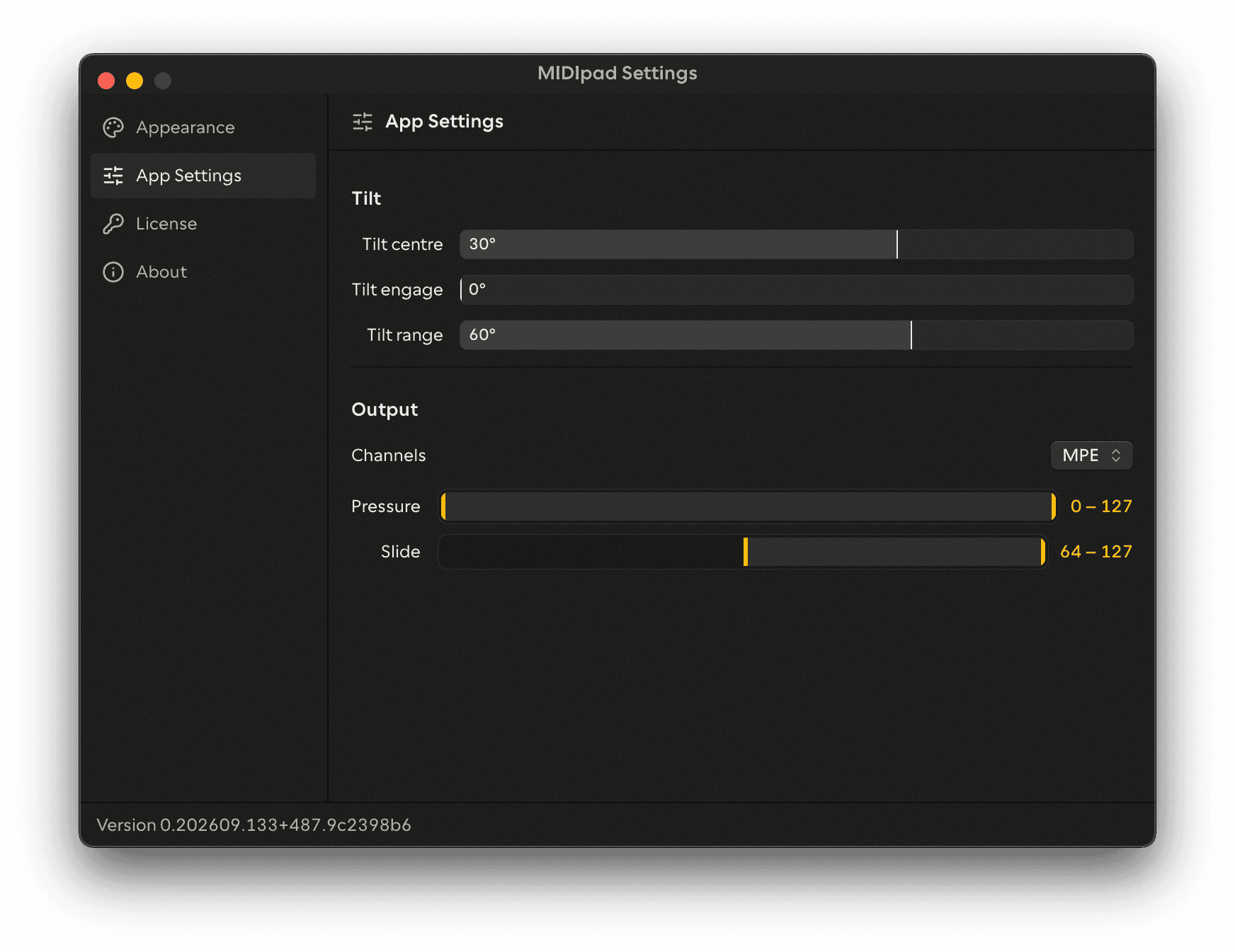
| Setting | What it does |
|---|---|
| Tilt centre, Tilt engage, Tilt range | The angles used to measure tilt. See Tilt |
| Channels | MPE or Single channel, for Chords, Drums, Bass and Progression. The same setting as Instrument → Output. See MIDI and MPE |
| Pressure | The range channel pressure is fitted into, for Chords, the Bass and the Progression |
| Slide | The range CC74 is fitted into, for Chords, the Bass and the Progression |
License
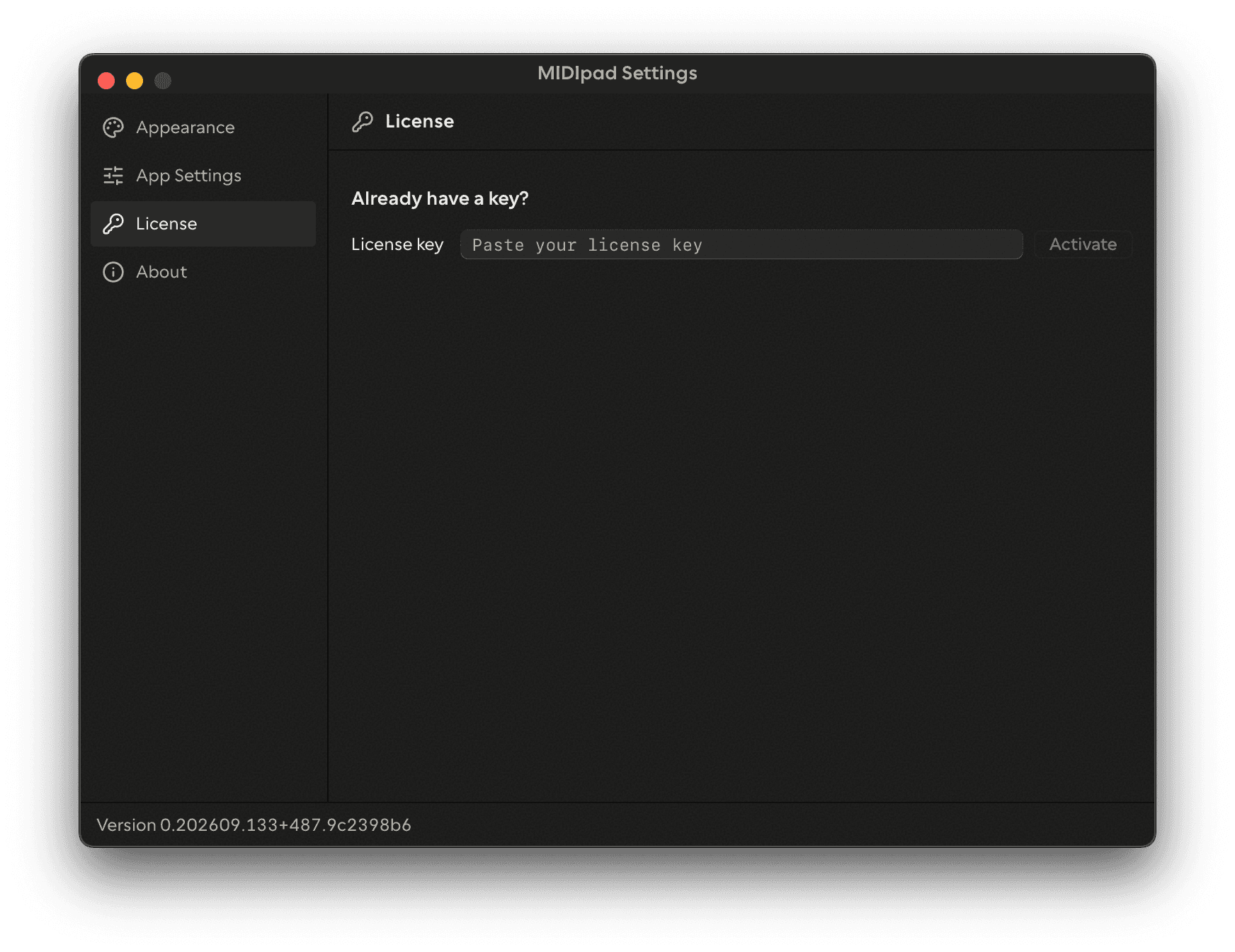
Paste and activate a licence key, see the licensed state and last verification, or Remove Key to free up the machine slot. See Demo vs licensed.
About
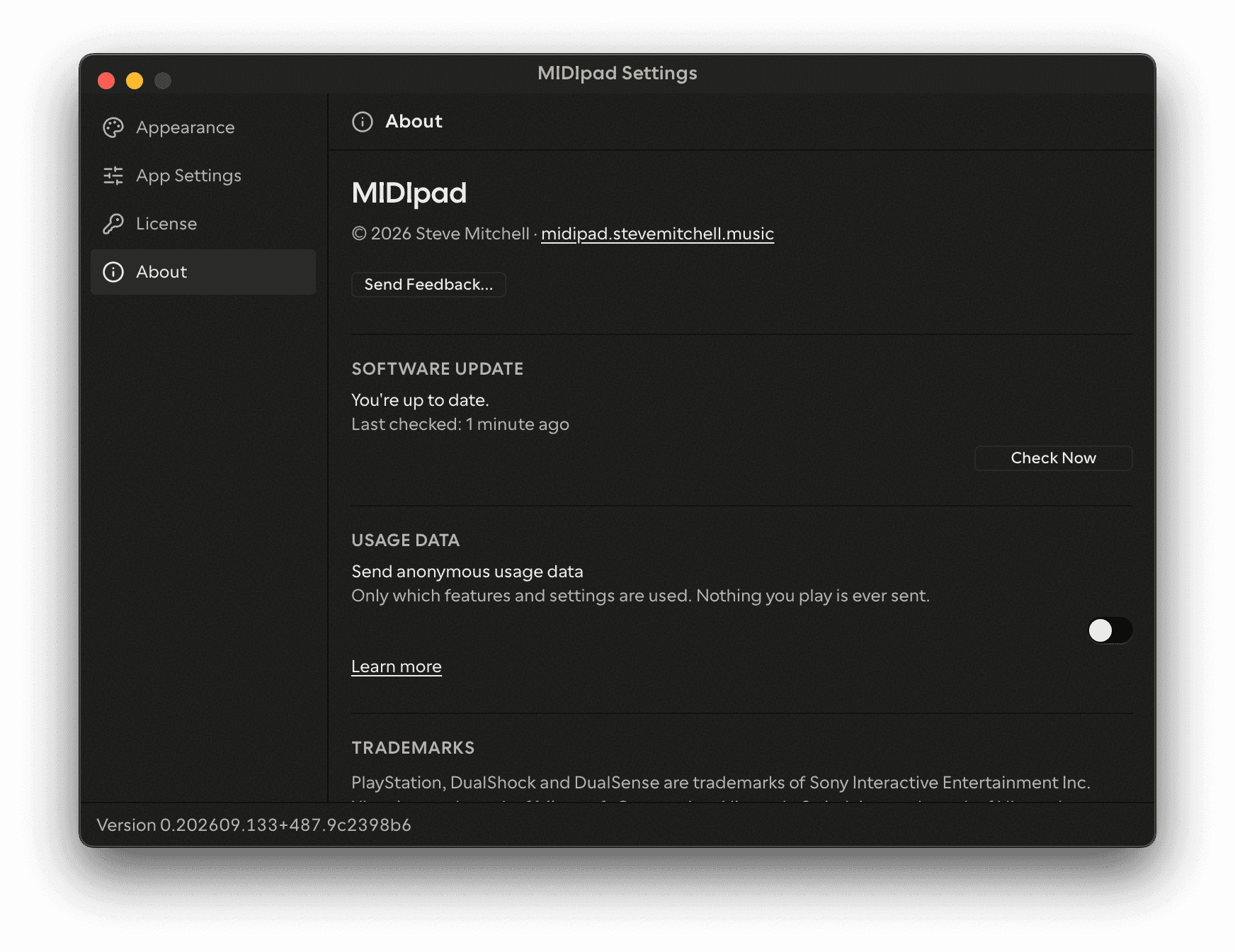
The About pane has Software Update, which checks for updates and shows the download's progress, and Send Feedback. It also has Send anonymous usage data, which is on by default. It never sends what you play, and the link next to it opens the privacy page, which lists everything it does send. The pane also shows copyright, trademark notices and third-party credits.
The version number is in the settings window's footer.