Arp
With thanks and apologies to Nils Frahm, who inadvertently inspired this madness.
Music is simply applied mathematics, and mathematics can be beautiful, or so I'm told.
I don’t understand mathematics at all, that’s why I program computers to do it for me.
But that’s beside the point; chords can be broken up into little pieces and played in sequence, and these sequences are called arpeggios. And then some genius in the seventies thought that they should only go up and down, or apply some other fancy mathematics to make the order random, which always comes out sounding like they shouldn’t have bothered. And then other geniuses thought this was such a good idea that everybody has built an arpeggiator into every keyboard since and now look where we are.
So when I sat down to figure out how MIDIpad could have an arpeggiator, I figured “why stop with one? Why not make it two arpeggiators?”
And I didn’t stop there. “Why not make it two arpeggiators having a fight?”
That didn’t work. It sounded like two arpeggiators having a fight.
But it led to what Arp is now: two arpeggiators working together on the same chord, cooperating like a pianist's hands, rising and falling with the energy of the chord behind them rather than plodding along on their own stupid way.
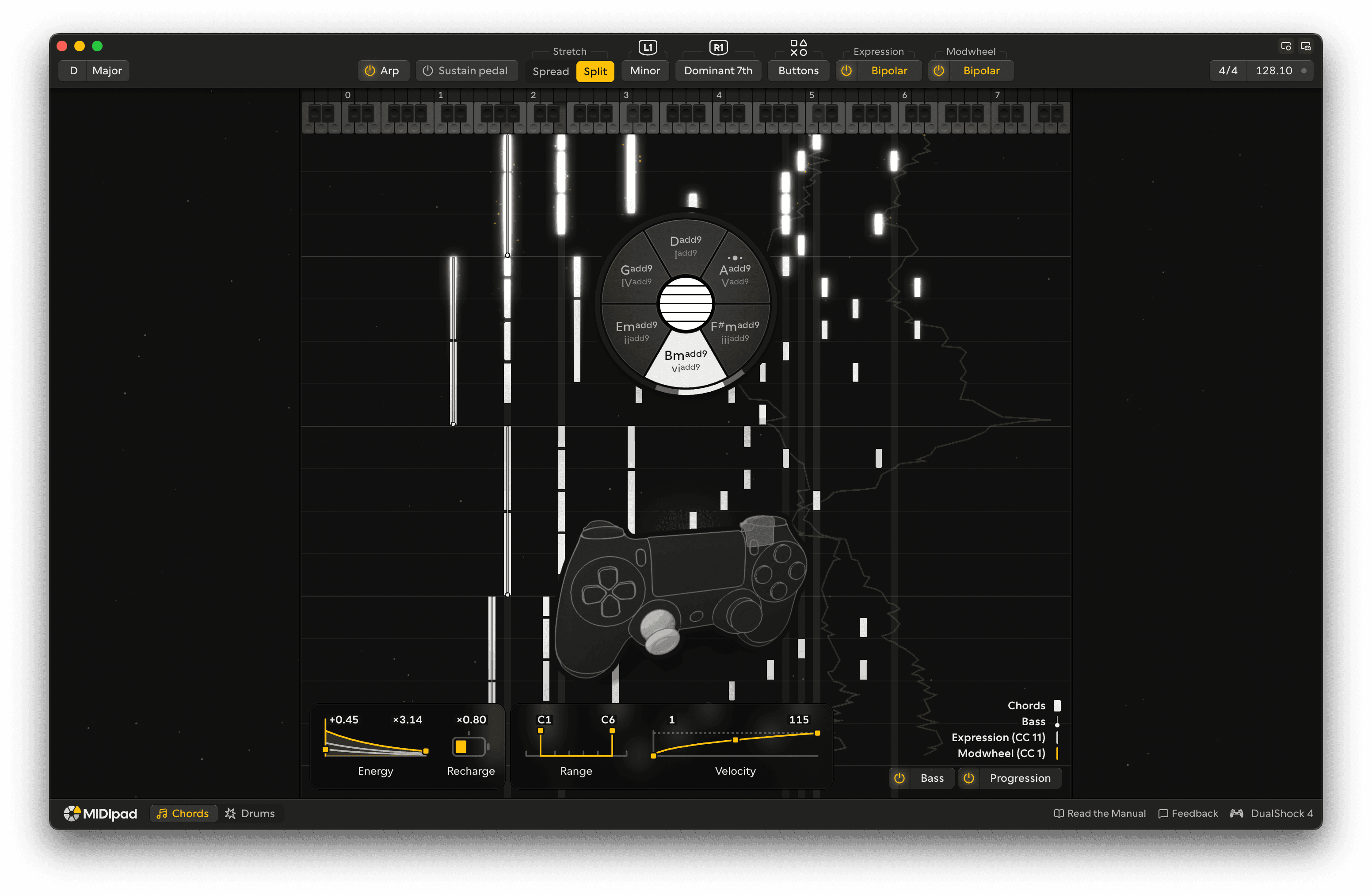
Turn on Arp in the instrument controls to play the Arp in place of the strings, or press Share to turn it on and off as you play.
Two hands
It plays the way a keyboard player would, with two hands. The left hand climbs from the bass note through the fifth to the third an octave higher, so the low notes have room. The right hand walks through the chord above it, starting from the top on each bar's 1.
When you change chord, the right hand moves to the nearest note of the new one instead of jumping, so the line stays smooth across a progression. It follows where your strings are ringing, so stretching the chord with R2 lifts the Arp with it, and if you tap a melody note on one of the upper strings, the Arp makes room for it.
Following your strumming
The Arp follows how hard you're playing, all the way through each chord. Strum softly and the left hand rolls up its three notes once and lets them ring under a steady right hand. Strum harder and both hands play more: the left hand fills more of the bar, and the right hand lifts more of its notes an octave and, at slower tempos, speeds up into sixteenths. Strum hardest at a faster tempo and the right hand doubles its notes in octaves. As the strings ring out, the Arp steps back down by itself, so a verse played gently and a chorus played hard get different parts without you touching a setting.
In 6/8 and other time signatures counted in threes, both hands move in groups of three.
Every note's velocity follows your strings, so your accents come through, and the left trigger pulls the Arp down with the strings for a swell or a sudden drop.
Sustain pedal
With a piano sound, turn on Sustain pedal and the Arp holds the pedal down while a chord rings and lifts it cleanly as each new chord lands, so the notes blend into each other and the harmonies don't smear. It's off by default. It's the same Sustain pedal setting the strings use.
Chord changes
A new chord lands on the beat, so you can strum a little early or a little late and the Arp still changes in time. When the bass moves, the left hand plays a passing note into the new chord, the way a pianist walks into a change.
Endings
Stop strumming and the Arp doesn't cut off. It plays on to the bar line, or through the next bar if you stop late in this one, and winds down as it goes. Pull the left trigger all the way in to stop it dead.
MIDI
The Arp plays on MIDIpad Chords, so it goes to the same track as the strings. Under MPE each note has a channel of its own, so every note carries its own pressure, the same as a Chords string. See MIDI and MPE.
Turn the Arp on and strum a few chords, softly and then hard, to hear the hands fill in.