How it works
A gestural groove machine you play like a beat-em-up.
Drums inverts most of the normal expectations of drum machines and sequencers. Instead of playing or placing hits manually, you control the direction and feel of its rhythmic streaming engine, steering the groove through gestures on the pad.
Play it like a fighting game
When I say "play it like a fighting game", I really do mean it. It rewards combinations of gestures and button mashing far more than it does timid play.
Rhythm
Every hit is driven by a grid derived from the current tempo and time signature, so the drums always stay in time with each other, and with your DAW if you send it MIDI clock. See Tempo and time signature.
- Each stick plays one drum. The left stick is the hi-hat, the right stick is the kick. Point a stick to start its rhythm, and centre it to stop.
- Point the sticks to play patterns. Each stick has four wedges that control the patterns. If you point the right stick between two directions, the kick blends the two patterns. The hi-hat switches between them instead.
- Push a stick to the rim to bring in the snare. It plays on the backbeat for the current time signature.
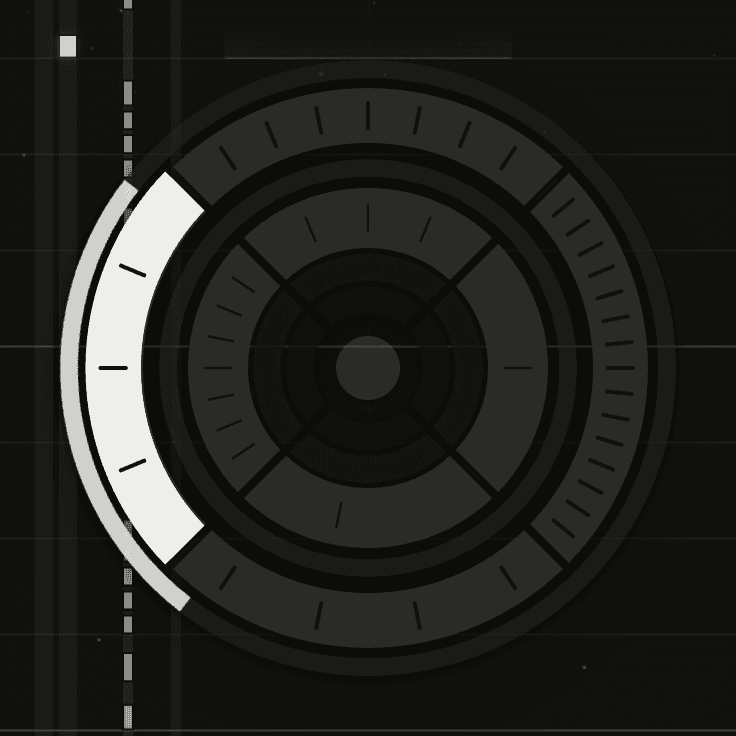
- The other controls add to the groove. The face buttons each add a kick in a fixed place, the d-pad plays snare patterns, the shoulder buttons change the feel, the left trigger opens the hi-hat, and the right trigger plays the snare when Backbeat is set to Manual.
Velocity
- Push a stick further to play harder. Every hit on that drum follows how far the stick is pushed while you hold it there, up to the Energy setting at the rim.
- Accented hits are louder than the rest. The Dynamics setting sets how much louder.
- The buttons and the d-pad play at the Energy setting, however the sticks are placed.
Pressure and slide
With Drums channels set to MPE or Multi-channel, each drum gets its own channel, and how far you're pushing the control that plays it goes out on that channel as pressure and slide while you hold it. Map them in your DAW like any MPE control. See Drum notes and channels.