Playing the kick
Shoving the groove around.
You can play the kick with the right stick, which plays a steady rhythm, and with the four buttons under your right thumb, which add kicks at fixed places around each backbeat.
With the right stick
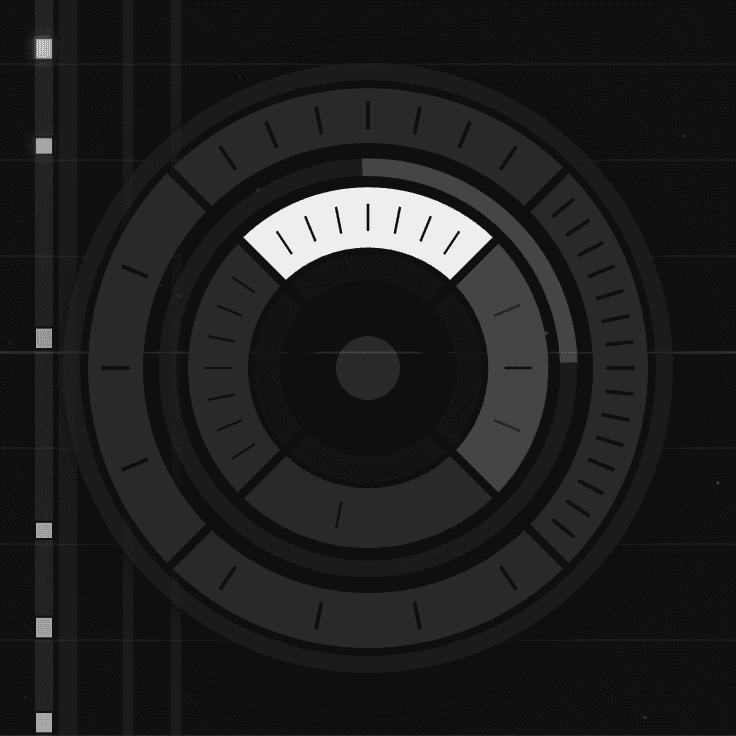
Tilt the right stick Right stick to start the kick. The direction sets how fast it plays:
| Right stick Direction | The kick plays |
|---|---|
| Right | Quarter notes |
| Up | Eighth notes |
| Left | Sixteenths |
| Down | The two-step: the 1 and the & of 3 |
Between quarters, eighths and sixteenths the rhythms crossfade, so the faster one fades in gradually as you move the stick towards it. The two-step doesn't crossfade; it switches on and off at the edge of its wedge.
Above 160bpm
From 160bpm each direction plays one step slower: halves, quarters and eighths, with the two-step unchanged. The dial's labels change to match.
Click the stick in and hold R3 for a busier kick. On quarters and the two-step it plays a fill pattern. On eighths and sixteenths it doubles the rate.
With the buttons
The four buttons under your right thumb each add a kick at a fixed place around the backbeat. Press one to play the kick there every time the backbeat comes round, until you let go. They work with or without the stick.
On the beat before the snare
The start of the beat that leads into the backbeat.
Just after it
The "&" of that beat.
Coming out of the snare
The "&" on the other side.
A sixteenth before each beat
The sixteenth before every beat, snare beats and kick beats alike.
Pressing a button plays its kick on the next sixteenth, so it stays in time. It keeps playing while you hold the button and stops when you let go. You can hold more than one at a time.
The button kicks follow half-time, since they take their timing from the snare. With R1 held, the snare moves to the &s and the button kicks stay where they are.