Tempo and time signature
It turns out that tempo is actually quite important.
I realise this might sound a bit dumb of me, but one of the most surprising things about MIDIpad's development process has been the realisation of just how important tempo is to how music sounds, in remarkably subtle ways. So the whole thing is built with tempo and meter awareness from the ground up, even the parts that aren't using it fully yet.
You might have noticed that MIDIpad never actually stops, even when it's not receiving incoming MIDI clock, and that there's no play or pause button anywhere. It runs its own transport so that you can just pick up and play without having to think about stopping and starting anything, and because it has no concept of "song" it's a pretty simple mechanism. It just keeps rolling onwards until it's interrupted by an external signal, at which point it follows along dutifully. When that signal stops, it'll keep going on at the last pace it remembers.
Tempo
- With a DAW clock, MIDIpad follows. To follow your DAW, send MIDI clock from it to the MIDIpad in port. The Tempo control shows the arriving tempo, with a little green dot to say it's following.
- On its own, MIDIpad uses the Tempo field in the header, 40 to 240 bpm, 120 by default. Set it to match your project and play. Drag up or down on the field to adjust it, click it to type a number, or double-click it to reset it. The time signature fields work the same way.
Why the tempo shows decimals
You might see it reporting a slightly different tempo to your DAW in the form of decimal points - that's it attempting to account for jitter and rounding to the average. Once latency is accounted for, I've always found MIDIpad's clock-following to be pretty solid, and the odd 120.10 when the DAW is set to 120 is just a mathematical quirk; it's still following the incoming clock at what it receives.
Tempos between 20 and 300 bpm are followed; anything outside that range gets ignored.
MIDIpad does not send clock, so to record Drums in time with a project, send clock to it from your DAW. Enabling clock output to a port is a per-DAW setting, covered in Set up your DAW.
Catch-quantize
While MIDIpad is following your DAW's clock, Chords provides subtle catch-quantize for its block-chord triggers, so slightly early triggers will align to the next eighth note. I built that to compensate for the slightly mushy feeling of some controller buttons making it too easy to run ahead of the beat, and a switch to turn it off if you want to is coming soon.
Time signature
Set the time signature to the same as your DAW to keep everything properly synchronised and to set the pulse rhythms that drive Drums' meter-aware sequencing engine. You can set 2 to 12 beats, over 4, 8 or 16.
A DAW clock sets the tempo but not the time signature, so set the time signature in MIDIpad to match your project.
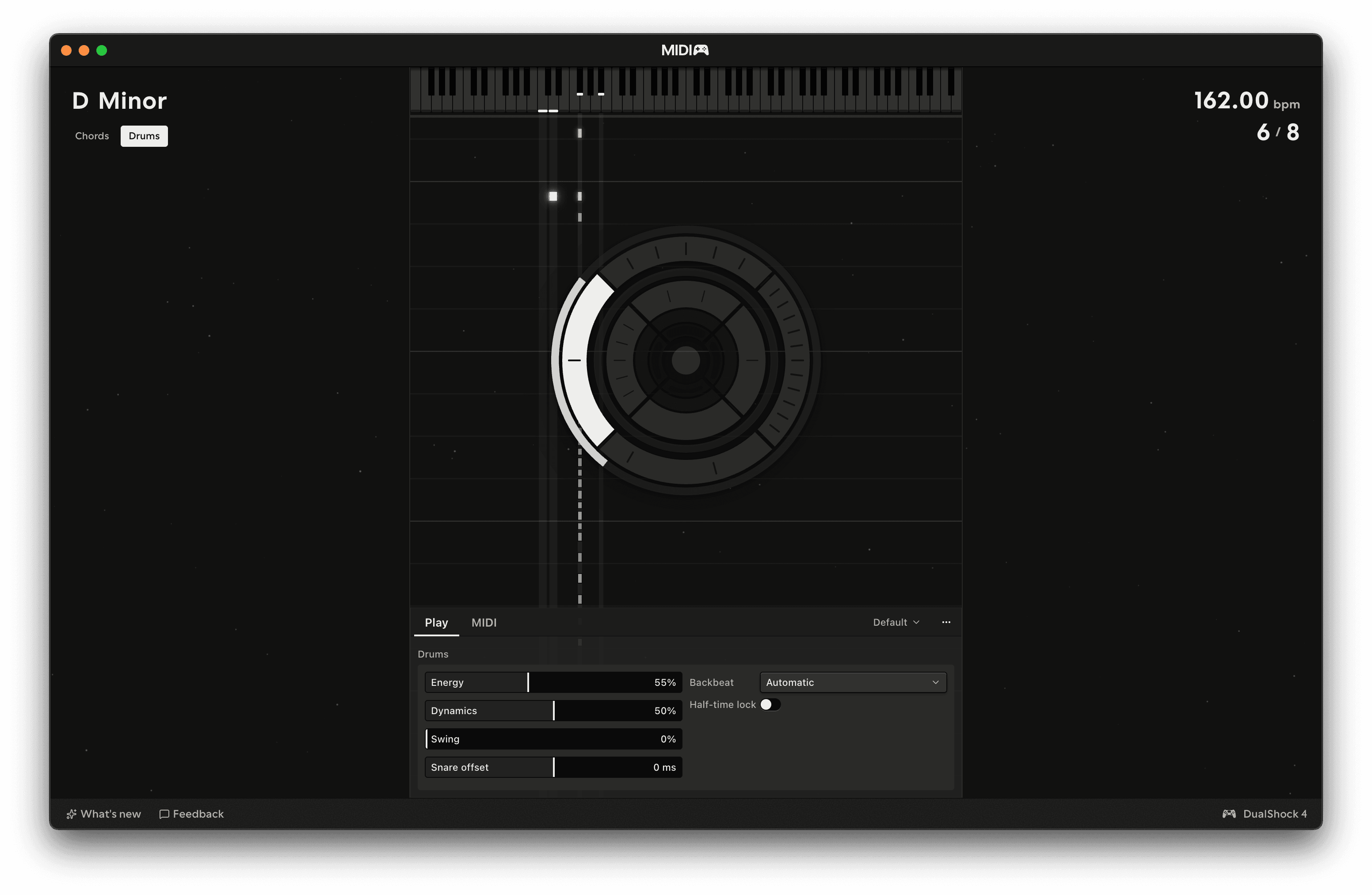
6/8 runs as two pulses of three, 7/8 as two twos and a three, and so on. This is what sets the backbeat placement and how the engine shapes the onset & velocity curves for each drum.