Download MIDIpad
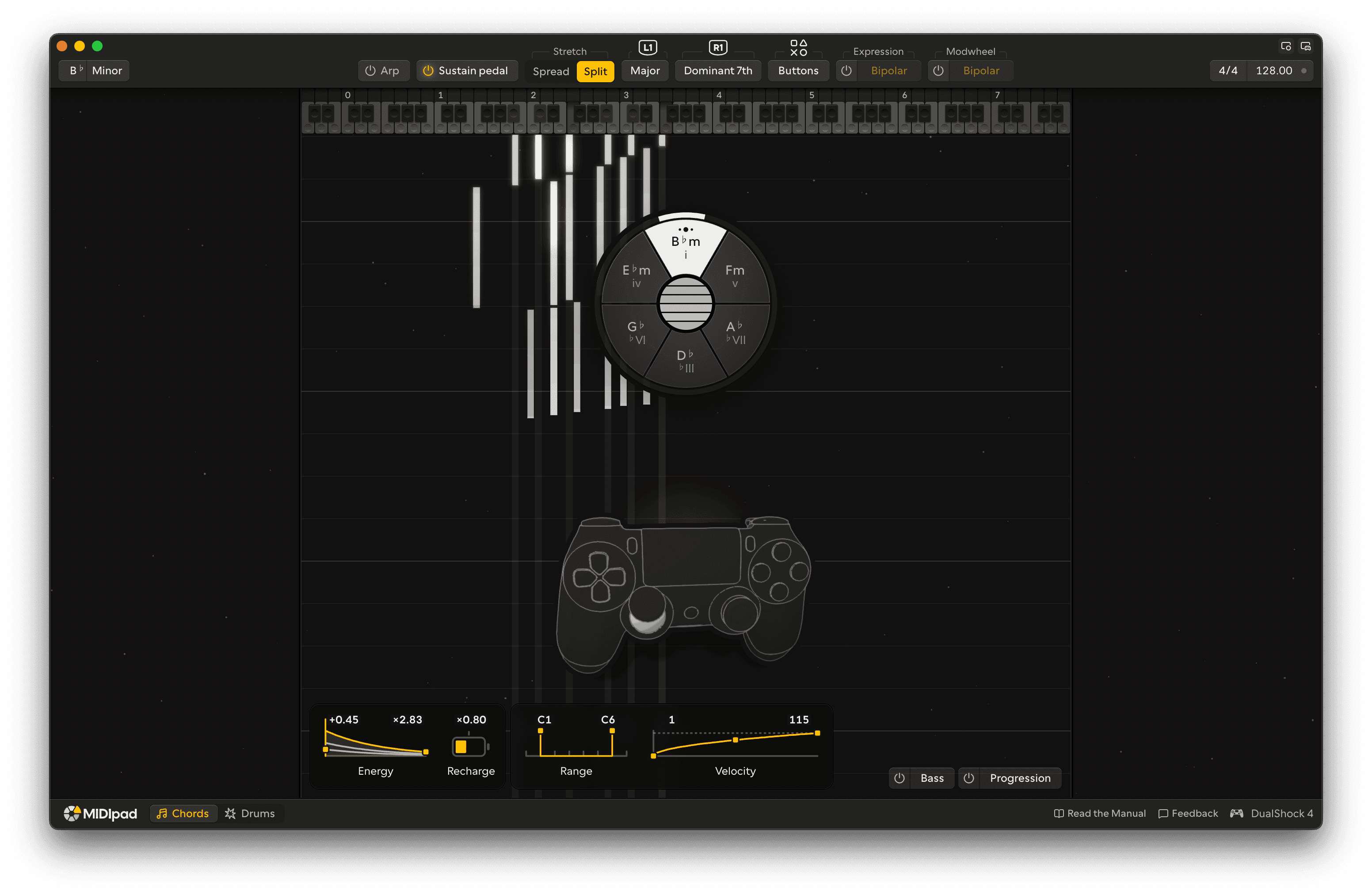
MIDIpad is free to download and free to play for as long as you like. Demo Mode gives you both instruments and everything you can do with them, with no time limit. The full version unlocks the rest, whenever you're ready.
Where do I start?
1. Install it
Open the download, drag MIDIpad into Applications and launch it.
2. Grab a controller
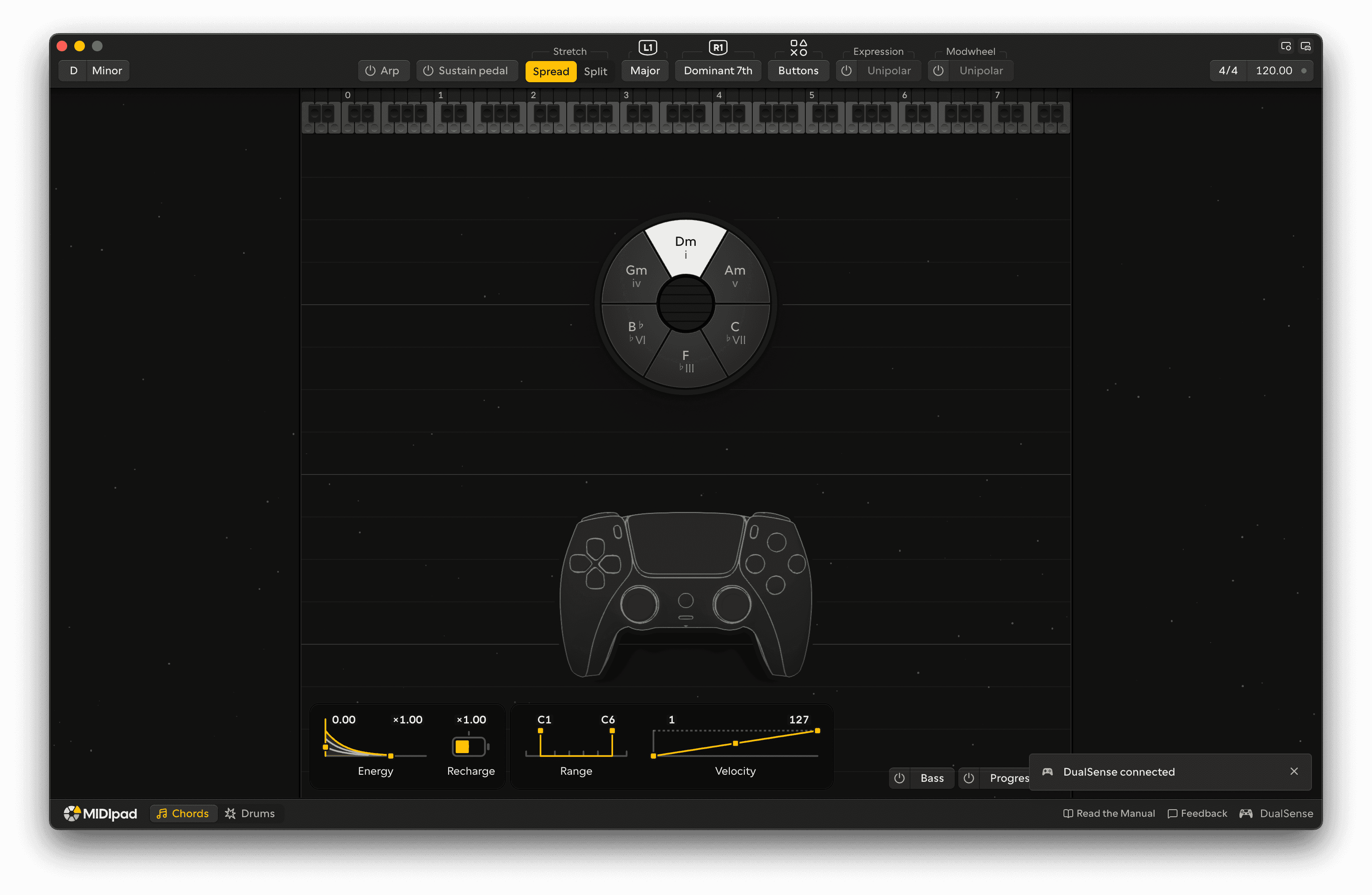
Plug in or pair a compatible controller (DualShock 4 or DualSense work best).
Connect a controller →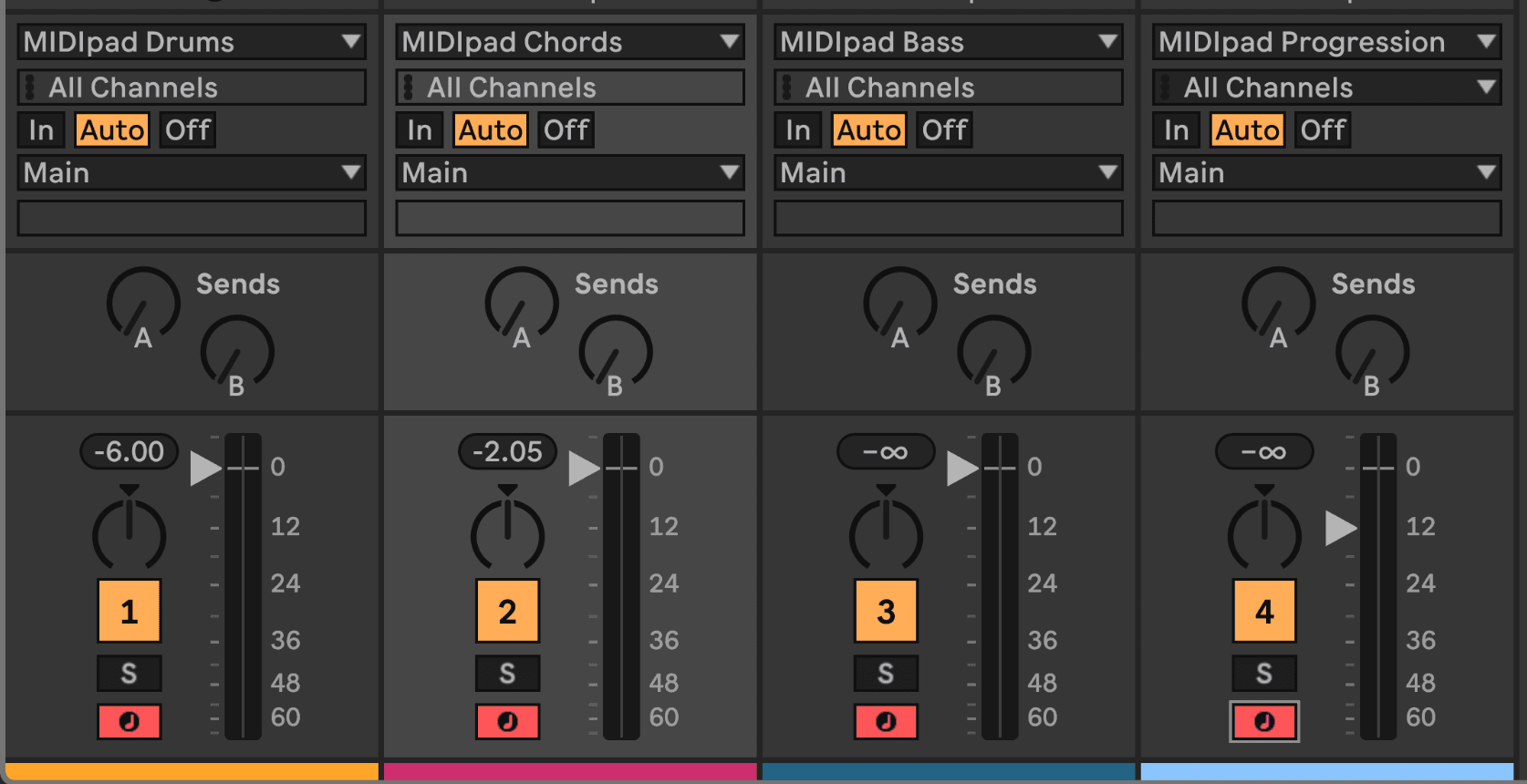
3. Point your DAW at it
Set one track's input to MIDIpad Chords and another's to MIDIpad Drums, arm them, and play.
Set up your DAW →