Welcome
Your gamepad is now a musical instrument. Well, two musical instruments. Almost a whole band.
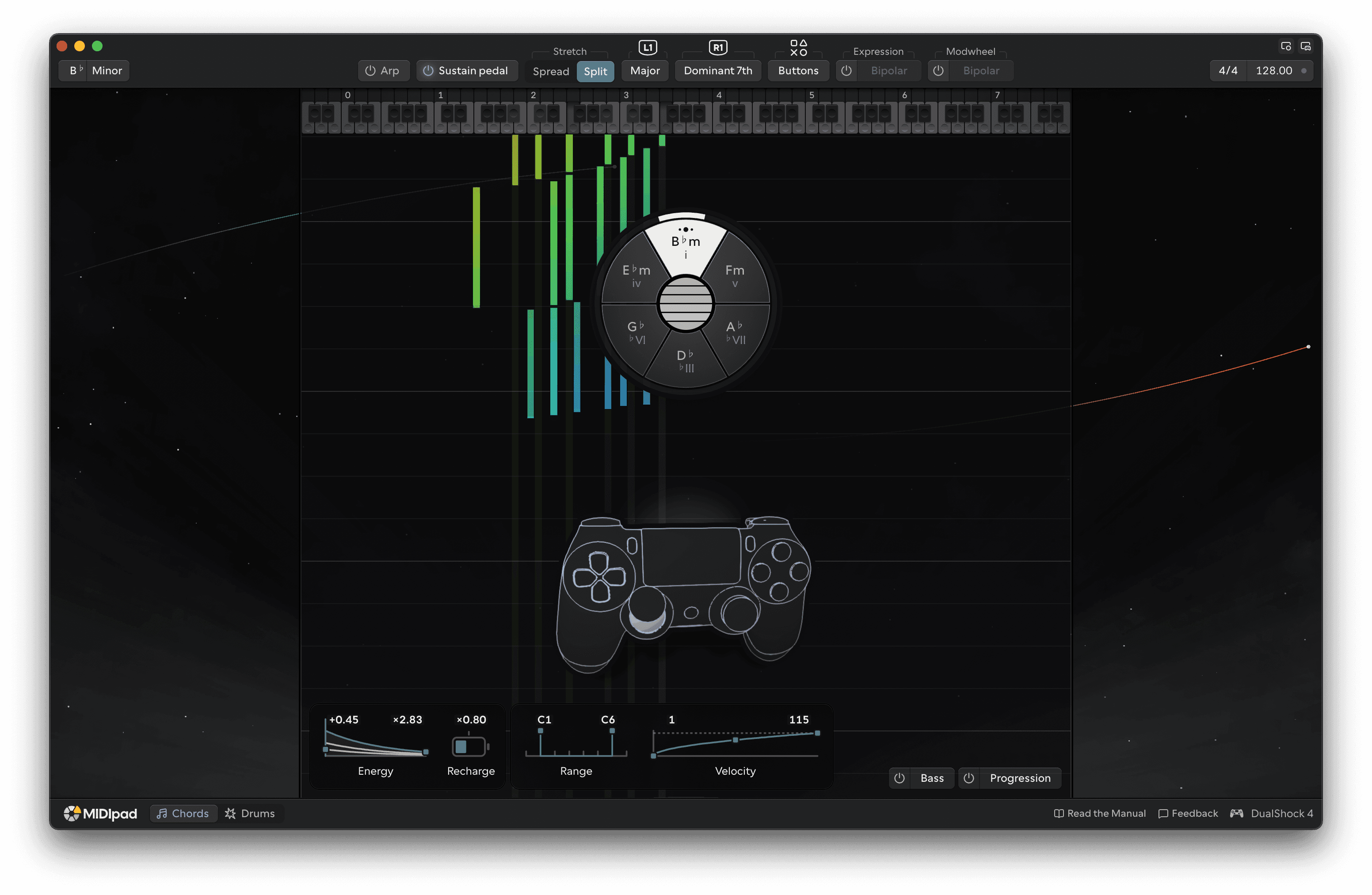
MIDIpad turns a game controller into a fun, tactile and musical MIDI controller comprising of two instruments: Chords is a scale-aware chord machine driven by simulated string vibration and Drums is a gesture-driven drum sequencer.
Chords can also play an Arp in place of its strings, and the Bass plays along with whatever you play on Chords. Switch them on, pick a chord with one thumb and strum it with the other, and they turn it into a keyboard part and a bass line around you, without you needing to be a keyboard player or a bassist.
On your system it appears as four MIDI outputs - MIDIpad Chords, MIDIpad Drums, MIDIpad Bass and MIDIpad Progression - plus MIDIpad Sync, where a DAW can send its clock.
If MIDIpad isn't on your machine yet, start with Installation.
Getting started
Install it, plug a pad in, make a noise, and get that noise into your DAW.
Reference
The window and its settings, the MIDI facts, and what to do when something's wrong.
Chords
Pick a chord with your left thumb and play it with your right.
Bass and Progression
Two more parts, played from the chords you're already playing.
Drums
Play it like a fighting game.