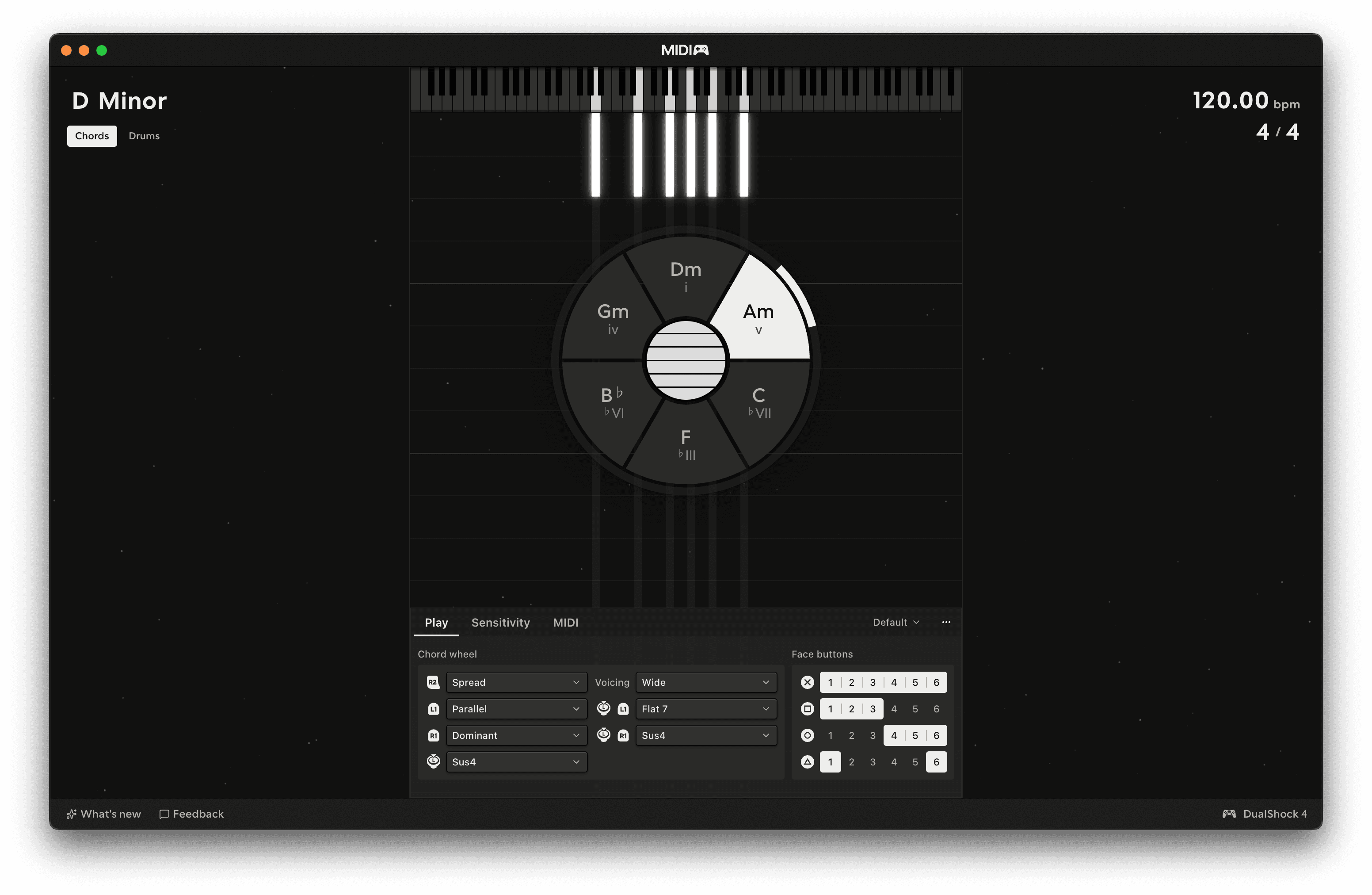
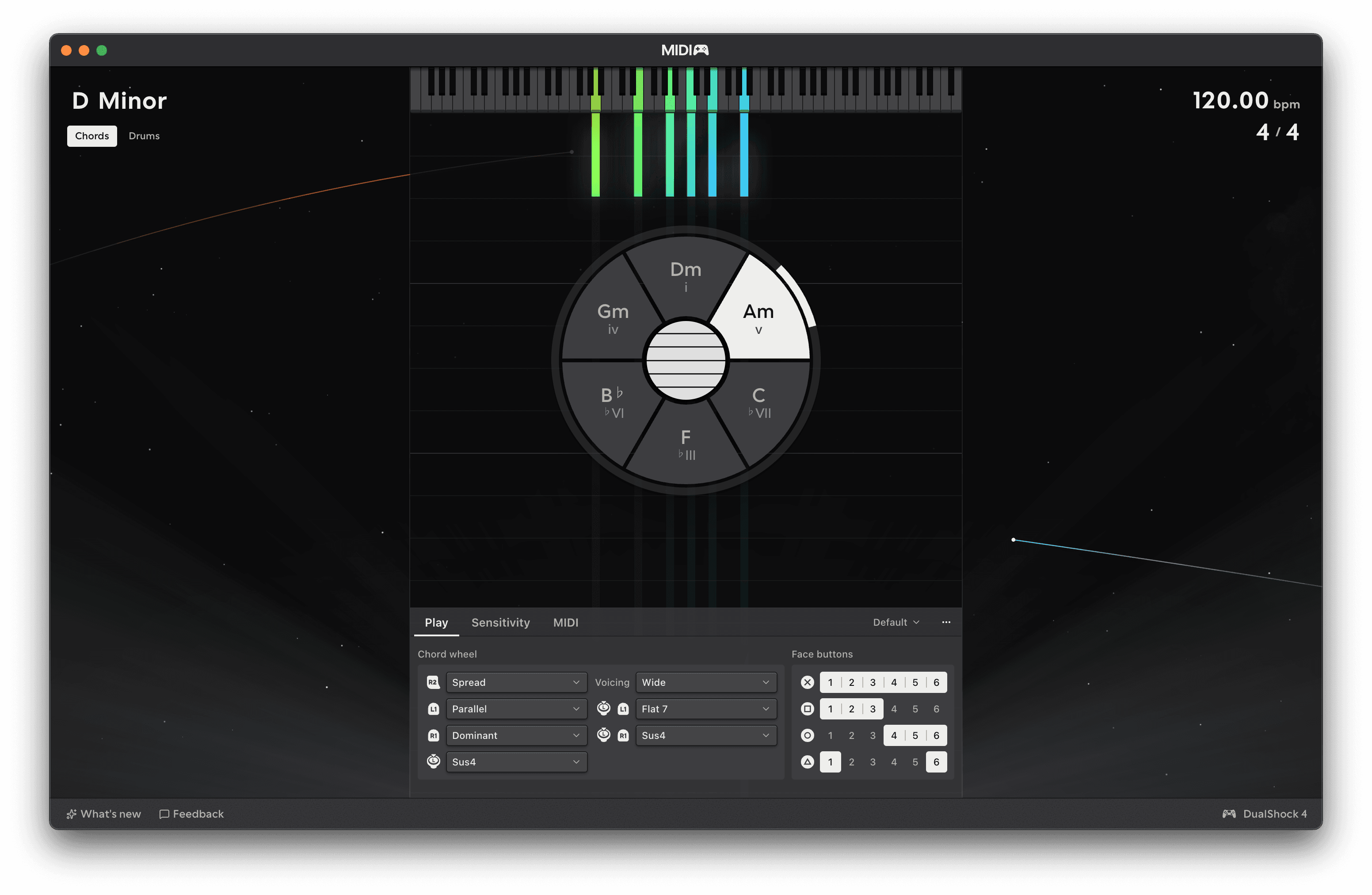
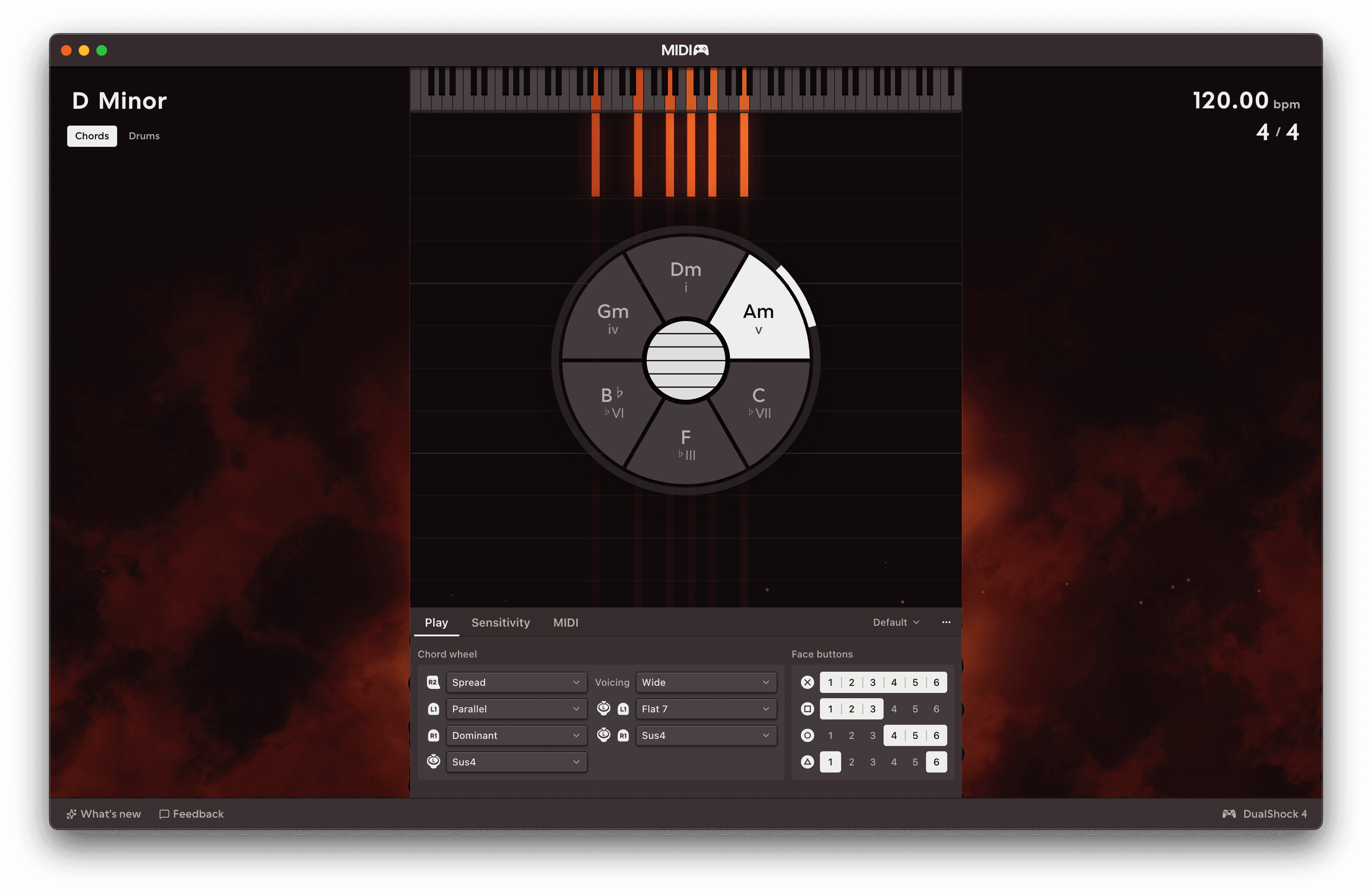
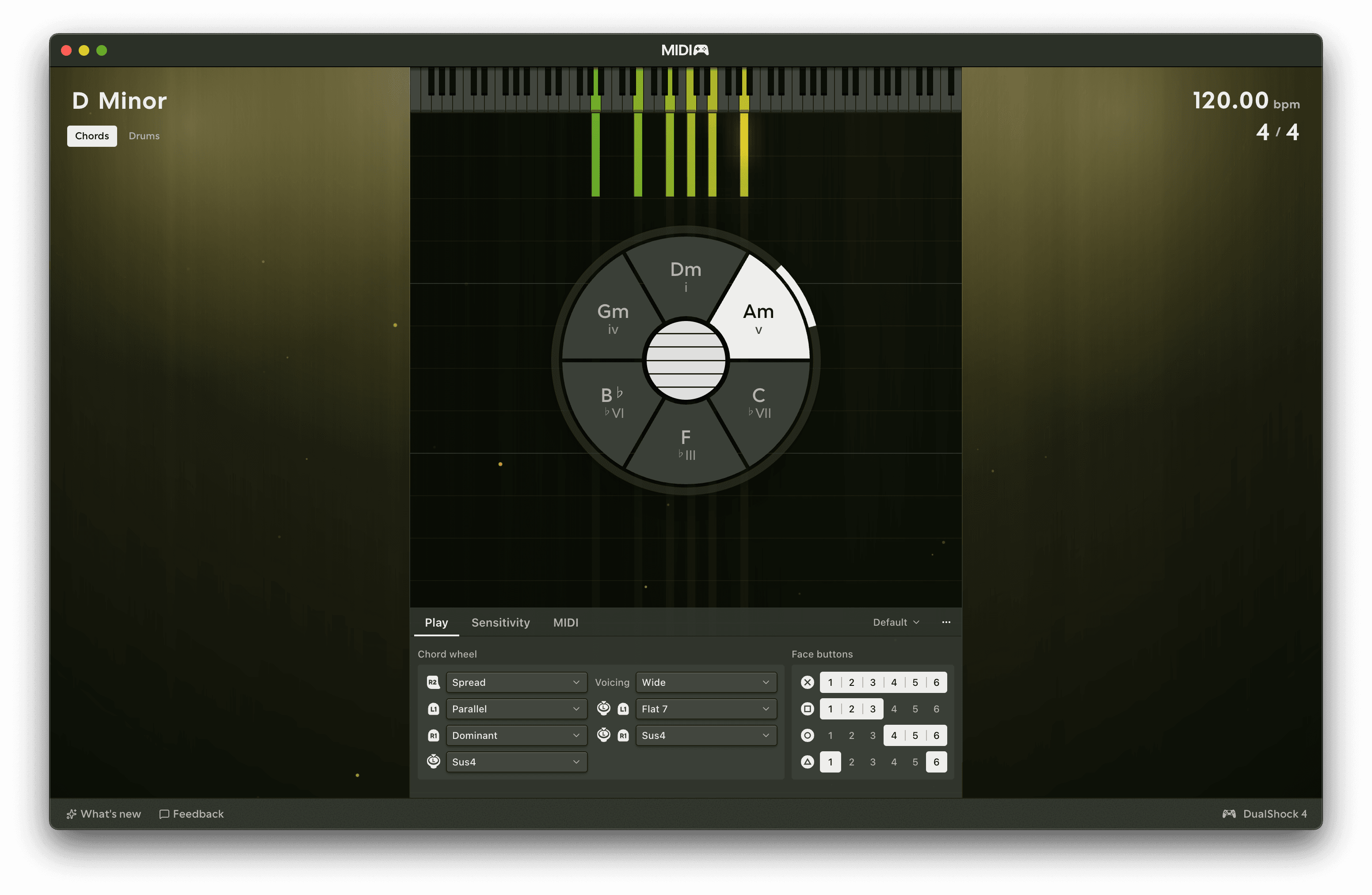
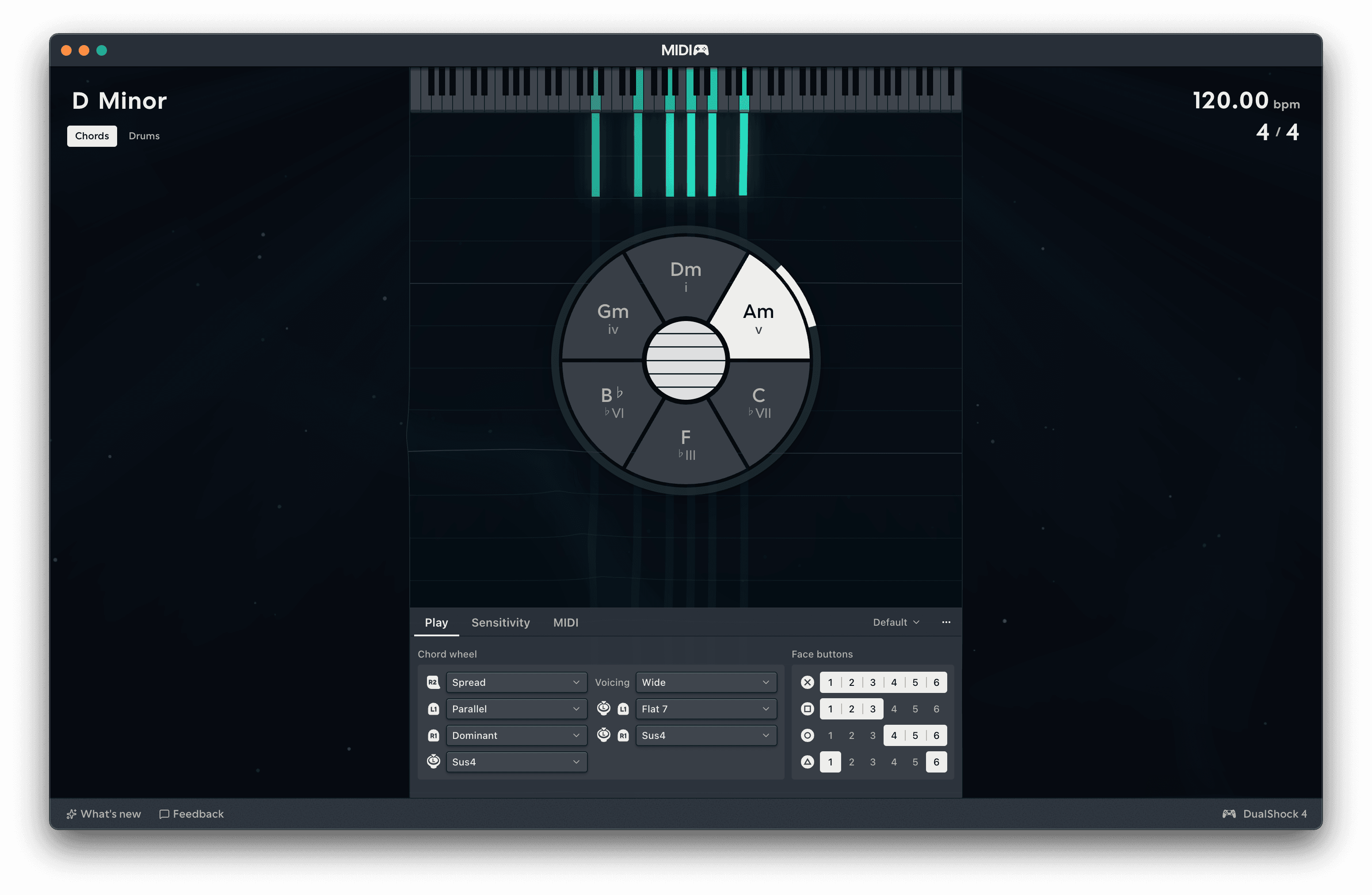
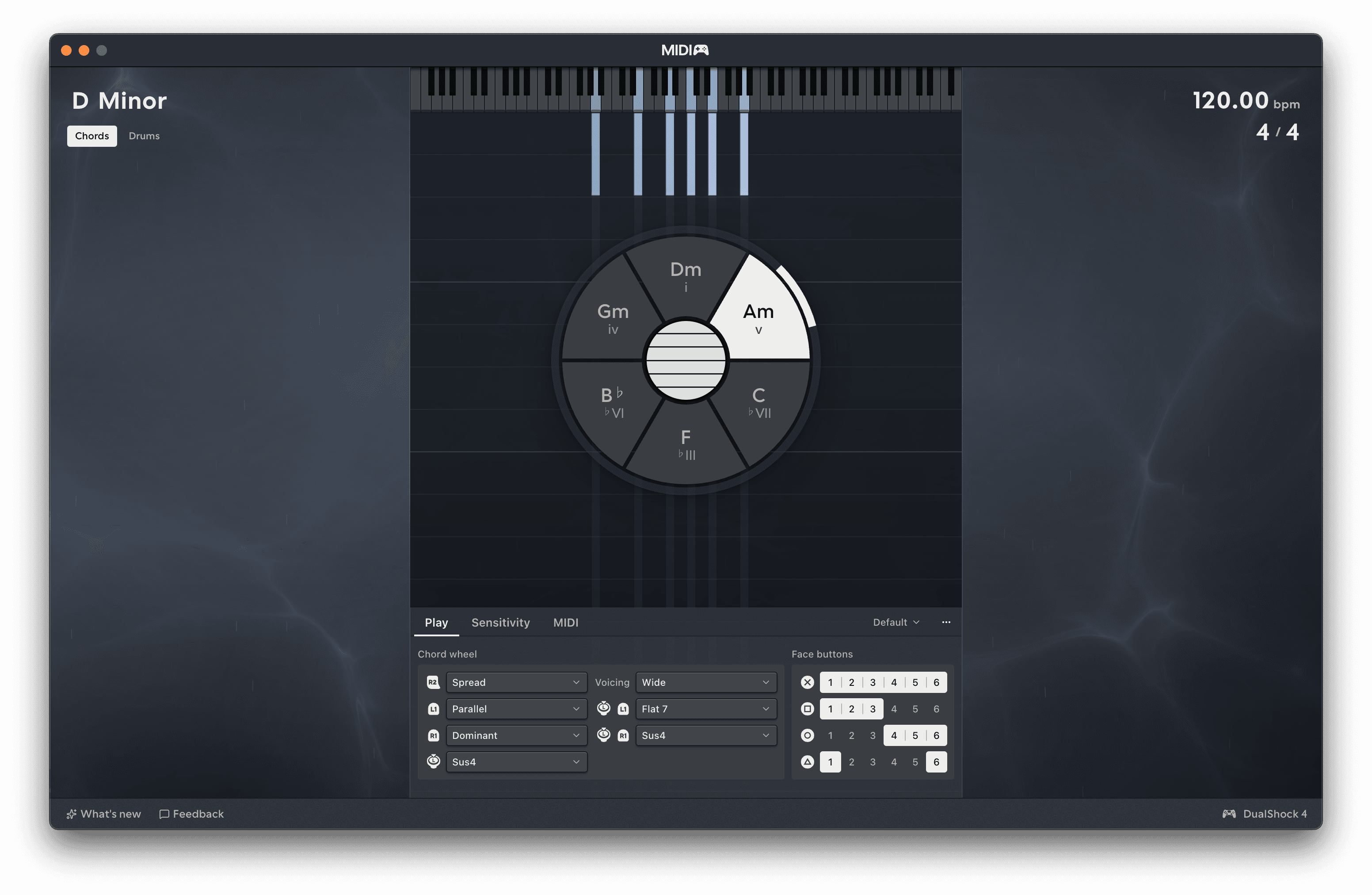
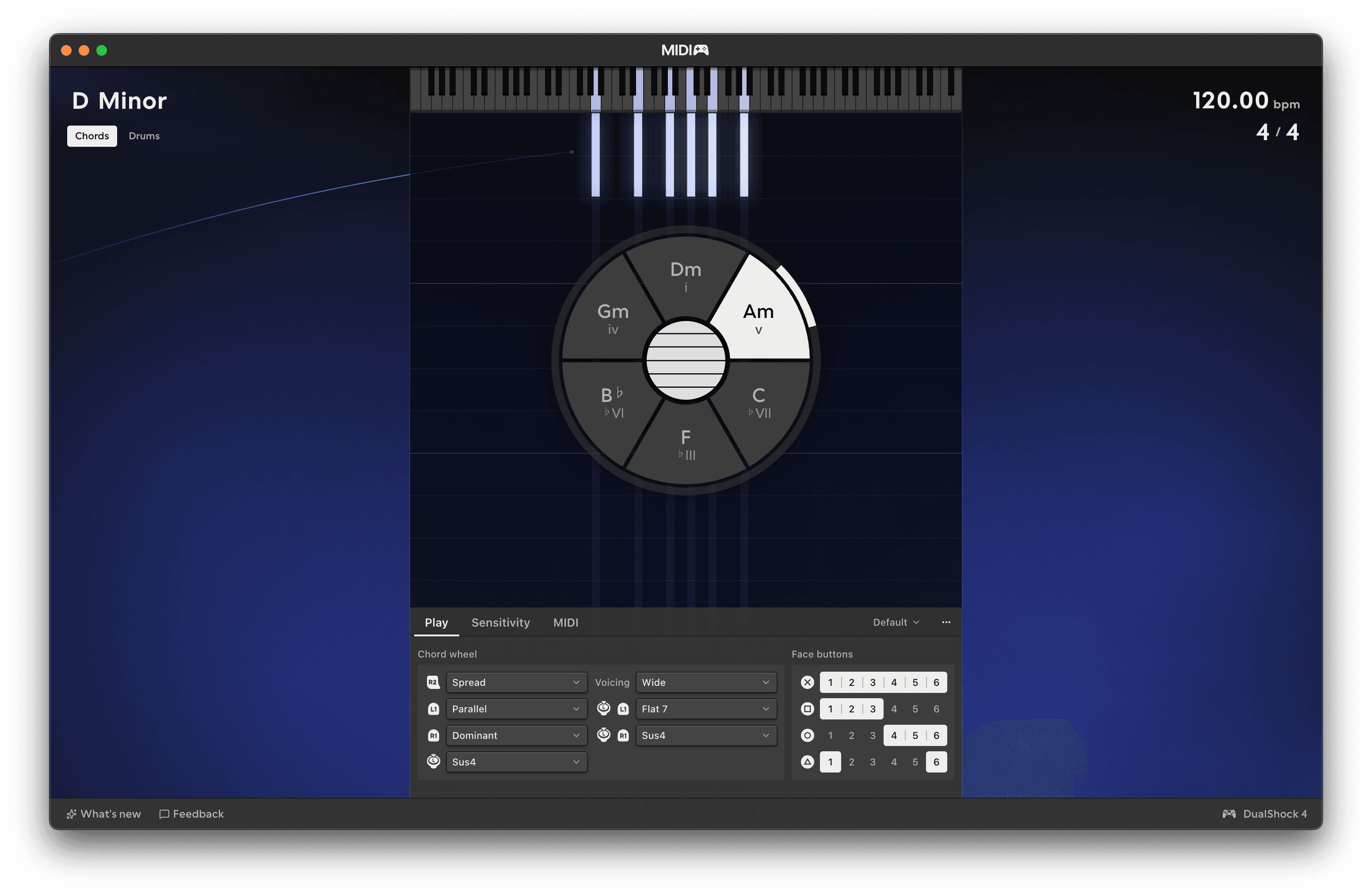
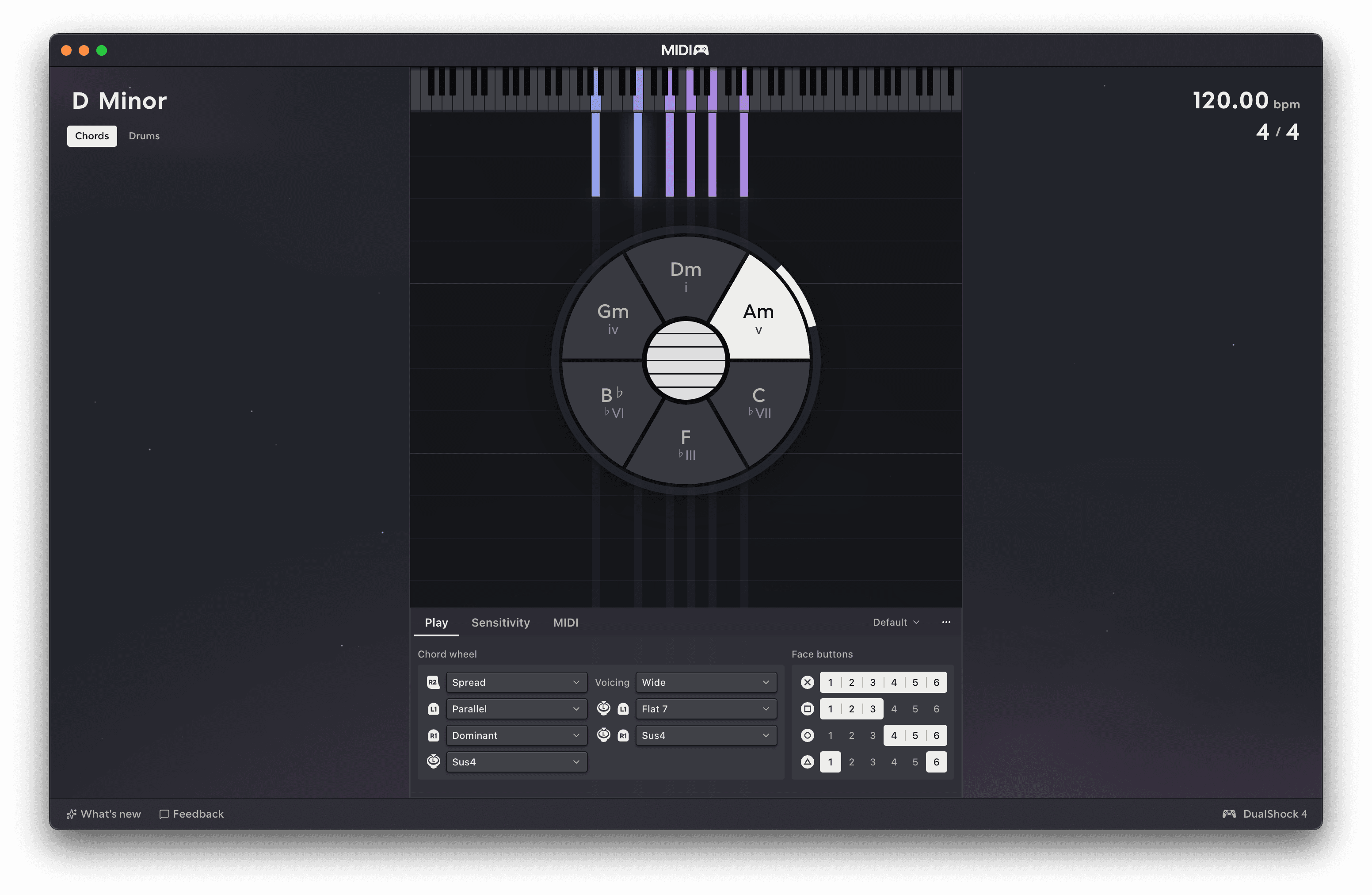
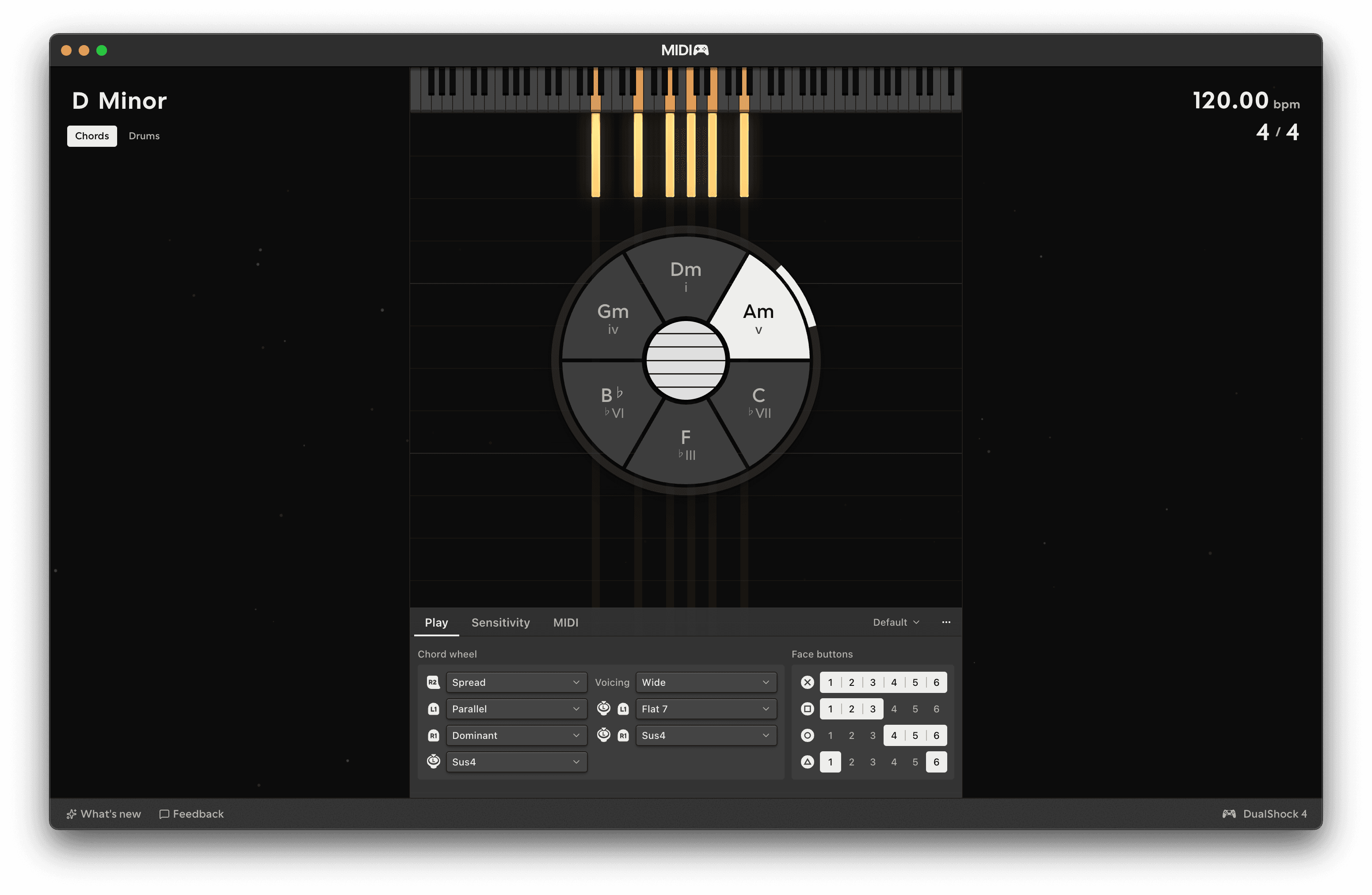
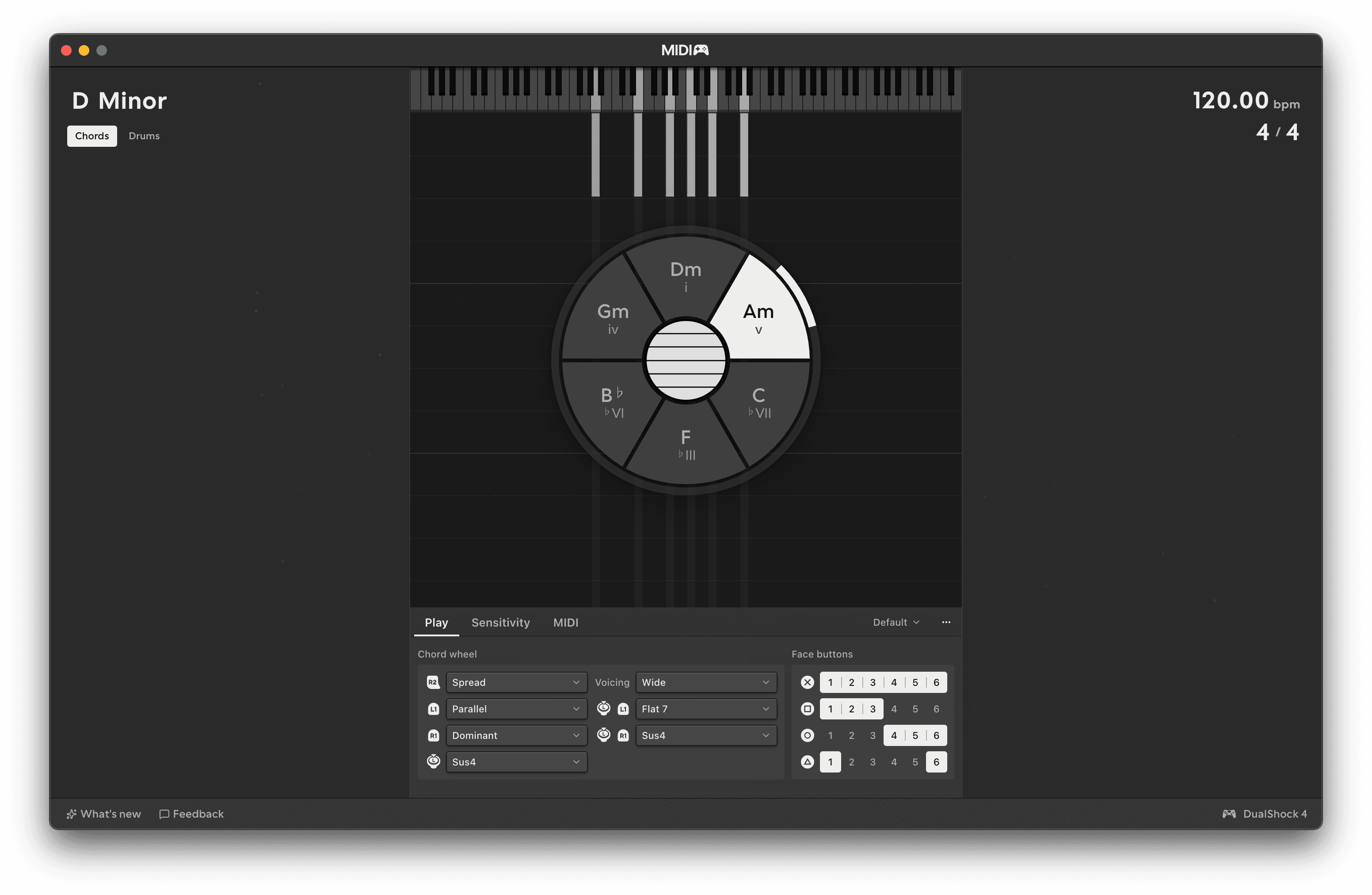
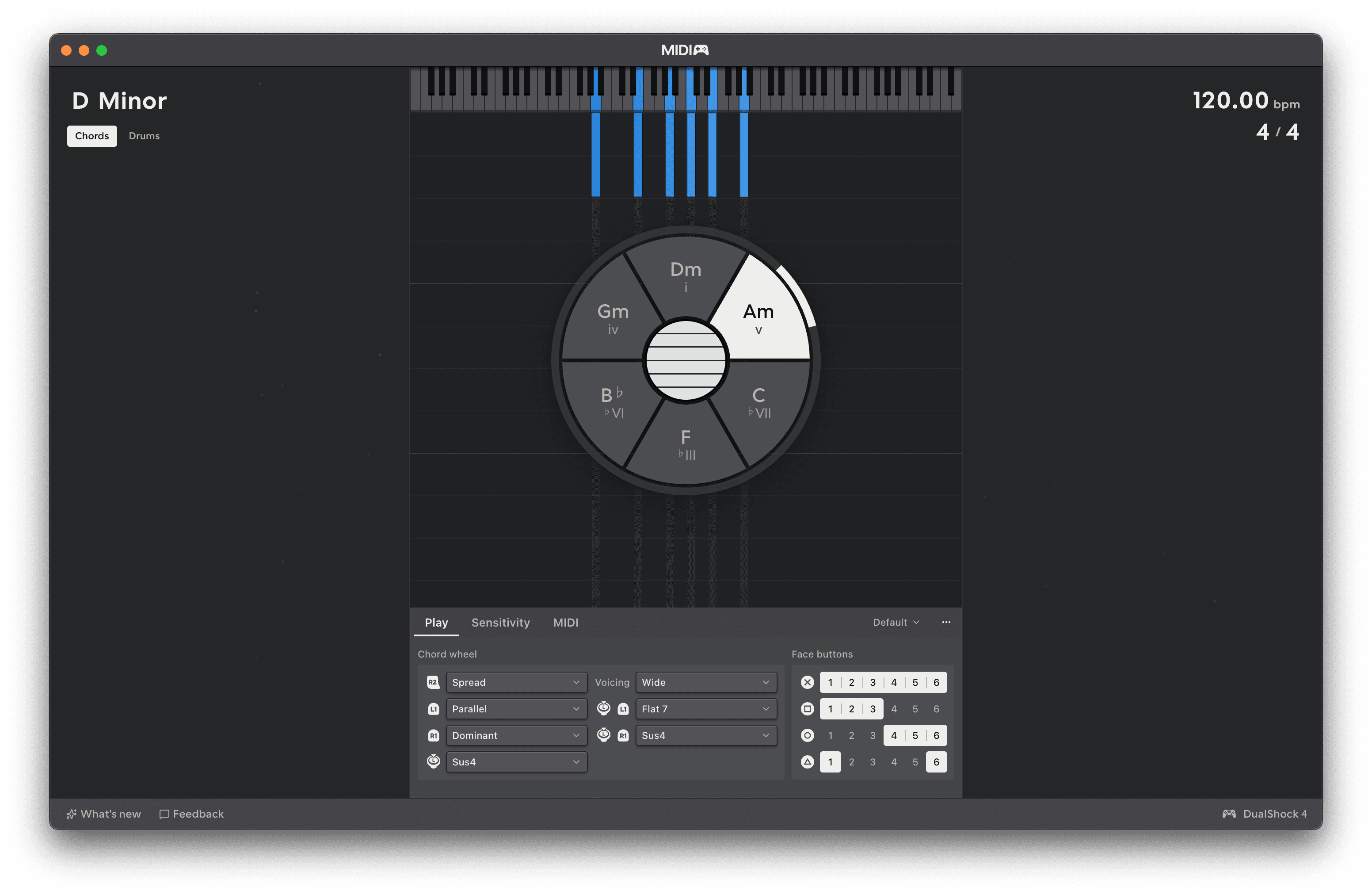
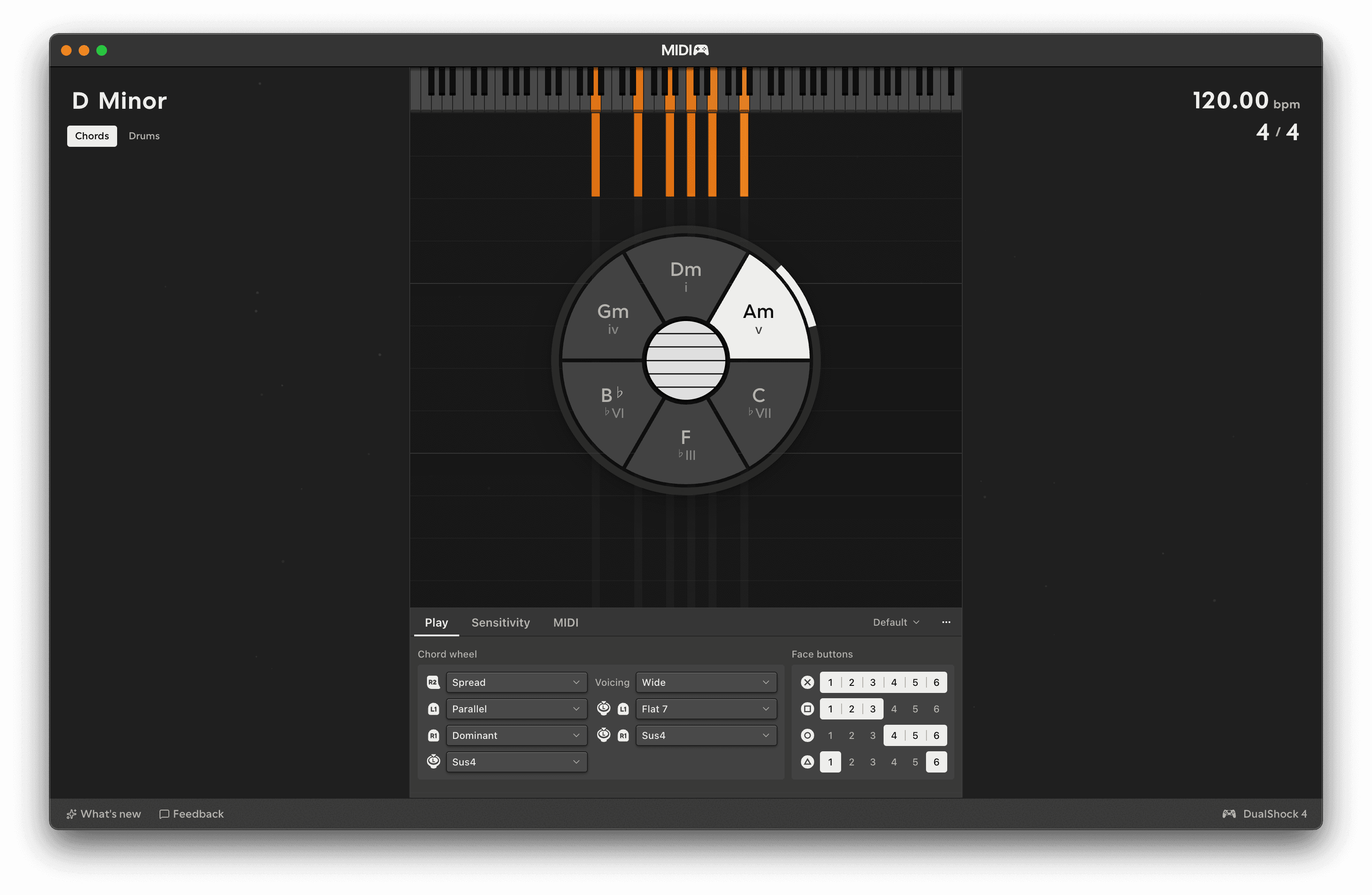
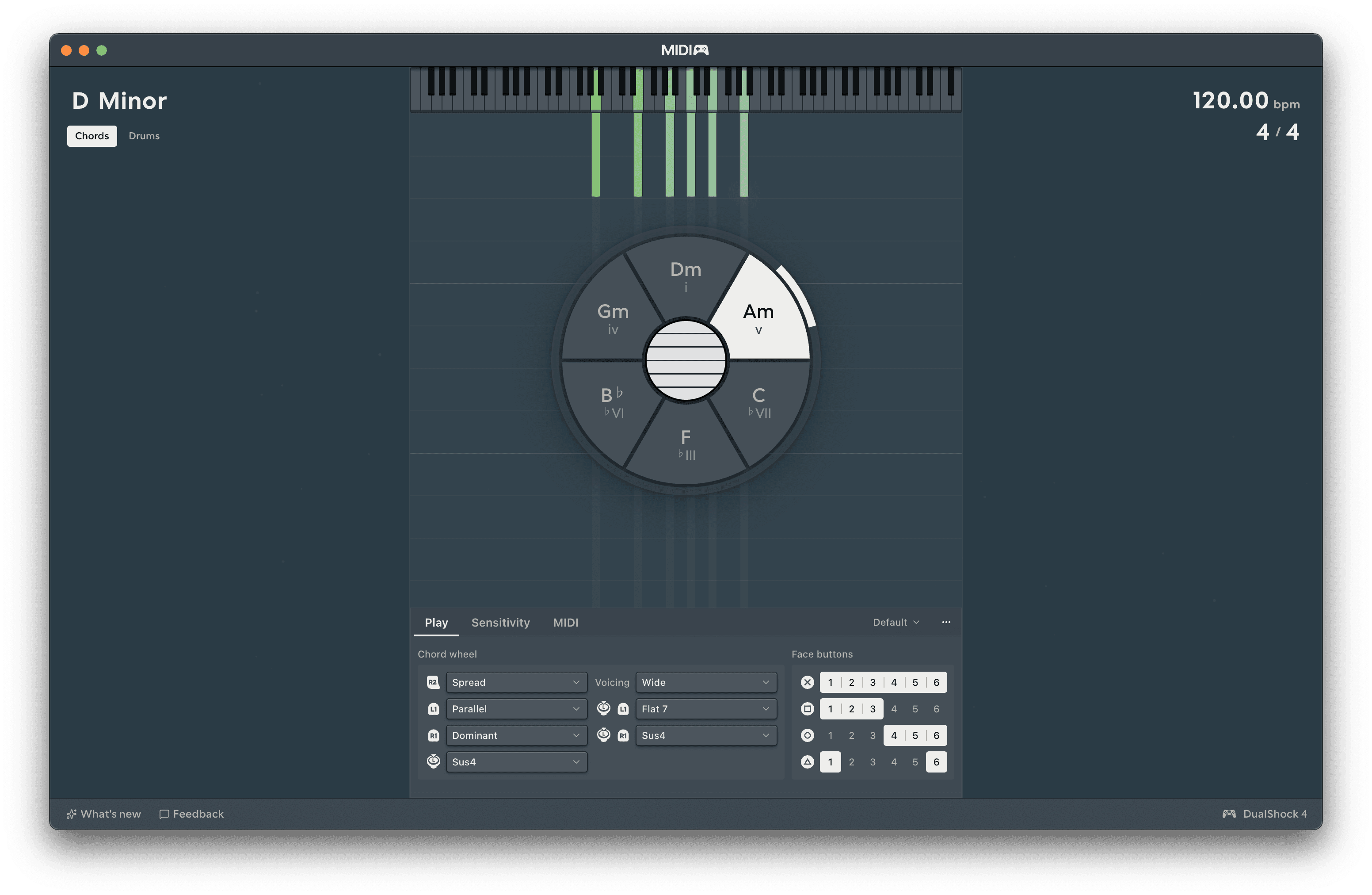
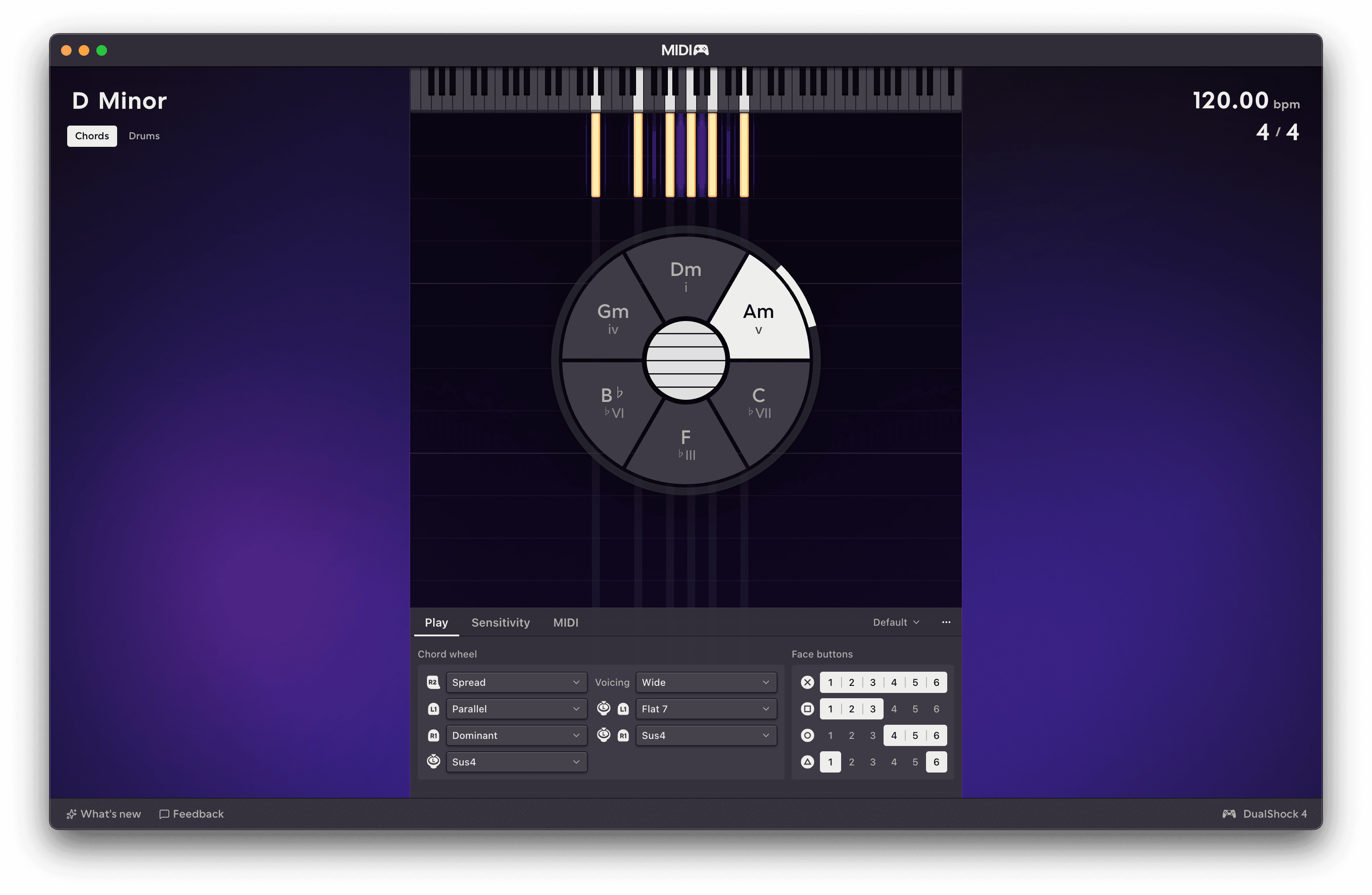
Themes
Because it's nice when things are pretty.
Behind the instrument, the notes you play fall down the screen. Pitch goes across, time goes downward, and brightness tells you how hard the note was played. Chords draws its six strings, and Drums draws three lanes - hi-hat, kick and snare - with the kit sitting behind them.
It's all drawn from what actually leaves the MIDI ports, so what you're looking at is what your DAW is receiving.
Turning it off
Visuals, in Settings → Appearance, switches the whole picture off, falling notes and the key strip above them. It's in the View menu too.
Themes
A theme changes the stage's colours and how the visuals react to what you play. Pick one in Settings → Appearance, where each theme also brings a handful of controls of its own.
Brightness and contrast
Under the theme picker are Brightness and Contrast for the whole app, whichever theme you're on. Brightness only goes up and Contrast only goes down.