· Steve Mitchell
Hello, MIDIpad
Your gamepad is now a musical instrument.
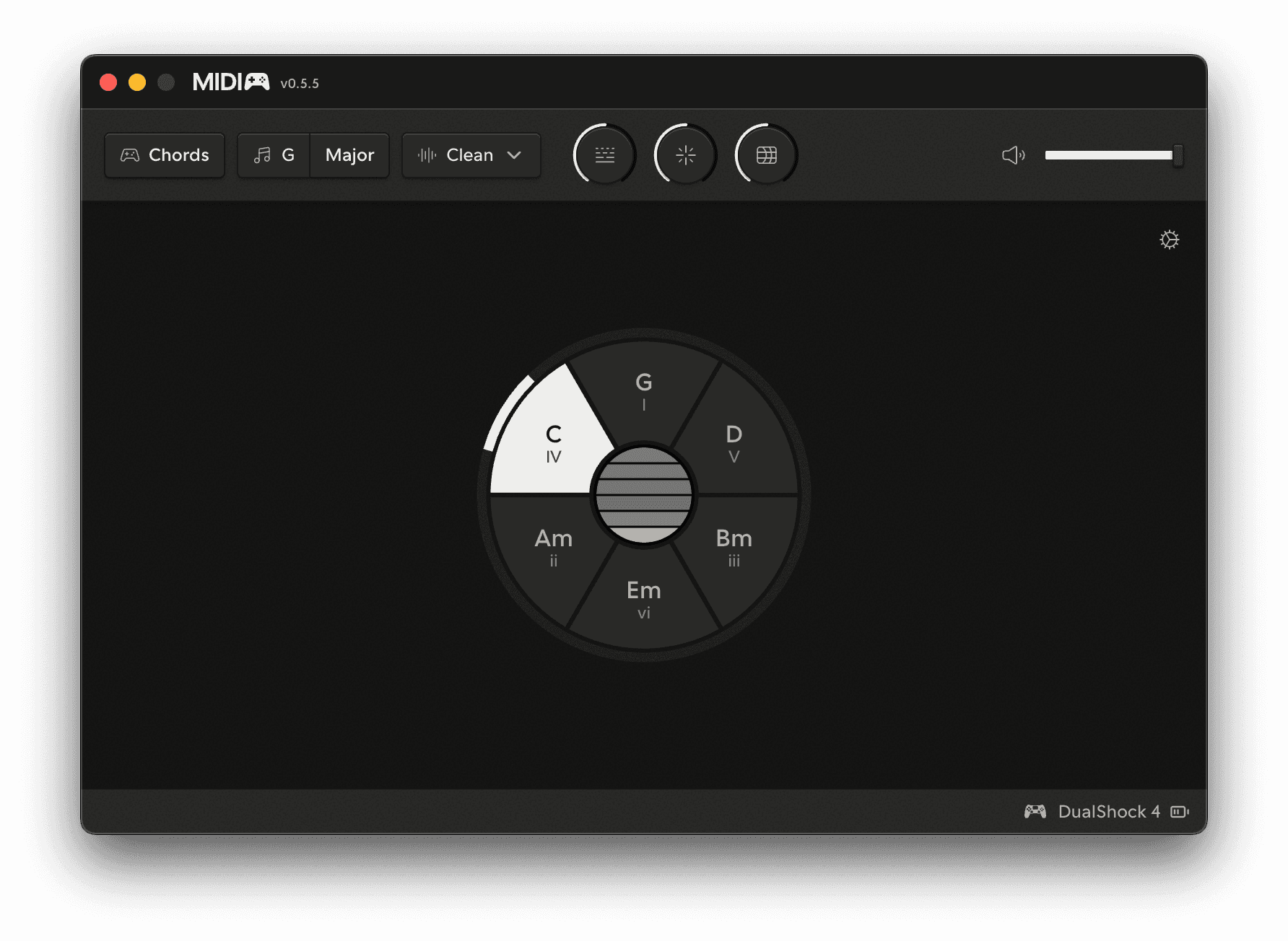
MIDIpad turns gamepads into musical instruments, both as a MIDI controller compatible with modern DAWs and as a standalone synthesizer and drum machine (of sorts - I'll get to that in a bit).
But why?
I'm building MIDIpad to solve a couple of common challenges that I find myself in when writing music with computers. As a self-taught musician I've picked up a bunch of music theory concepts over the years via osmosis; I started as a bassist, then picked up guitar, taught myself rudimentary keyboard skills, I can generally noodle around pretty competently but the muscle memory has never quite clicked for me.
A lot of the time I'd find myself thinking "I want this sound, but I don't know what it's called", so I'd just be blindly putting my fingers on the frets or on the keys until something I liked fell out of the instrument.
When Ableton Live, my primary DAW, introduced global scale quantize features, that felt great!
For a minute or two.
Borrowed chords went out the window with it unless I wanted to learn yet another instrument (in the form of the Push 2 with Chromatic mode on) and honestly, I wanted to make music without having to lug something bigger than my laptop around with me.
MPE (MIDI Polyphonic Expression) also looks super cool! But I can't afford the very expensive hardware controllers that actually make use of it.
Then one day I found my old PS4 controller collecting dust in a drawer and I had an idea: what if playing music could work more like playing a video game? The word "play" is right there in both of them, after all.
Chord wheels and drum circles
I figured that the core of playing any instrument is knowing what to poke to get the notes you want, and knowing when to poke it. The tricky part is knowing what notes will go together (on the harmonic side) and keeping internal time (on the rhythmic side).
So MIDIpad removes those as requirements for getting started entirely. Pick a root note, or a tempo, and the rest of it becomes about you playing, not figuring out where the notes are but when you want them to play. It's almost like an inverse rhythm game in that respect.
Scale-quantisation lies to you, as a musician, a lot of the time. It restricts your playing to a very specific interpretation of what a key can mean. That means if you say "I'm gonna write this in D minor", scale quantization locks you to one, pretty tiny, emotional spectrum. You've got to do fiddly overrides or bounce between views if you want to start a minor chord progression on a I. And how the hell do dominant sevents work anyway? How can I know when they'll sound great?
Finger-drumming is great fun, but also puts the entire onus of keeping time on you. And I wanted to have physical, tactile control over the sorts of glitchy, ratchety IDM-ish music that I love, which might break my fingers if I wanted to play it "manually". So the clock keeps the rhythm for me, and I just point at how many notes I want to fit into that clock at that time.
And it is so much fun.
On "strings"
MPE has always struck me as something that could solve a different problem than most manufacturers use it for. Aftertouch pressure and slide-for-timbre seem really cool, on keyboard and grid controllers. But it still seems fiddly.
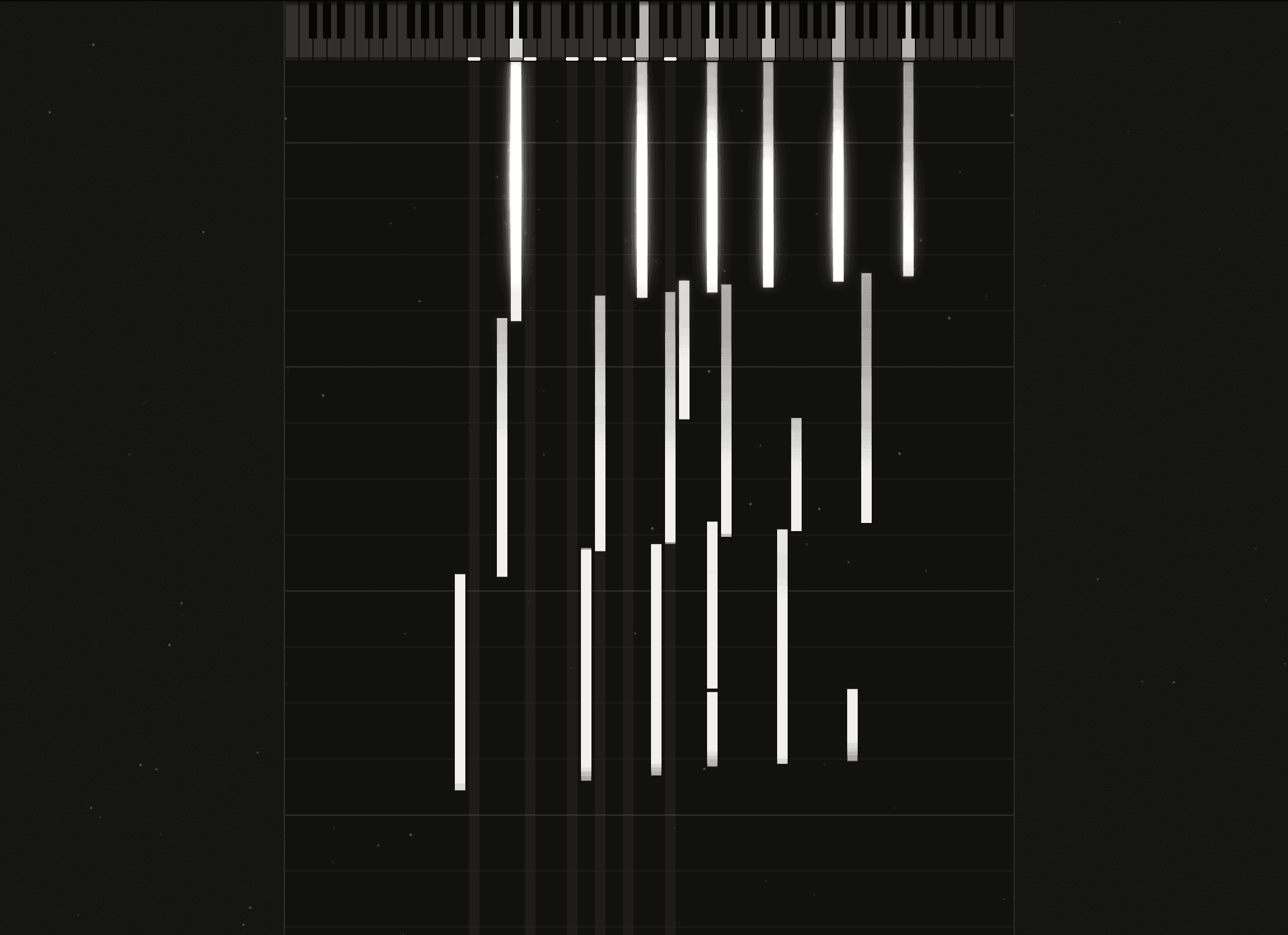
At the core of MIDIpad's Chords instrument is something I've sort of mislabeled as "strings" (I genuinely couldn't think of a better name for it, even though it's technically inaccurate). You "strum" them on the touchpad (or the right stick) and they hit a MIDI note with a decay time that's kind of like physical model synthesis. With normal midi that can sound a bit strange, depending on the patch you're controlling, but with MPE it becomes genuinely expressive: I can map the MPE pressure to anything I like, making that decay something that can control plugin effects, instrument parameters, amplitude, whatever.
Adding in gyro and accelerometer control, so that shaking the pad could "recharge" those energy ledgers?
That felt awesome when I first played it. You can see how that can work with MPE in this video, it makes string swells feel awesomely tactile:
Giving it a voice
Because I started building MIDIpad with the intention of it being solely a MIDI controller, I never actually intended to give it its own voices. It was only after I realised that meant I'd have to go through the whole process of wiring up it up in a DAW, making sure the channel is armed, mapping things correctly, etc. when all I want to do is noodle around and have fun... just added friction.
And, again, that "play" thing. There's any number of forum threads out there where some curious newcomer to music production has plugged in their shiny new MIDI keyboard controller and wanders off to the internet to ask why there's no sound coming out of it, only to get bombarded with new technical language to learn, when they just want to make music.
I wanted it to be super easy to get started with. So I've given it a voice, so it can sing immediately.
MIDIpad's internal synth voices are derived from Mutable Instrument's open source Plaits and Braids code, the drum samples are my own, and at time of writing the internal voices are easily the least polished part of the app. I'm planning on expanding the voice set and capabilities hugely, and the ability to create your own drum kits and really customise it to your liking is coming imminently.
What's next?
I am working as hard as I can to get the documentation on the site up to scratch; tutorials, full guides on everything, they're all coming in the next few days - it really is a lot to write.
In the app itself, there are a bunch more musical features I'm working my way through the list on, and I'm pretty constantly refining the playing surface to make it easier and more intuitive to use. I'm excited to flesh out its customisation surface so people can pull the absolute most out of it.
I'm putting together a proper roadmap page at the moment so people can see what's in the pipeline, what's being considered, etc. That'll be online very shortly too.
And that's why I'm releasing it with this early access pricing. I want everyone to be able to play with it, and I want to shape the next steps of MIDIpad's life based on feedback from real-life users.
It's free to download, runs on macOS, and demo mode mostly only restricts audio/MIDI routing capabilities and instrument customisation. It's pretty fully featured out of the box, without having to pay a penny.
A little note: MIDIpad is very heavily optimised for PlayStation controllers, as they have the most input surface, and happened to be the one that I actually own, so I generally recommend using one of those by default, but I really appreciate feedback from people using all types of controllers. I want to make the app as fun and satisfying to use for everybody.
It's early days yet, but I'm so excited to hear what you will make with it, and what you'll help me turn it into.
Ready to play?
Download for free.