· Steve Mitchell
One month in.
MIDIpad turns one month old and gains a ton of features.
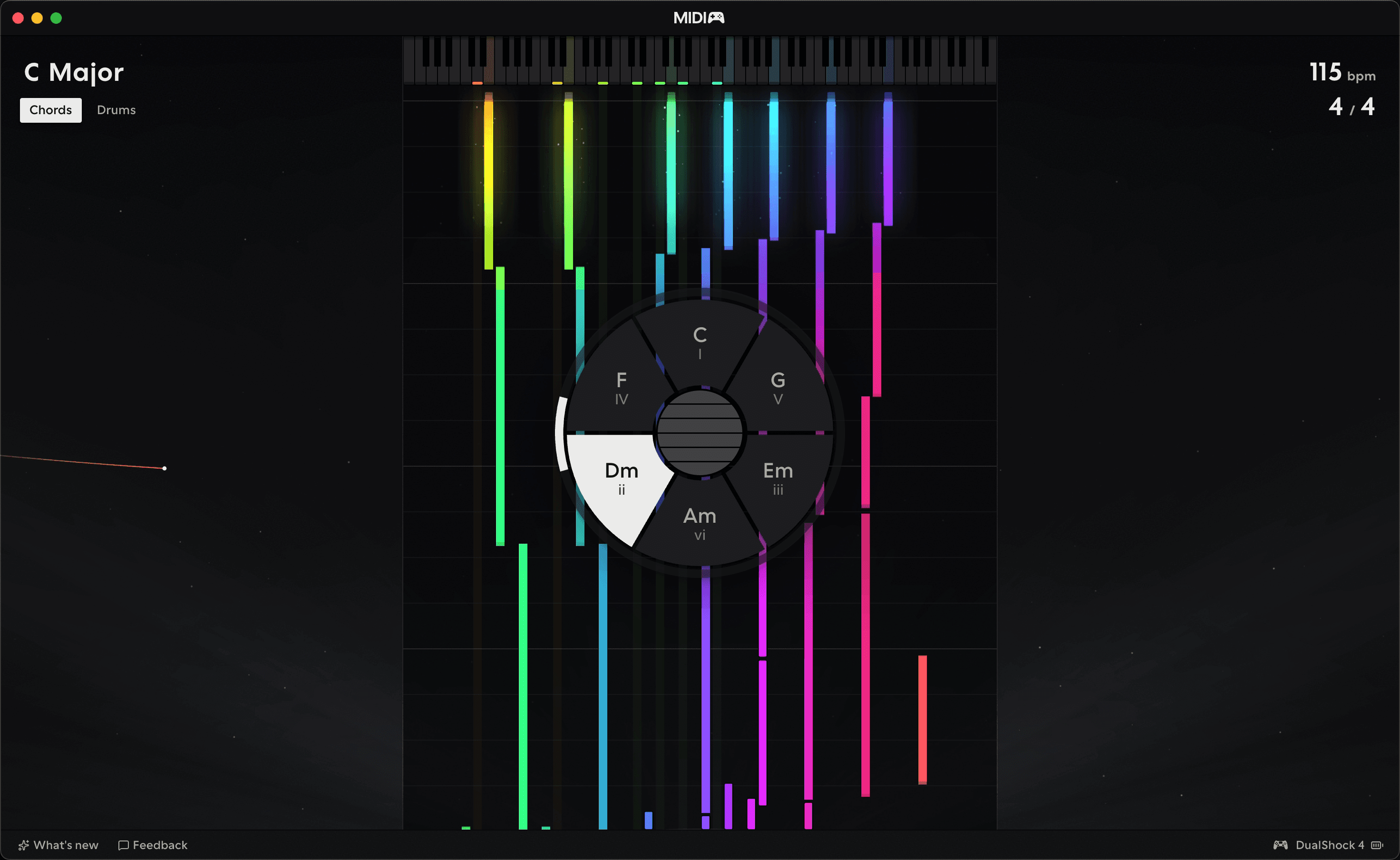
The response I've had to MIDIpad so far has been really quite amazing.
Launched only a month ago, without a huge amount of fanfare (thank you both to Bedroom Producers Blog and MusicRadar for your lovely articles!), it's been downloaded several hundred times, people have given me amazing feedback, and I've spent the intervening time working hard on making it the best it can be.
I’m thinking that this latest release, the peculiarly-numbered 0.202609.7 (date-based now, rather than me just picking arbitrary numbers when I release things) is likely to be the biggest foundational update to MIDIpad between its launch and whenever Version 1 (which I'm loosely defining as "when Steve stops adding new things to it every week") happens, because quite a lot happened in August. The changelog covers it in a lot more detail, and I’m bringing the manual up to scratch in the background constantly, but yeah: this one was a big one.
Visuals
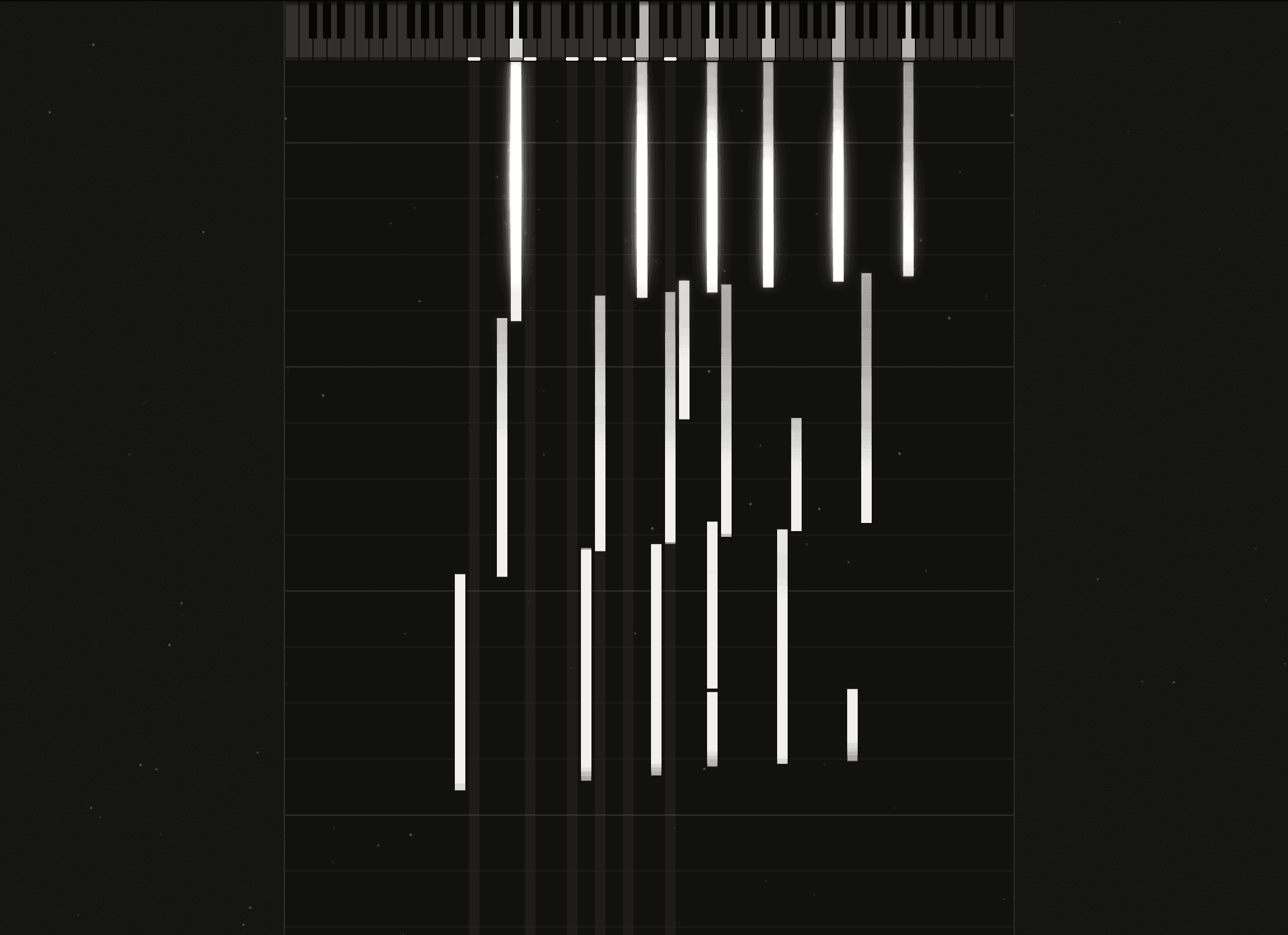
MIDIpad shipped deliberately plain to start with. Just get it functional and get it out there was my thinking. But the new visualiser, which I've come to call "note rain" is something that's been on the cards since the beginning. I'm really pleased with it so far, and I've got plans for a whole bunch of themes to help MIDIpad fit nicely alongside a variety of DAWs so everything feels at home.
Drums
Drums got a radical overhaul. The underlying concepts are pretty much the same as the were at launch, just sharpened and refined into something more musically useful. Instead of straight-up subdivisions assigned to stick directions, Drums is now powered by a tempo- and meter-aware collection of algorithms to shape its streams, unlocking really interesting time signature possibilities. It's so much fun to play.
On the internal sounds
I cut the Mutable Instruments-derived internal sounds for Chords, and the inbuilt sampler for Drums. I’m sorry if you enjoyed them; I did too, and it was a hard decision to make, but I believe one of the better ones I’ve made throughout MIDIpad’s development cycle.
Essentially, the internal voices existed to provide a space for people to just pick it up and play with it without a DAW. But it’s in the name, really: MIDIpad is a MIDI controller, and trying to make it both a synthesiser and a drum machine and a MIDI controller diluted too much of its character and divided my attention too much, as it made expanding on the core MIDI-related features turn into nearly twice the work.
And ultimately, other people are better at audio DSP than I am, and there are plenty of free and cheap options out there that MIDIpad can just plug into and play with immediately, so I figured that cutting them now and focusing my attention entirely on the core features meant I’d be able to make it better for everyone.
But the rest of the stuff that comes with this release is, I think, really worth it. This is kind of what I wanted to ship in the first place, and it’s benefited hugely from the feedback I’ve received from you all.
Accessibility improvements
I was midway through the work on the UI overhaul when I received a lovely email from a MIDIpad user with visual impairments, whose feedback informed the first round of accessibility-focused functionality that landed in this release. You can now zoom MIDIpad up to 200% of its default scale, I've made the entire app surface a lot more immediate in finding where controls are (no more tucking things behind hidden sidebars) and keyboard navigable, and screen-reader support now should behave a lot better. It's a constant process, and will continue to be refined over time as the app matures.
What's next
Windows 11 support is very nearly ready I think, so expect that shortly, and I'm working on a bunch of tutorial and demonstration videos to help people get up to speed with the broader feature set. In-app tutorials, new instruments, enhancements to the existing instruments, and of course bug fixes and general improvements.
I've also added a roadmap page to the site so you can get a peek at what I'm working on or considering as new features. There's quite a lot in store for the next few months, it's all very exciting.
Ready to play?
Download for free.