Kits and Voice Mapping
The samples MIDIpad plays, the notes your DAW receives
Two things decide what a control sounds like: the sample MIDIpad plays itself, and the note it sends out of the MIDIpad Drums port. They're chosen separately, and they never follow each other - swap a sample and your DAW receives what it always did; remap a note and the internal kit plays on unchanged.
The kit picker
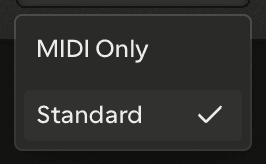
The Drums kit picker in the control bar chooses which set of samples MIDIpad plays. It sits where the Voice picker sits in Chords, and works the same way: the first entry is MIDI Only, which silences MIDIpad's drums and leaves the port running exactly as before. While MIDI Only is selected the Volume disappears from the control bar - there's nothing for it to act on.
MIDIpad ships with one kit, Standard, and it's the whole list today. It's read-only. Building kits from your own audio is in development and switched off in this release.
A kit isn't a drum kit in the usual sense. It's seven slots, one for each thing that can make a sound: the four face buttons and the three machine lines - the timekeeper, the kick stream and the backbeat. There's no fixed vocabulary of kick, snare and hat: the bottom face button fires whatever sample is in the bottom face button's slot. The d-pad has no slot of its own - it plays figures on the timekeeper's line, so the timekeeper's slot is its sound too.
The Kit panel
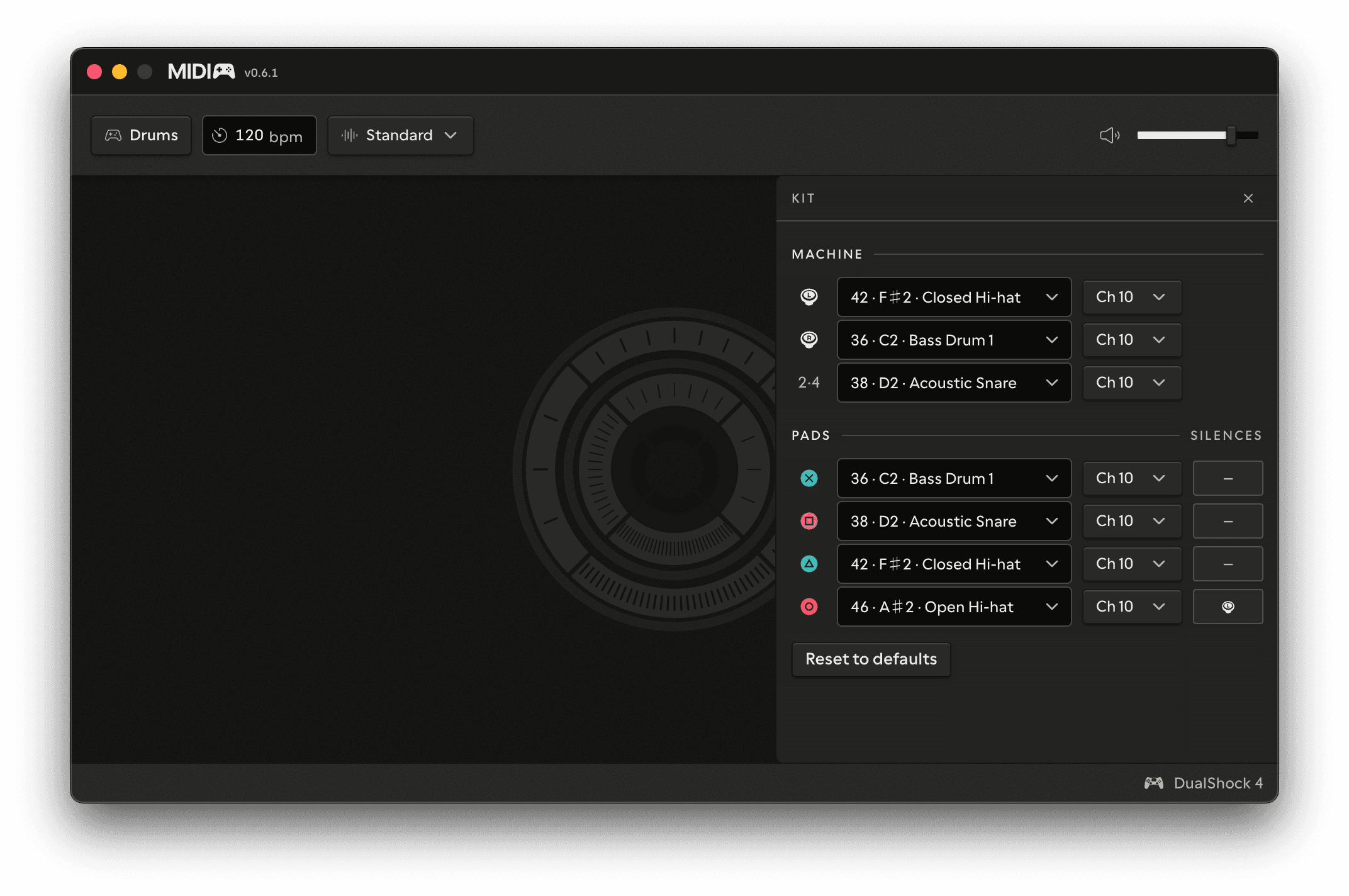
Open the gear while Drums is on stage and the Kit panel slides in: one row per control, in two groups - Machine for the three lines that play themselves, Pads for the four you strike. It's a licensed panel; Demo Mode plays the General MIDI arrangement.
| Column | What it sets |
|---|---|
| Note | The note this control sends. None switches it off - MIDI and internal sound alike |
| Channel | The MIDI channel. Channel 10 is where a DAW expects percussion |
Every control starts on its General MIDI note on channel 10, which is why an unconfigured GM kit works out of the box. Move any of them anywhere you like.
The mechanics never follow the note. Whatever you remap, the left stick is still the timekeeper and pushing to the rim still arms the backbeat - you're changing what comes out, not what the sticks do. Setting the backbeat's row to None is how you turn the automatic snare off.
Silences
The Silences column, on the Pads rows, chooses which machine lines go quiet while that button is held down. The default is one entry - the open hat silences the timekeeper - and you can move it, remove it, or add more. Any pad can silence any combination of the two sticks and the backbeat.
Nothing here cuts a sample short: a silenced stream stops being played, it doesn't choke what's already ringing.
Resetting
Reset to defaults at the bottom returns every note, channel and silence to the General MIDI arrangement. It asks once - the button changes to Click again to reset - before doing it.