Output
Instrument Settings
The panel where the response is yours
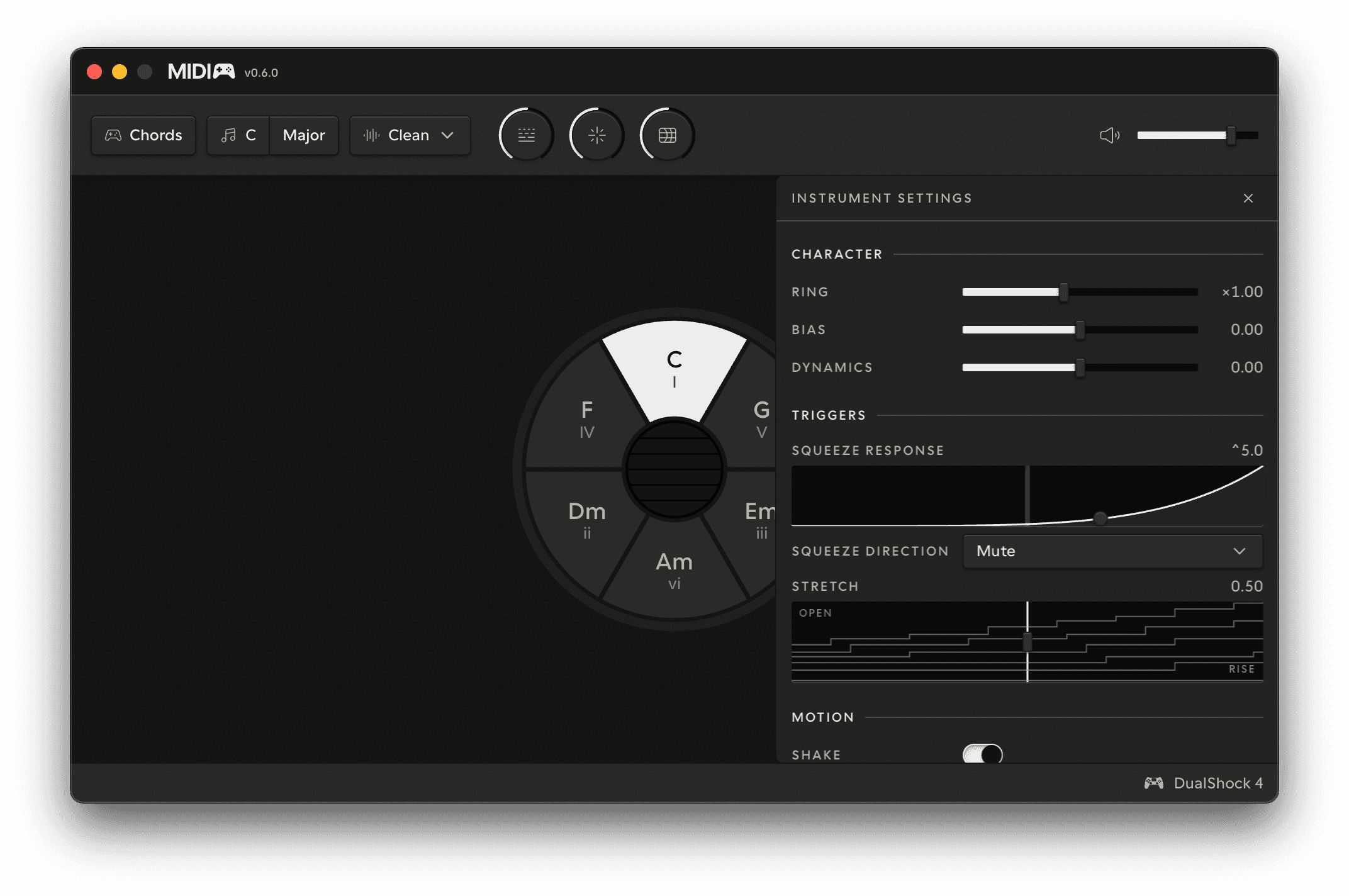
The Instrument Settings panel lives beside the stage - open it from the gear in the Chords panel rail. Every row changes how the instrument responds to your hands; none of them changes what the hands do. Each links to the page that teaches its gesture.
All of the rows below are licensed; Demo Mode plays the instrument at its shipped character.
Character
| Row | What it sets |
|---|---|
| Ring | How long the strings ring on, over the instrument's own decay - see How it works |
| Bias | Where that ring sits: positive holds the low strings longer, negative the high ones |
| Dynamics | How much your touch counts for - negative makes every pluck speak, positive opens the range up. See Strumming |
Triggers
| Row | What it sets |
|---|---|
| Squeeze response | The curve between the left trigger's travel and its damping - see Muting and sustaining |
| Squeeze direction | Mute (rests open, pull to damp) or Sustain (rests damped, pull to open) |
| Stretch | Where the opening hands over to the rise on the right trigger's pull - see Stretch |
Motion
| Row | What it sets |
|---|---|
| Shake | Whether motion feeds the ringing strings at all - see Shake |
| Shake response | How much movement it takes to register |
Reset
Reset to defaults takes two clicks - the first arms it, the second does it. It leaves your key alone.
The expression wiring - where Energy and Agitation land in MIDI - is not in this panel; it lives with the MIDI settings, because it belongs to the wire rather than to the instrument's feel.